

Updated October 2026 with current Indian retail prices.
Got an old laptop or PC with 4GB of RAM? You can still play a lot. We checked the official minimum system requirements for over 80 games on 22 October 2026 (Steam, Riot, Roblox, Mojang and Epic pages, not other lists), and these 31 officially run on 4GB of RAM or less. Popular picks like CS2, Fortnite and Minecraft Java no longer do, and we show you exactly what they need instead.
- Best overall: Stardew Valley (2GB RAM)Relaxing, endless and 98.5% positive on Steam.
- Best free shooter: Valorant (4GB RAM)Riot’s official minimum is exactly 4GB, with Intel HD 4000 graphics.
- Best open world: Skyrim, original edition (2GB RAM)Skip the Special Edition, which needs 8GB.
- No graphics card: Balatro (1GB RAM)Its official spec says integrated graphics are fine.
 🎁 GiveawayFREE
Top 10 PC Games for 4GB RAM
Short on time? Start here. Tap a game to jump to its entry. No graphics card? Hollow Knight (#3) and Hades (#5) want one, so start with Valorant, Balatro or Portal 2 instead.
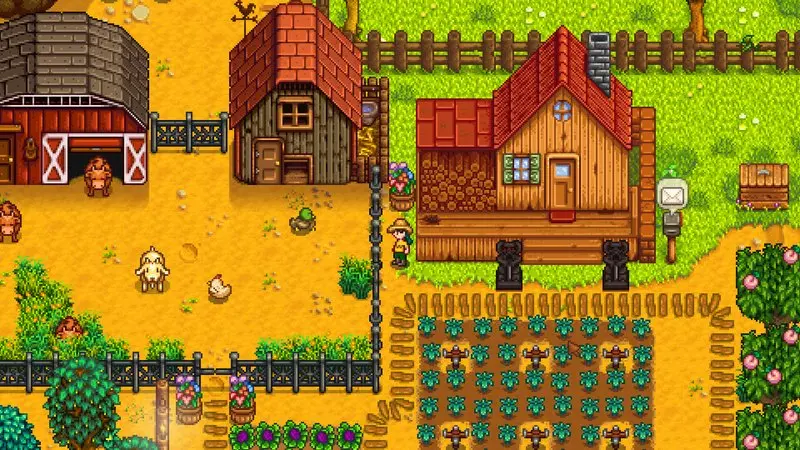 1Best overallStardew Valley2GB RAM · 500MB
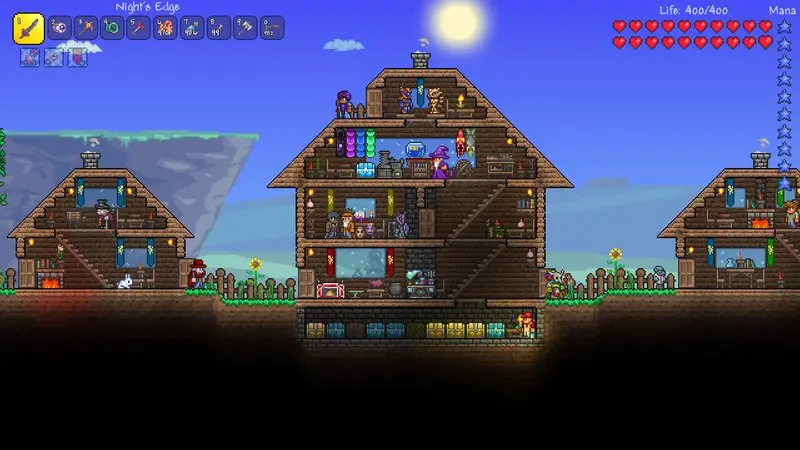 2Best building gameTerraria2.5GB RAM · 200MB
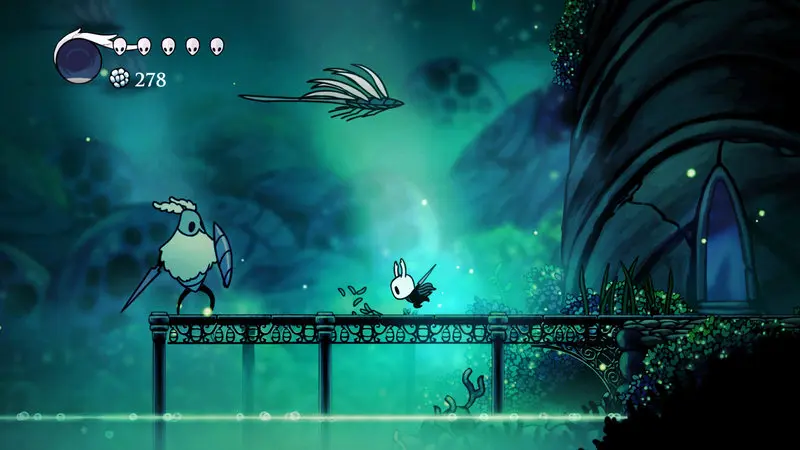 3Best action adventureHollow Knight4GB RAM · 9GB
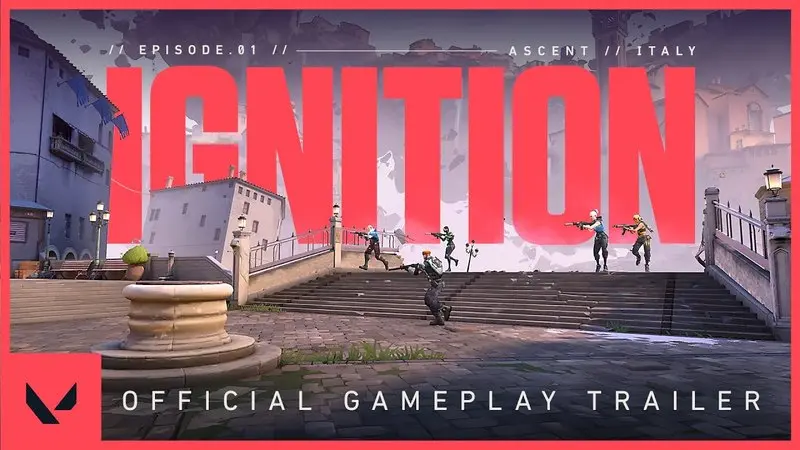 4Best free shooterValorant4GB RAMIntegrated graphics OK
 5Best action roguelikeHades4GB RAM · 15GB
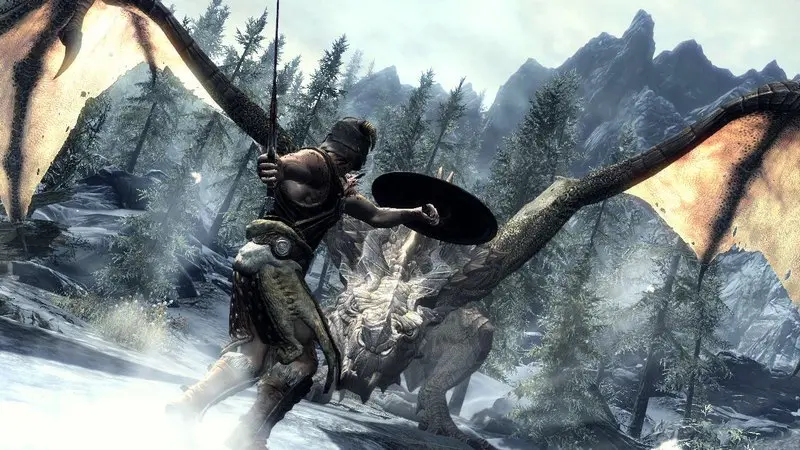 6Best open worldSkyrim (original 2011 edition)2GB RAM · 6GB
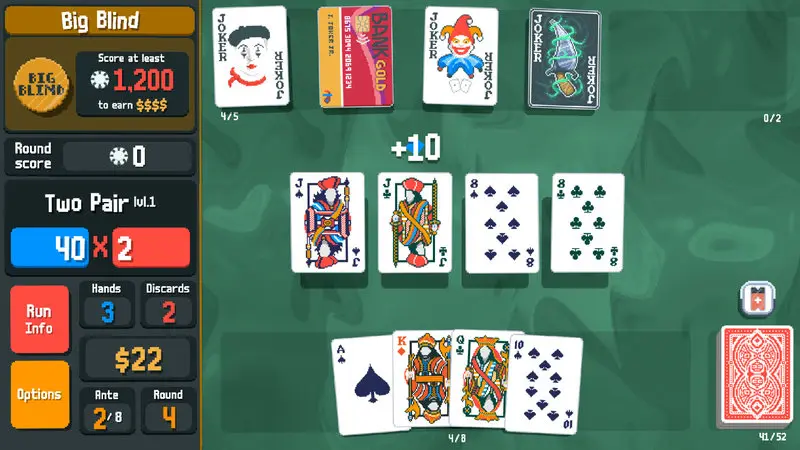 7Best for no graphics cardBalatro1GB RAM · 150MBIntegrated graphics OK
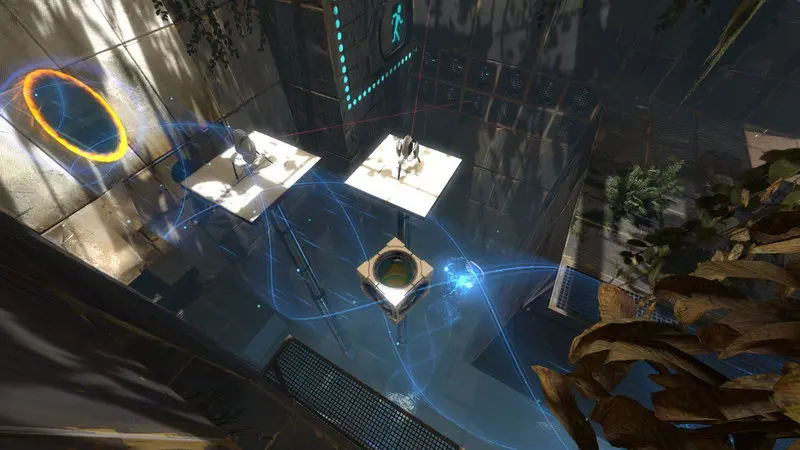 8Best co-op puzzle gamePortal 22GB RAM · 8GBIntegrated graphics OK
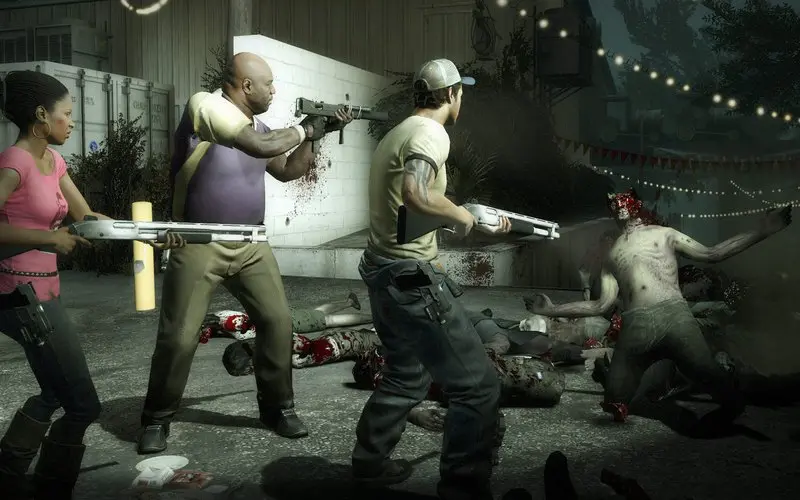 9Best co-op shooterLeft 4 Dead 22GB RAM · 13GB
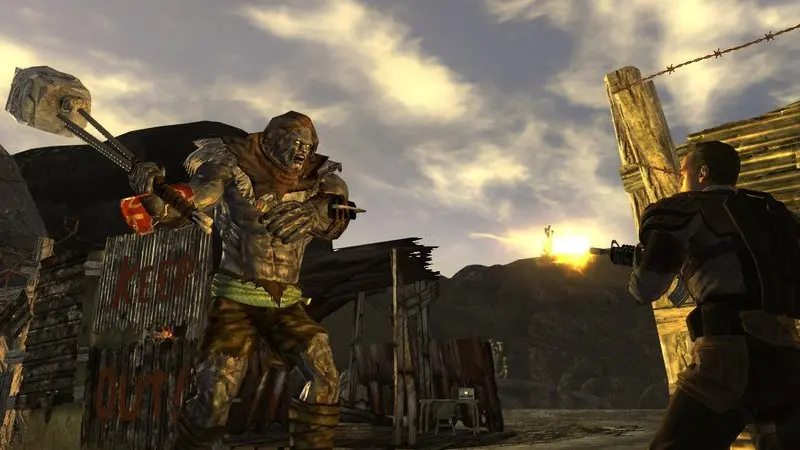 10Best RPG storyFallout: New Vegas2GB RAM · 10GB
Popular Games That Will Not Run Well on 4GB RAM
These games show up on lots of “4GB RAM” lists, but their own developers now ask for more. On 4GB, expect stutters, crashes or a game that won’t start.

 Team Fortress 2 (512MB)
Minecraft: Java Edition
Mojang raised it on 21 July 2026. 12GB if you have no graphics card.
 Terraria (2.5GB)
 Brawlhalla (2GB)
 Valorant (4GB)
GTA V Enhanced
GTA V Legacy lists 4GB, but Steam doesn't sell it as a separate game.
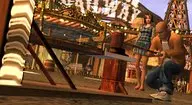 Bully: Scholarship Edition (1GB)
GTA San Andreas and Vice City (Definitive Edition)
The 2004 and 2002 originals aren't sold anymore.
Bully: Scholarship Edition (1GB)Skyrim Special Edition
The original 2011 Skyrim lists 2GB and is still sold.
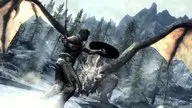 Skyrim (2GB)
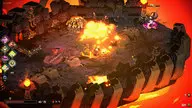 Hades (4GB)
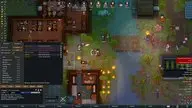 RimWorld (4GB)
Rocket League
Fits the RAM limit, but needs a GTX 760 class card and isn't sold on Steam to new players anymore.
Minimums from each game’s Steam page, Mojang’s Minecraft article and Epic’s Fortnite help page, checked 22 October 2026.
All 31 Games at a Glance
Every pick’s official minimum RAM in one view. Green bars mean the developer’s own requirements name integrated graphics (Intel HD, UHD or similar). Grey bars list an old dedicated card or no card at all, so they may still run on newer Intel UHD chips, but there’s no official promise.

All 31 Games, Ranked
From our number one down to number 31. Each entry has the official minimum RAM, the install size and the Steam India price.
Stardew Valley
- Min RAM
- 2GB50% of 4GB
- Install size
- 500MB
- Price
- ₹479
- Integrated graphics
- Not named
Minimum graphics: 256 mb video memory, shader model 3.0+
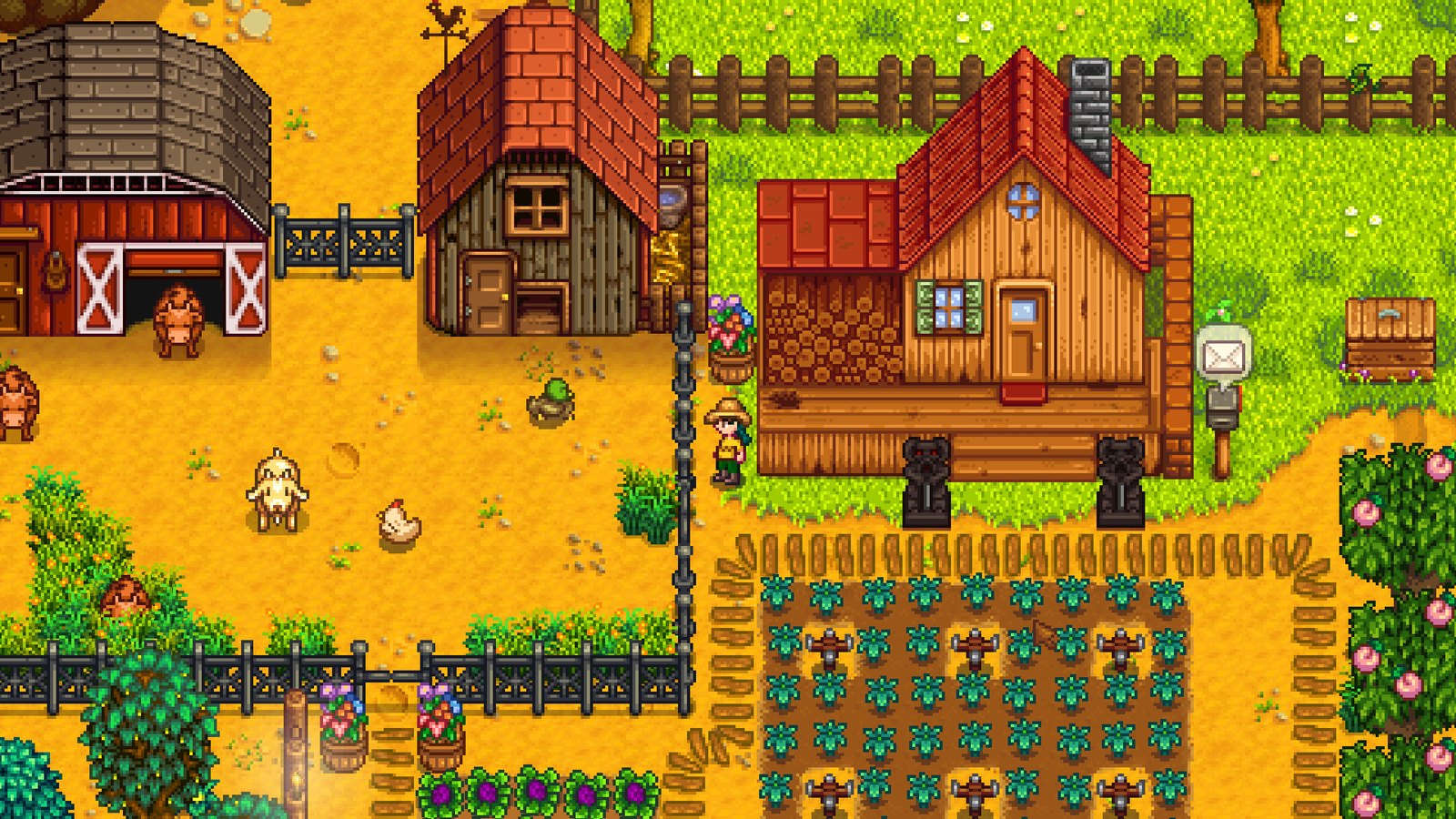
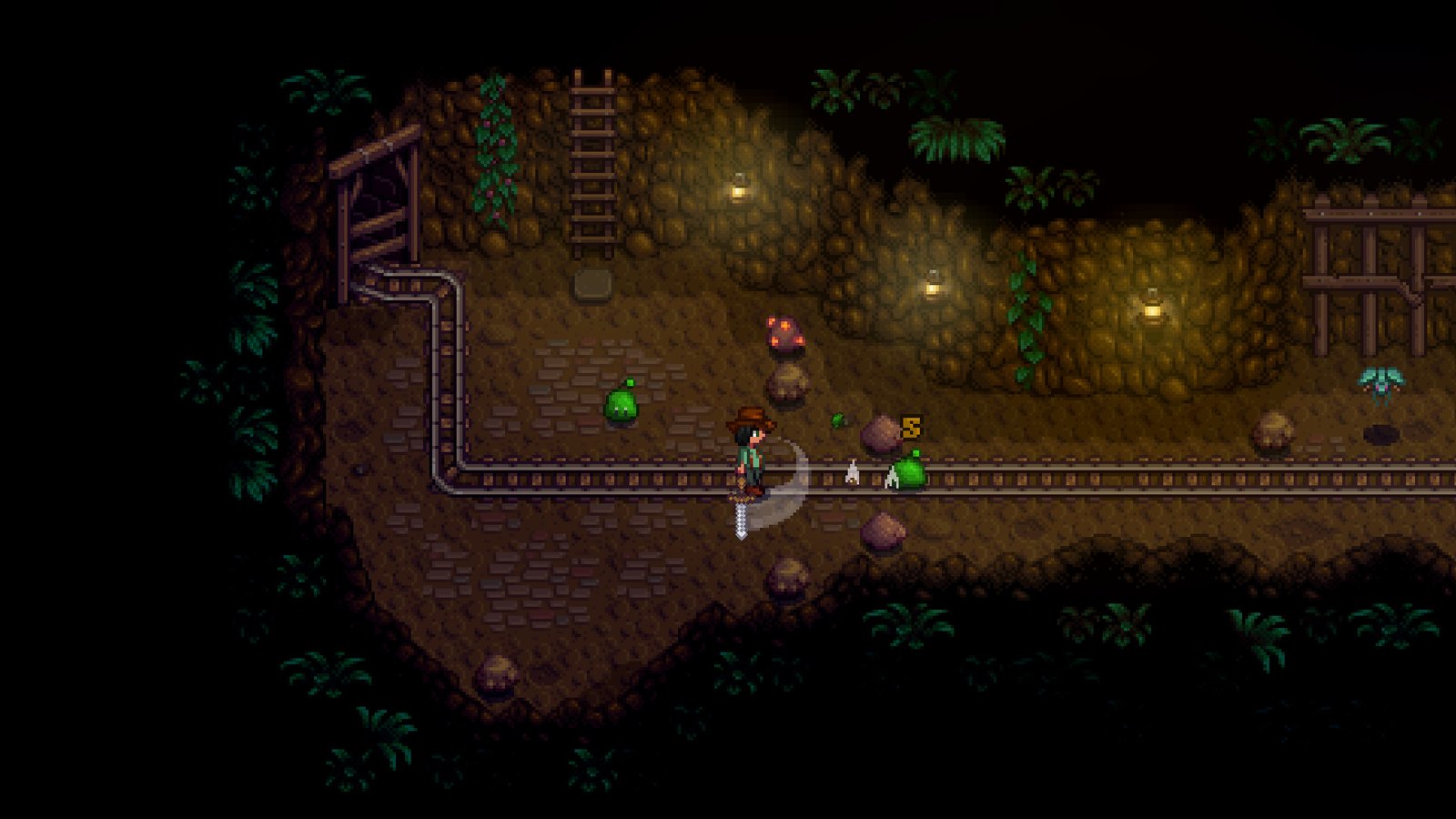
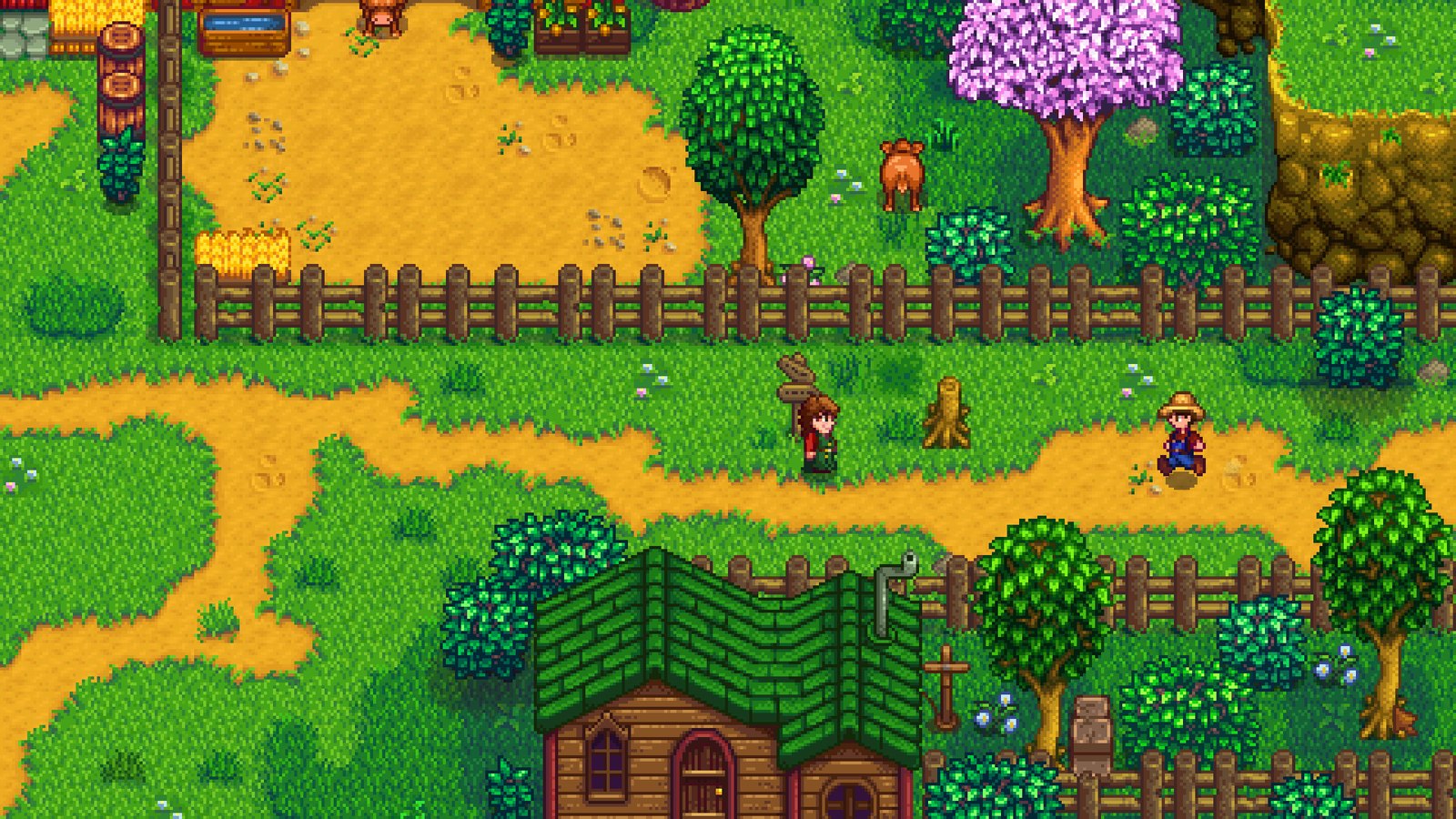
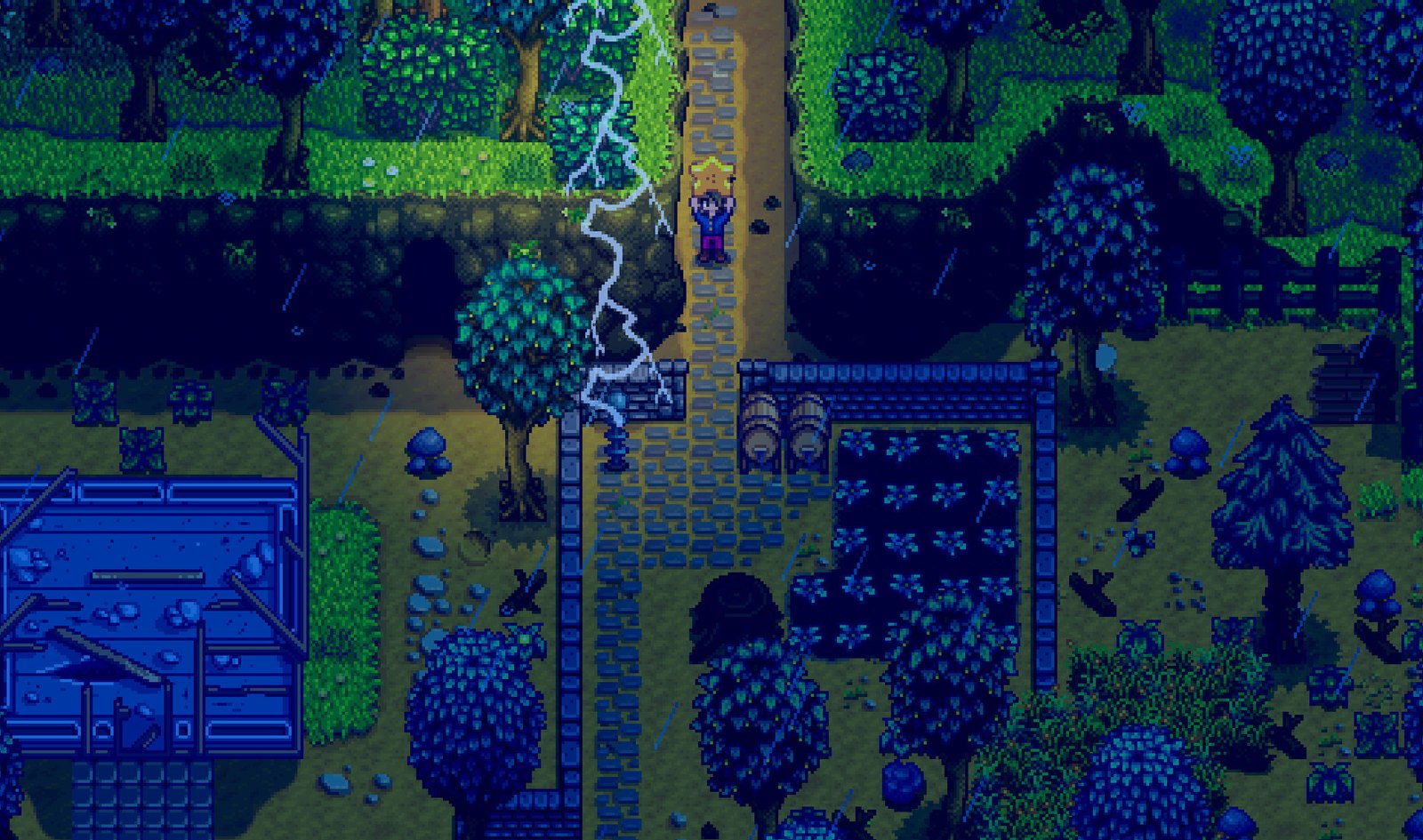
Turn a run down farm into something you're proud of: crops, animals, mining, fishing and a whole town to befriend. It's 98.5% positive from over a million Steam reviews. At 2GB it leaves real headroom on a 4GB machine, and friends can share a farm in online co-op. More cosy picks in our best PC games under 500MB.
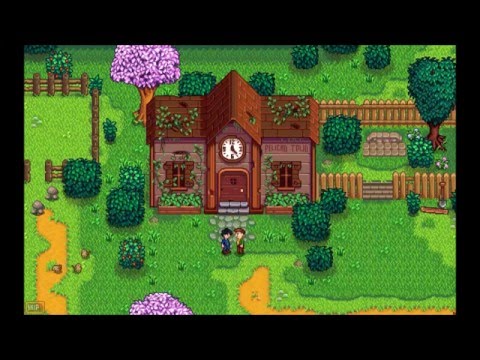 Video: ConcernedApe on YouTube
Terraria

- Min RAM
- 2.5GB62% of 4GB
- Install size
- 200MB
- Price
- ₹480
- Integrated graphics
- Not named
Minimum graphics: 128mb Video Memory, capable of Shader Model 2.0+
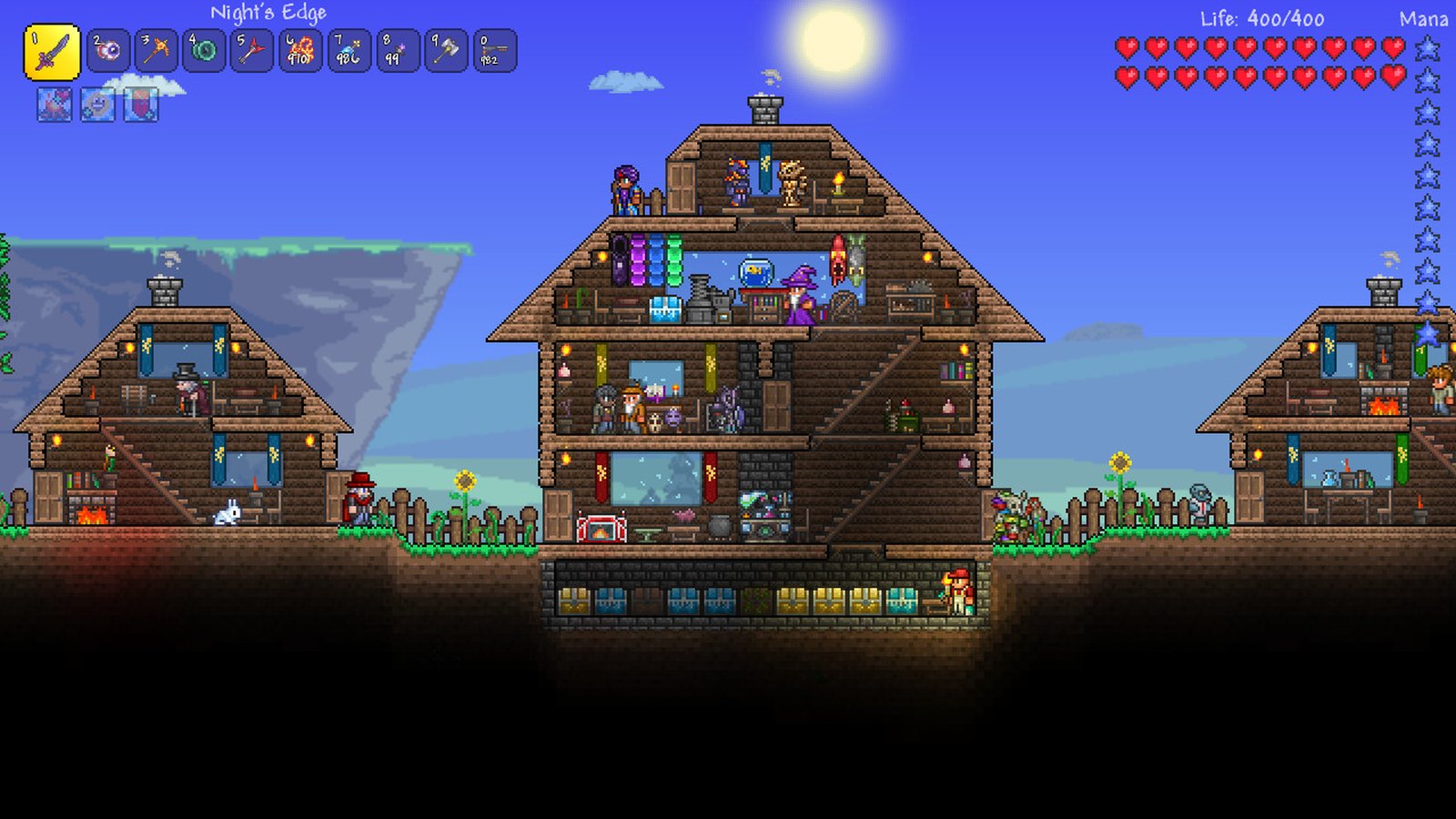
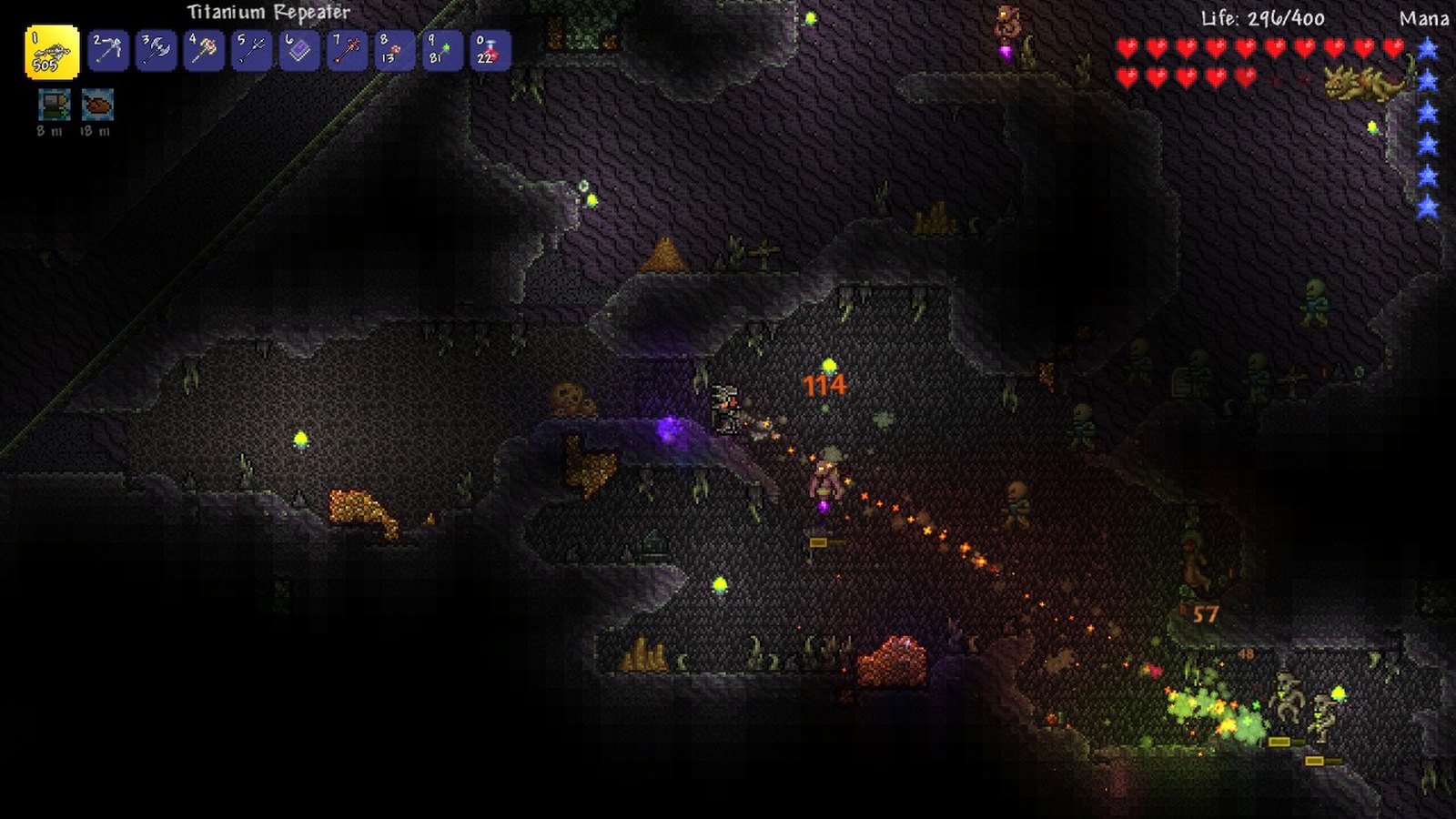
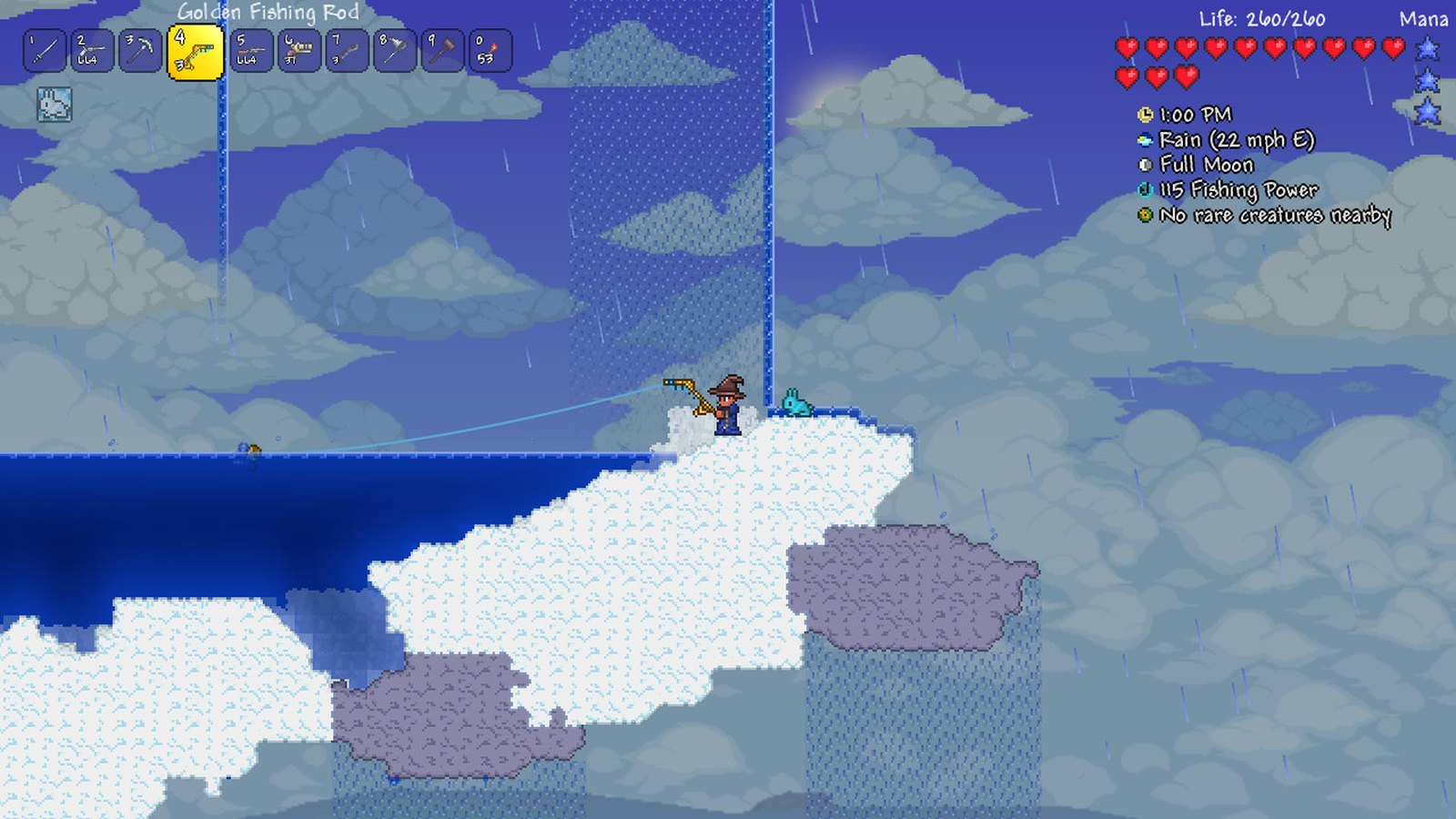
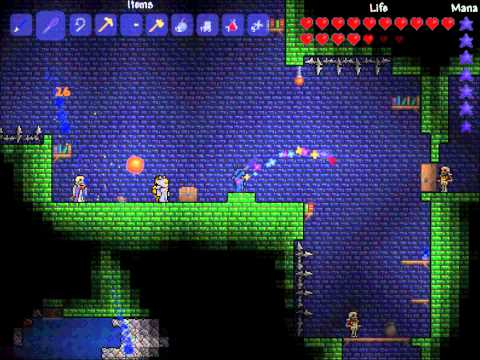
Think of it as 2D Minecraft with far more bosses. It's a 200MB download with 1.5 million Steam reviews, and since Minecraft Java now asks for 8GB of RAM (see below), Terraria is the best building game you can still play properly on 4GB. More tiny downloads in our best PC games under 300MB.
 Video: Re-Logic on YouTube
Hollow Knight
- Min RAM
- 4GBall of 4GB
- Install size
- 9GB
- Price
- ₹690
- Integrated graphics
- Not named
Minimum graphics: GeForce GTX 560 Ti (1GB), Radeon HD 7750 (1GB)
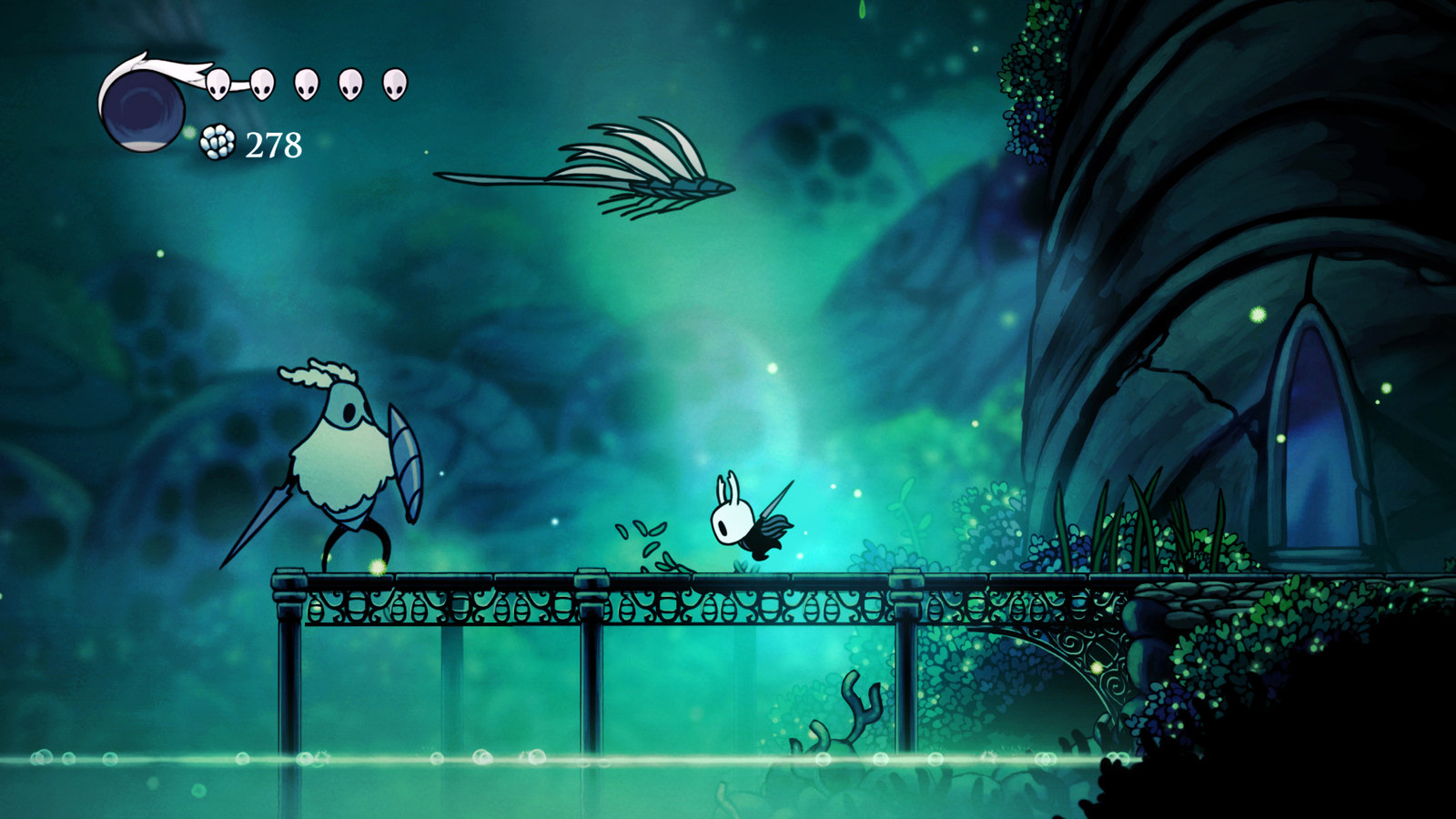
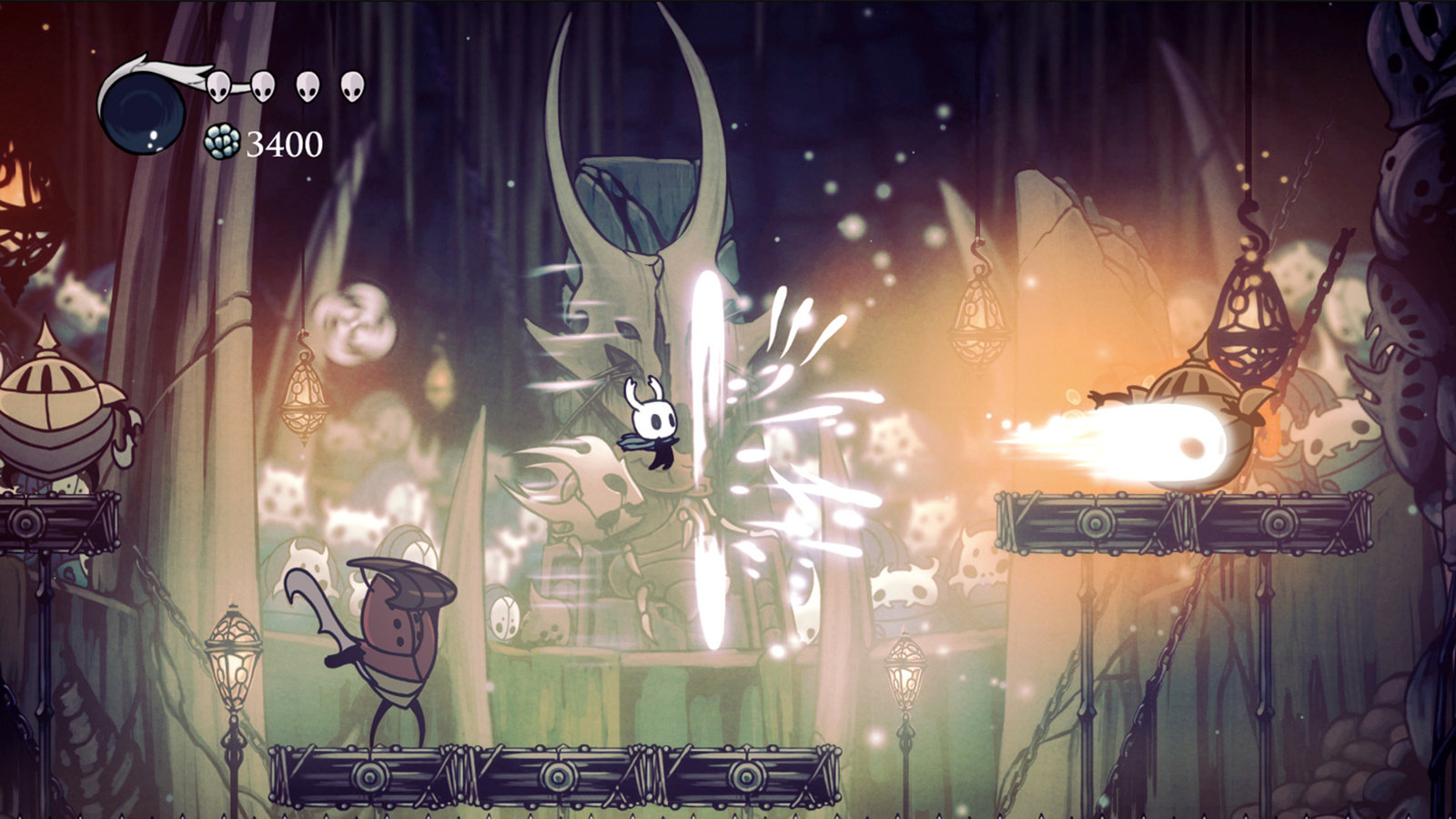
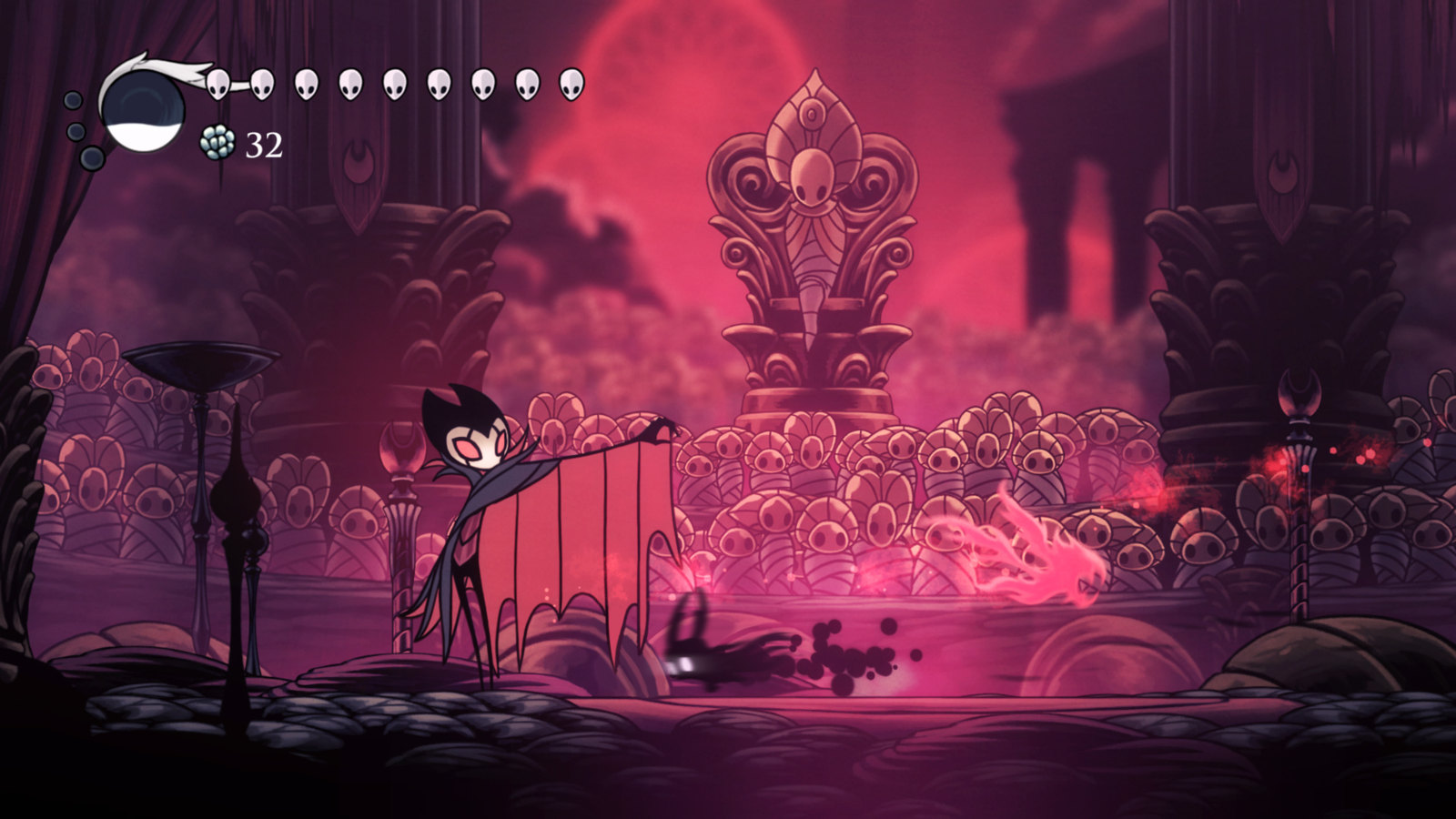
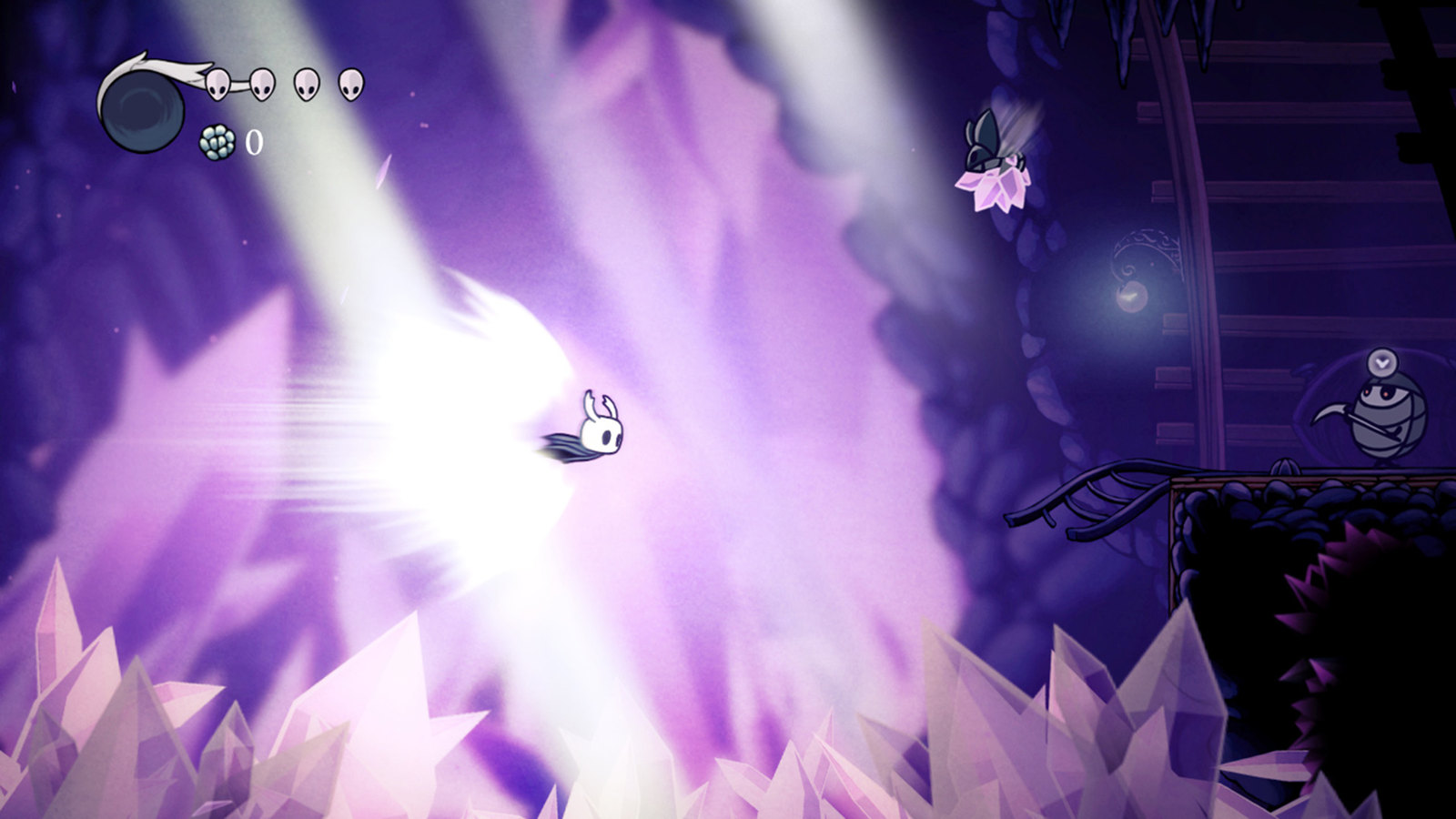
A huge, hand drawn underground kingdom with tight combat and great boss fights. It sits right at 4GB of RAM, and the official minimum names a GeForce GTX 560 Ti class card, so on a laptop with only integrated graphics, try the smaller games on this list first. Its sequel, Silksong, also lists 4GB. It plays best on a controller; see our best Xbox controllers for PC.
 Video: Team Cherry on YouTube
Valorant
- Min RAM
- 4GBall of 4GB
- Install size
- Not listed
- Price
- Free
- Integrated graphics
- Officially OK
Minimum graphics: Intel HD 4000 / AMD Radeon R5 220 (min, 30 FPS)
The big free shooter fits, just. Riot's own minimum is exactly 4GB of RAM with Intel HD 4000 graphics. That minimum targets 30 FPS, so quit other apps before you queue. Two more requirements: it needs a 64 bit version of Windows, and the Vanguard anti cheat needs TPM 2.0 and Secure Boot on Windows 11. Need more tactical shooters? See our games like Valorant for low end PCs.
 Video: VALORANT on YouTube
Hades
- Min RAM
- 4GBall of 4GB
- Install size
- 15GB
- Price
- ₹1,100
- Integrated graphics
- Not named
Minimum graphics: 1GB VRAM / DirectX 10+ support
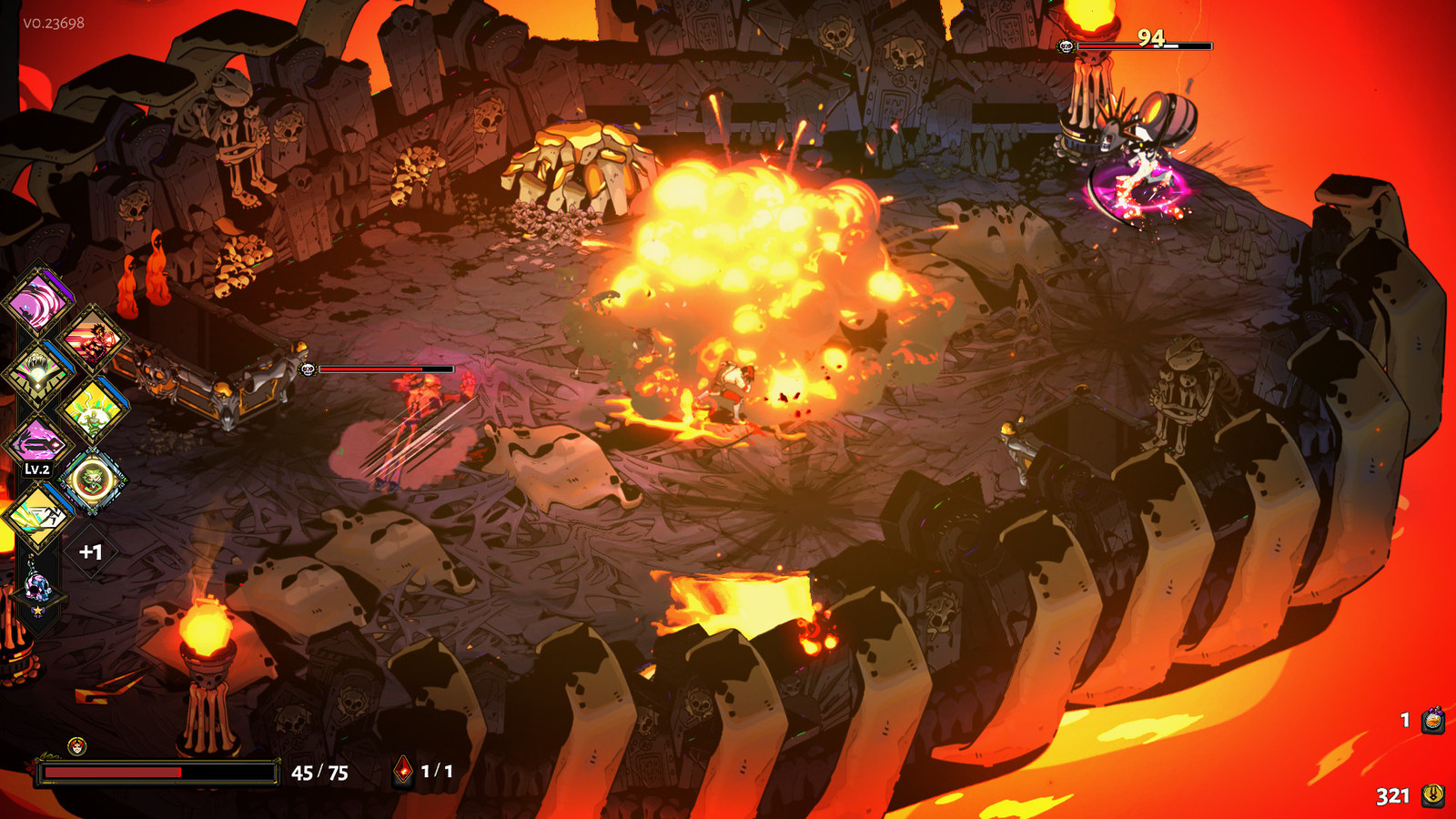
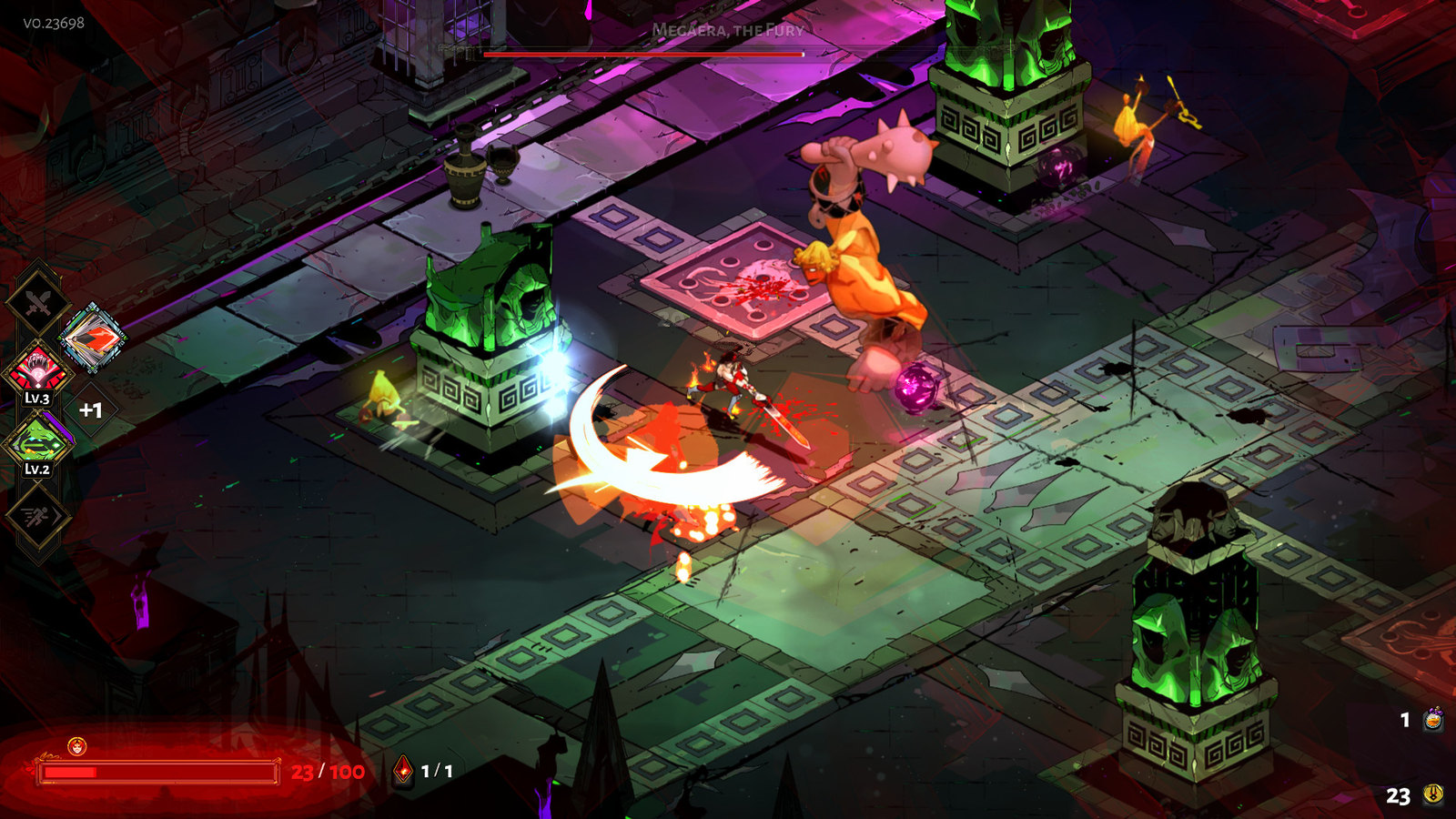
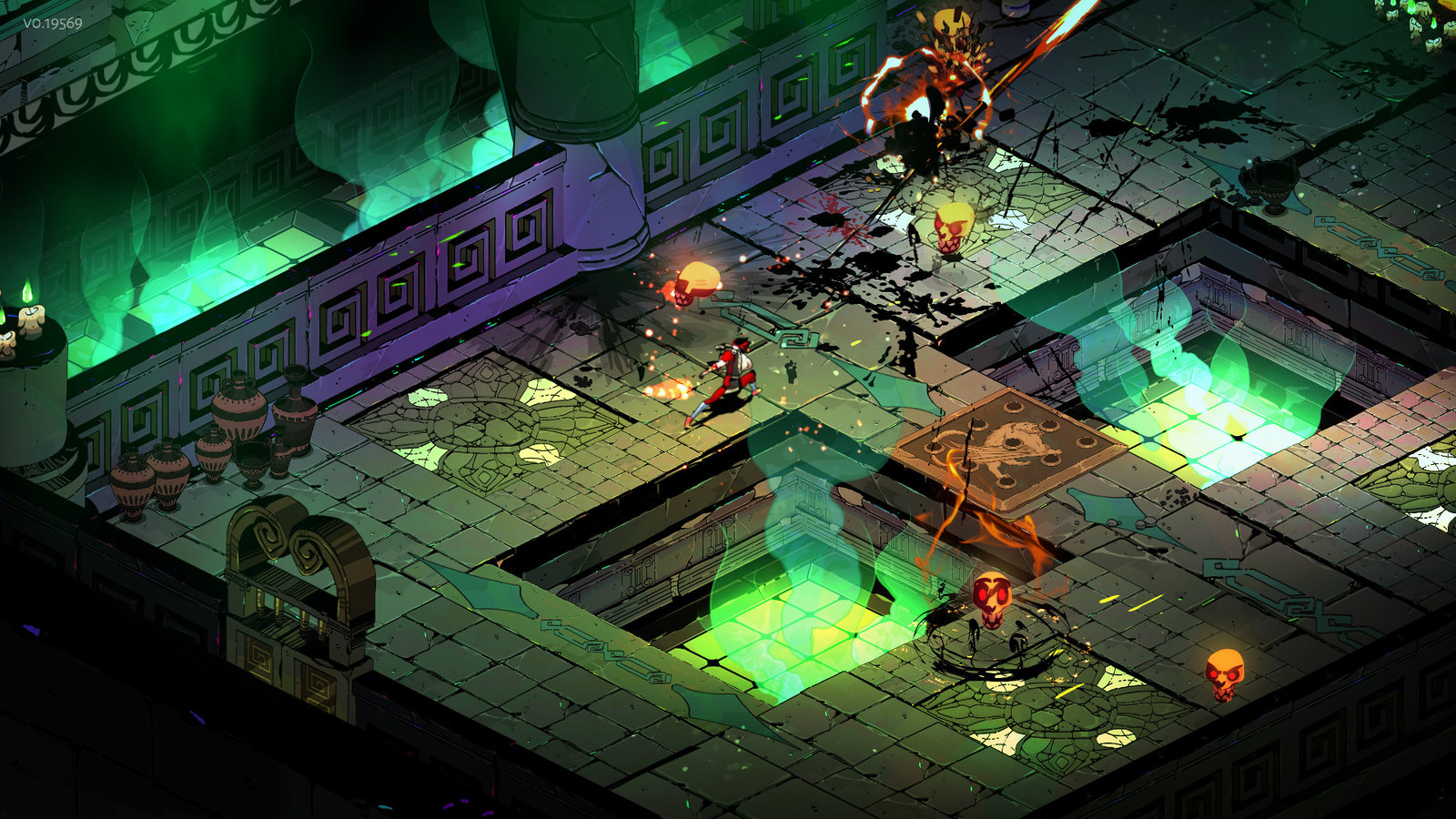
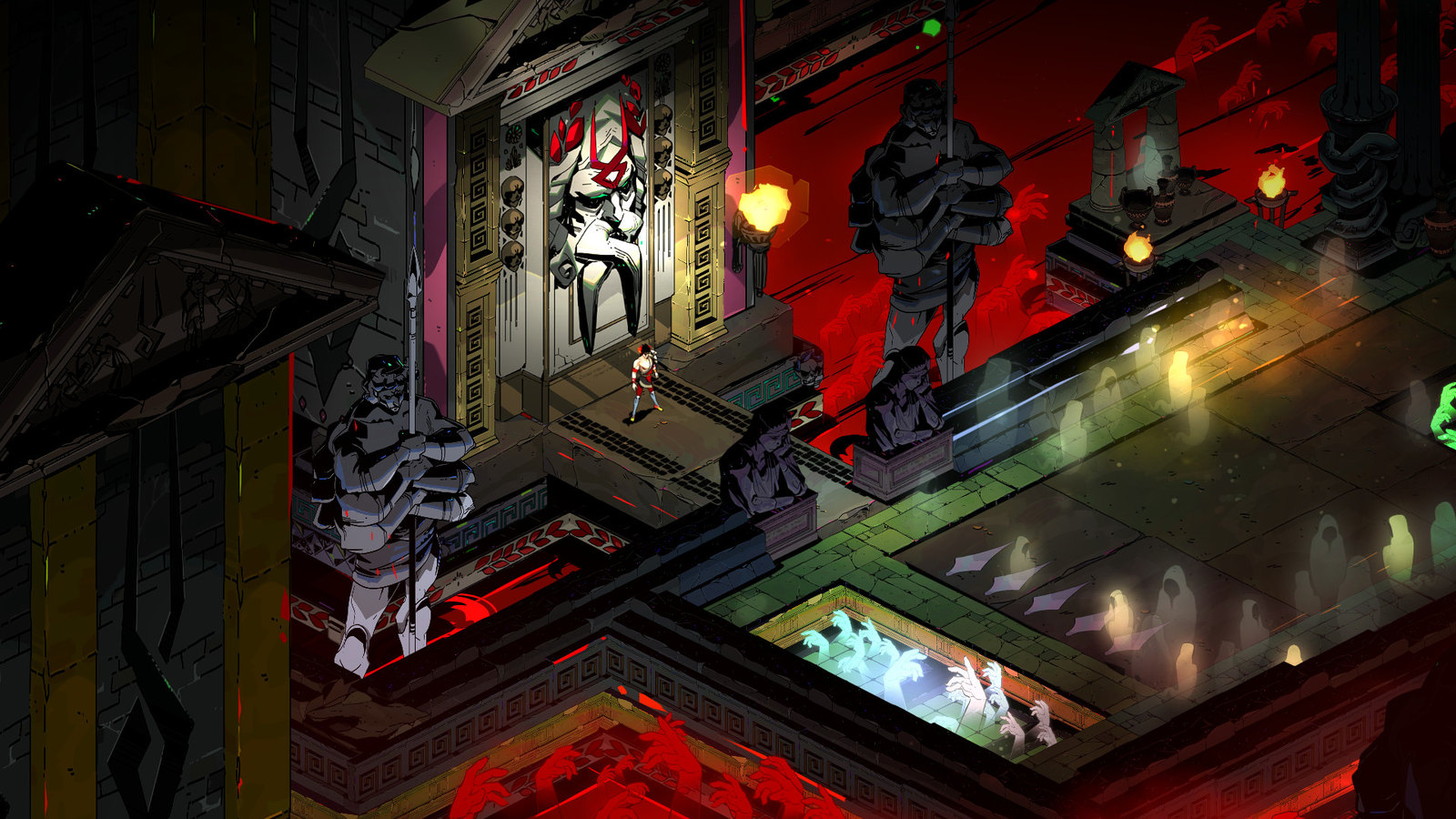
Fast, stylish combat where every escape attempt tells you more of the story, and 98% positive on Steam. The minimum is 4GB of RAM and a graphics card with 1GB of VRAM. Note that Hades II doubles that to 8GB, so stick with the first game on this hardware. More action games that fit small drives in our best PC games under 30GB.
 Video: Supergiant Games on YouTube
Skyrim (original 2011 edition)
- Min RAM
- 2GB50% of 4GB
- Install size
- 6GB
- Price
- ₹565
- Integrated graphics
- Not named
Minimum graphics: Direct X 9.0c compliant video card with 512 MB of RAM
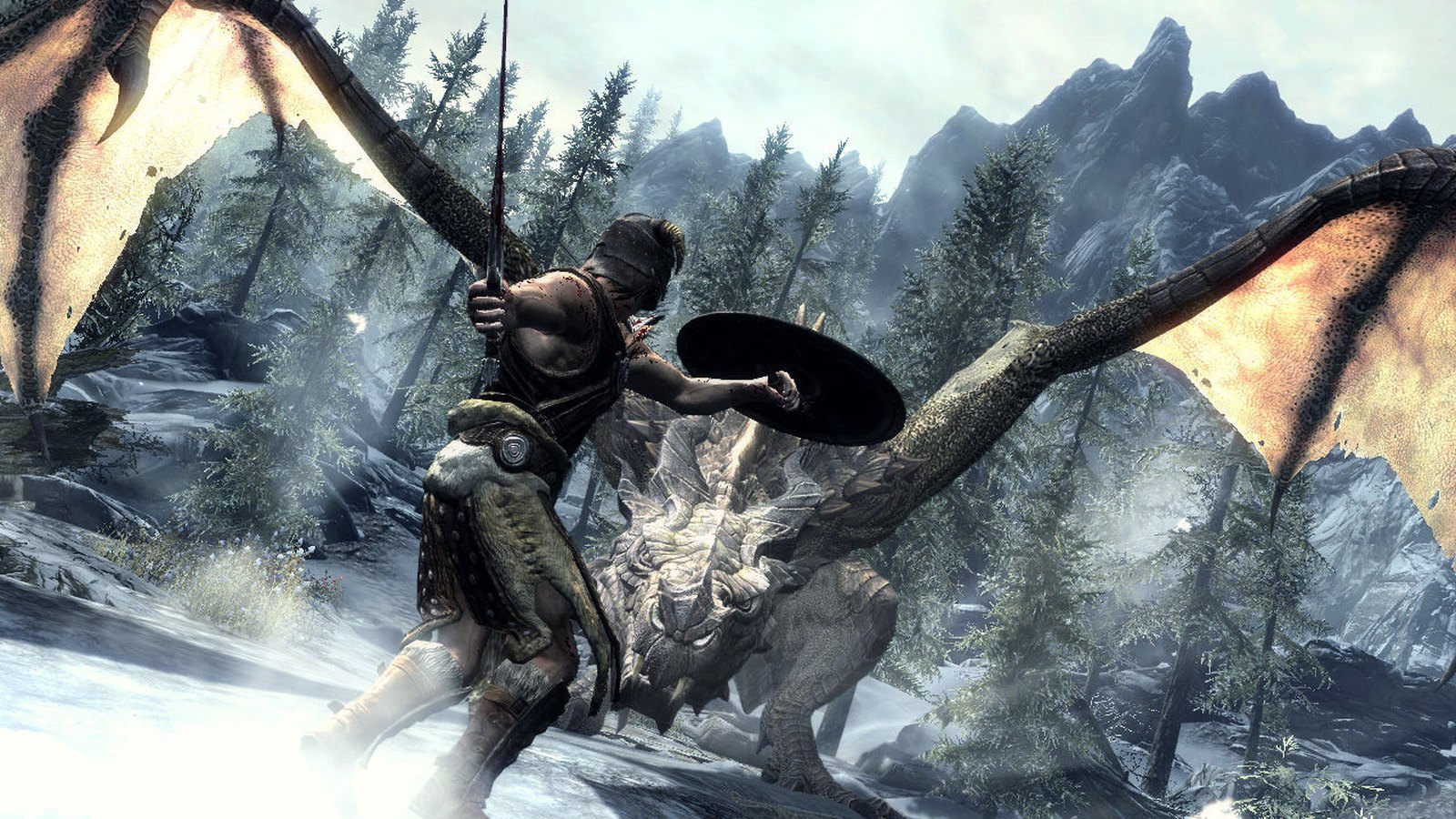
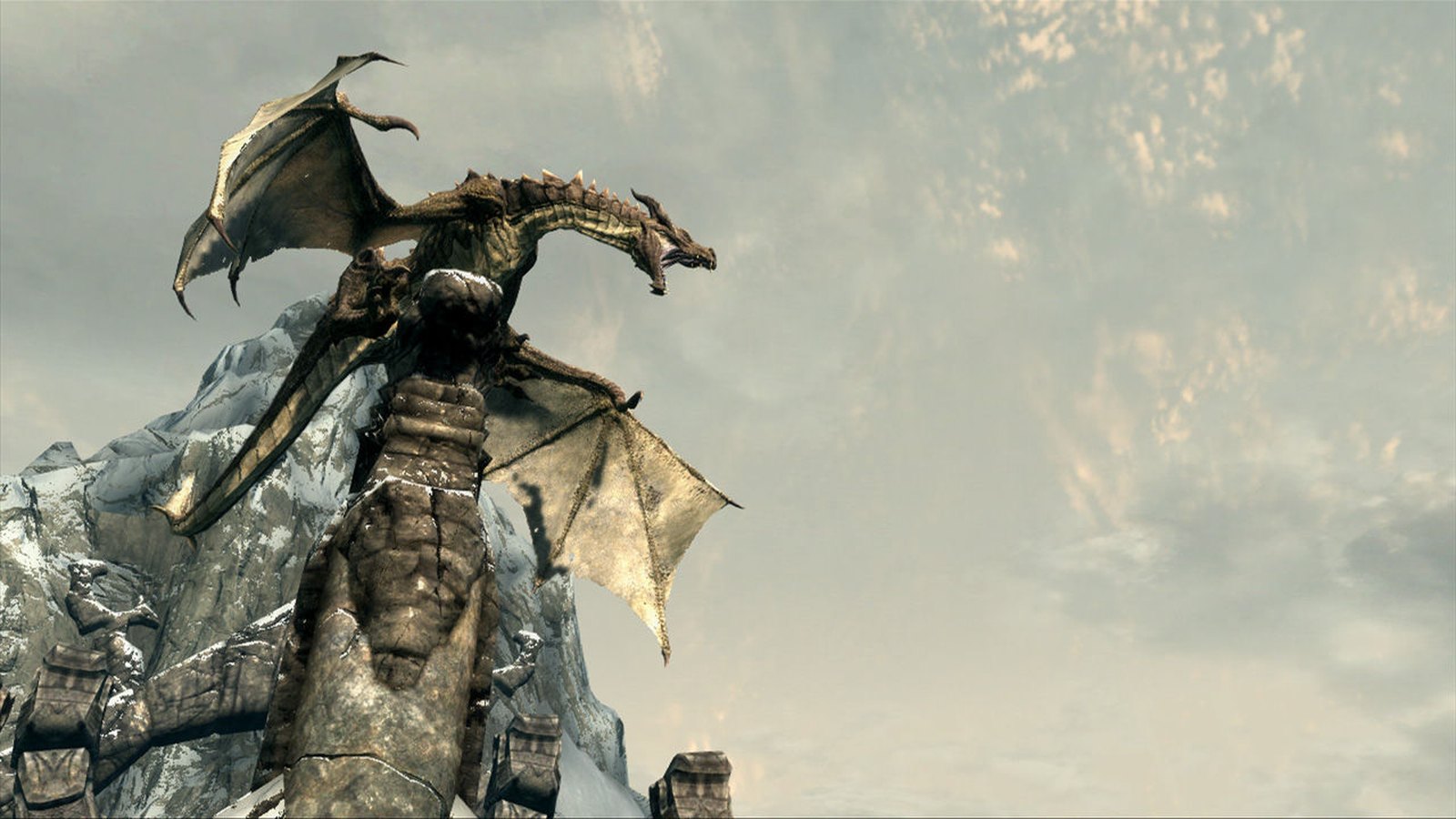
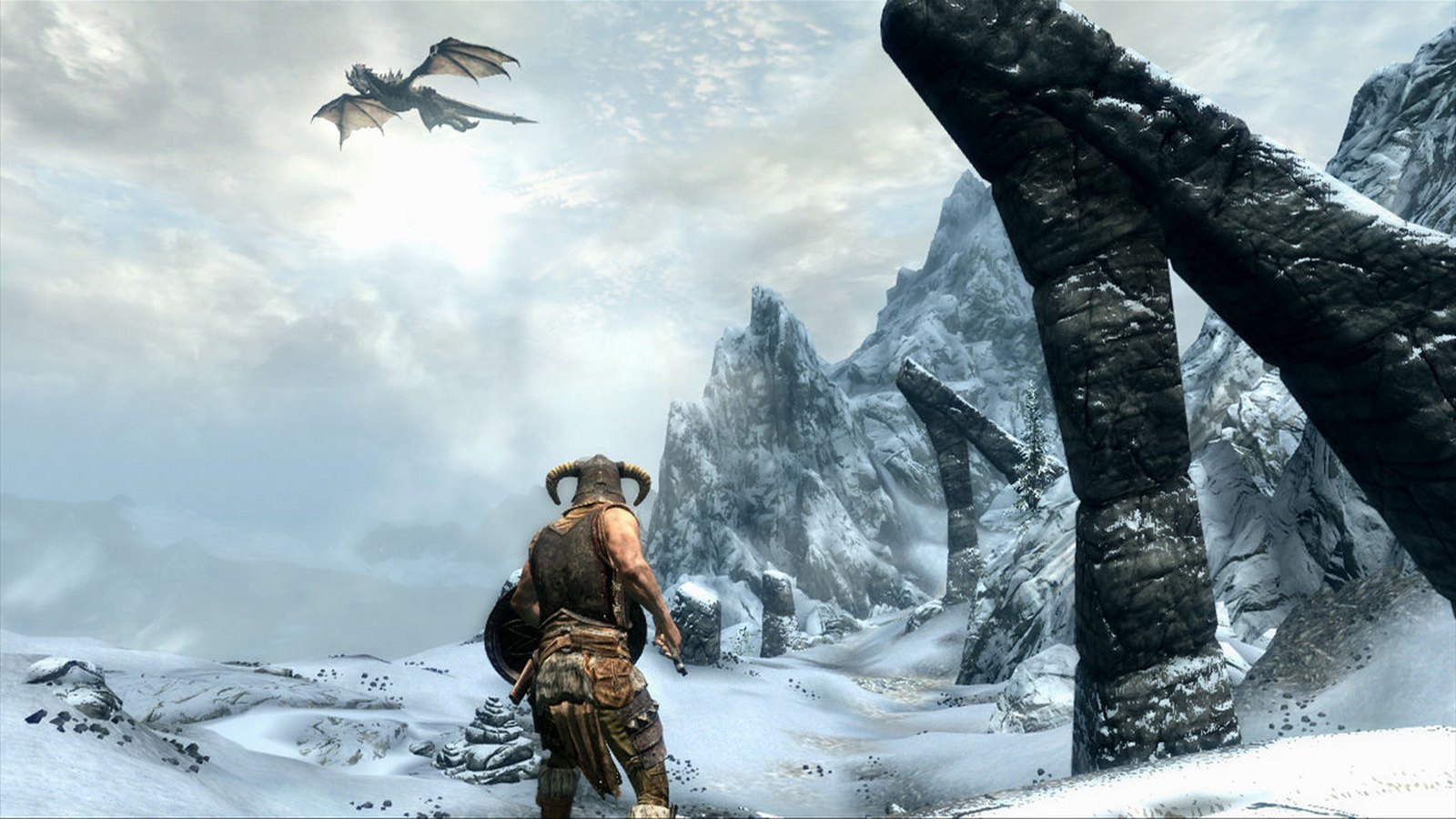
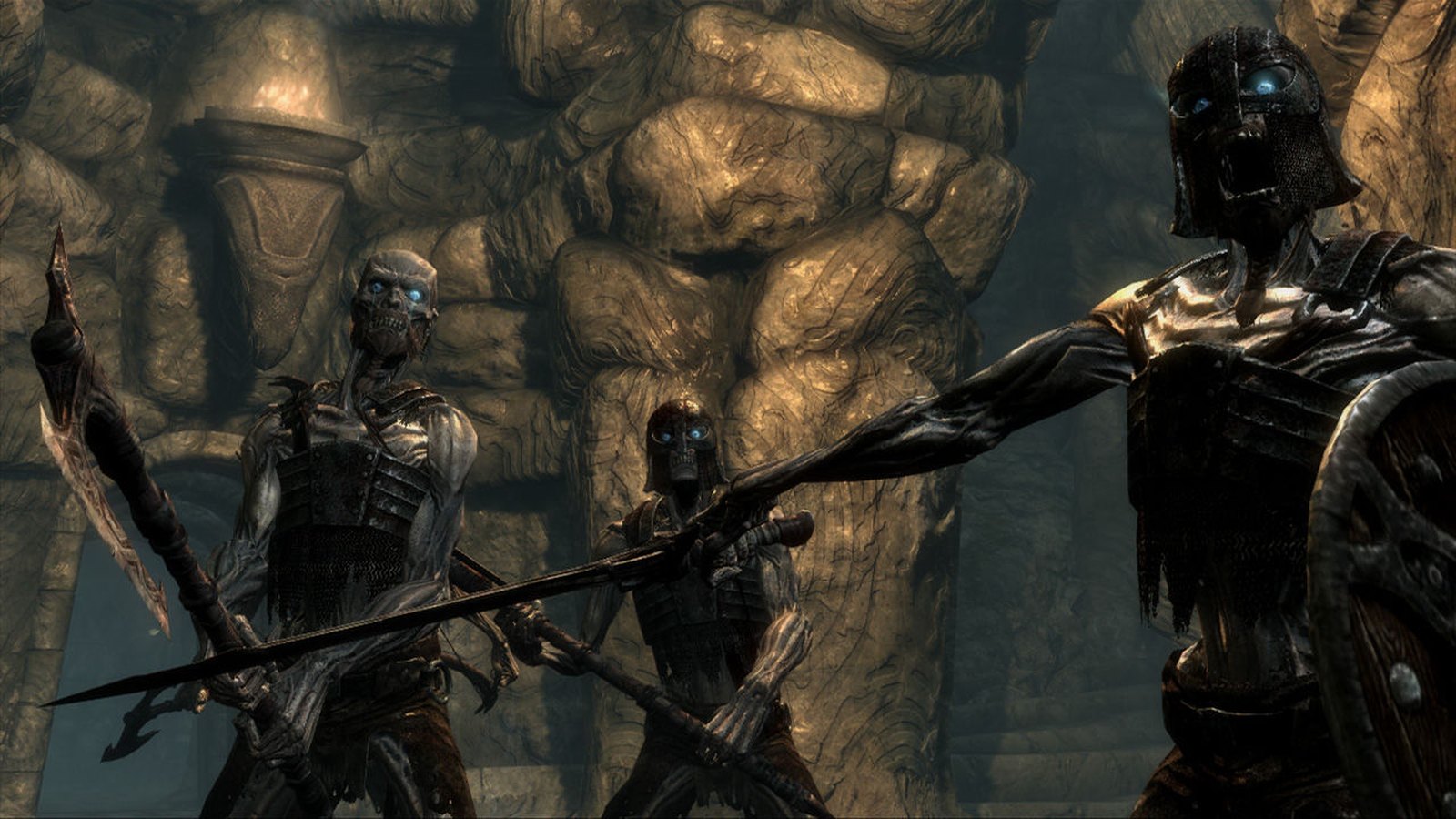
Most lists get this one wrong. Skyrim Special Edition, the version everyone links to, needs 8GB of RAM. The original 2011 Skyrim is still sold on Steam India for ₹565 and asks for just 2GB of RAM and 6GB of storage. Make sure you buy the plain 'The Elder Scrolls V: Skyrim' listing. More big worlds on modest hardware in our best open world games for low end PCs.
 Video: Bethesda Softworks on YouTube
Balatro
- Min RAM
- 1GB25% of 4GB
- Install size
- 150MB
- Price
- ₹690
- Integrated graphics
- Officially OK
Minimum graphics: OpenGL 2.1 compatible graphics card, integrated graphics
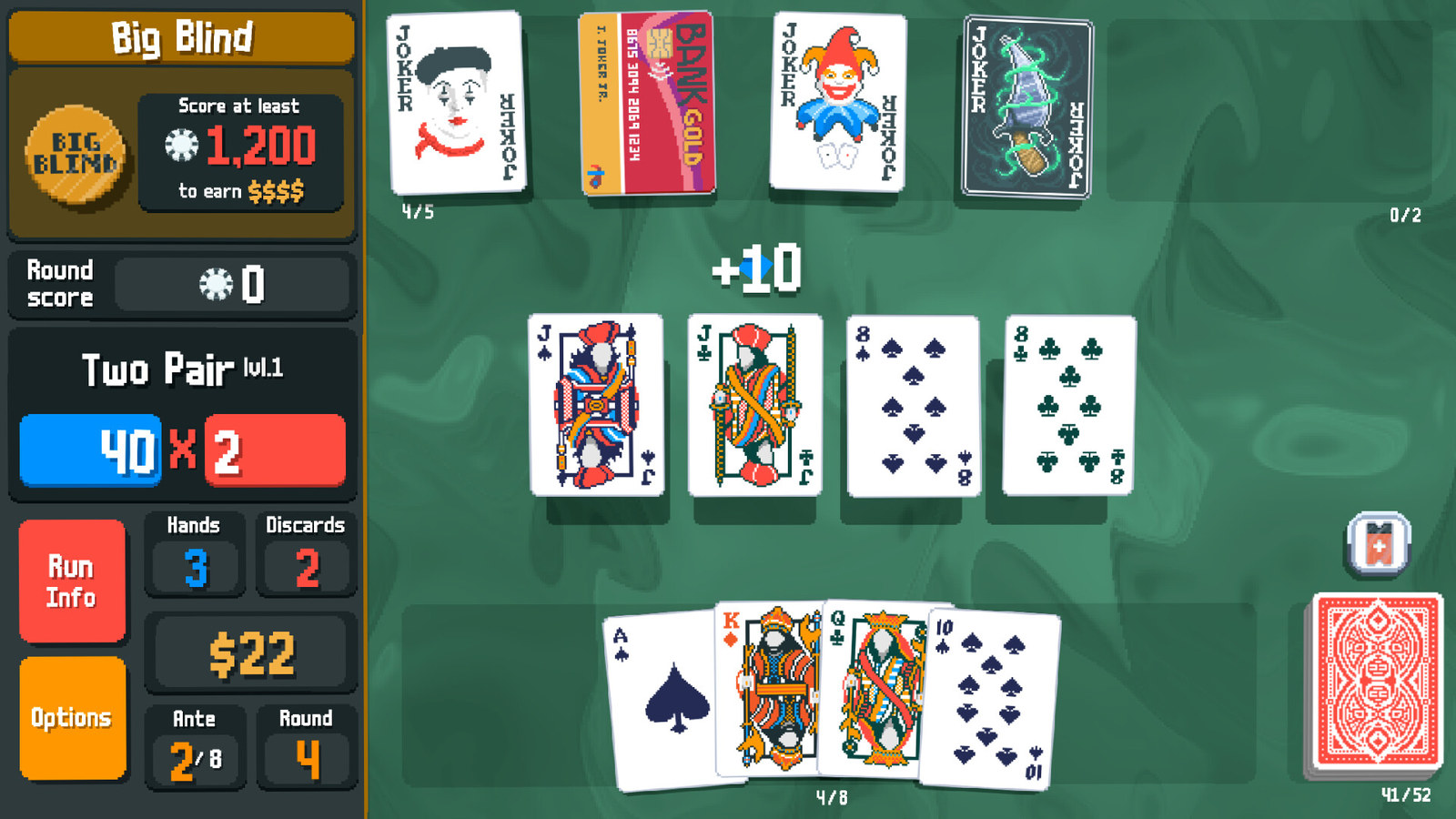
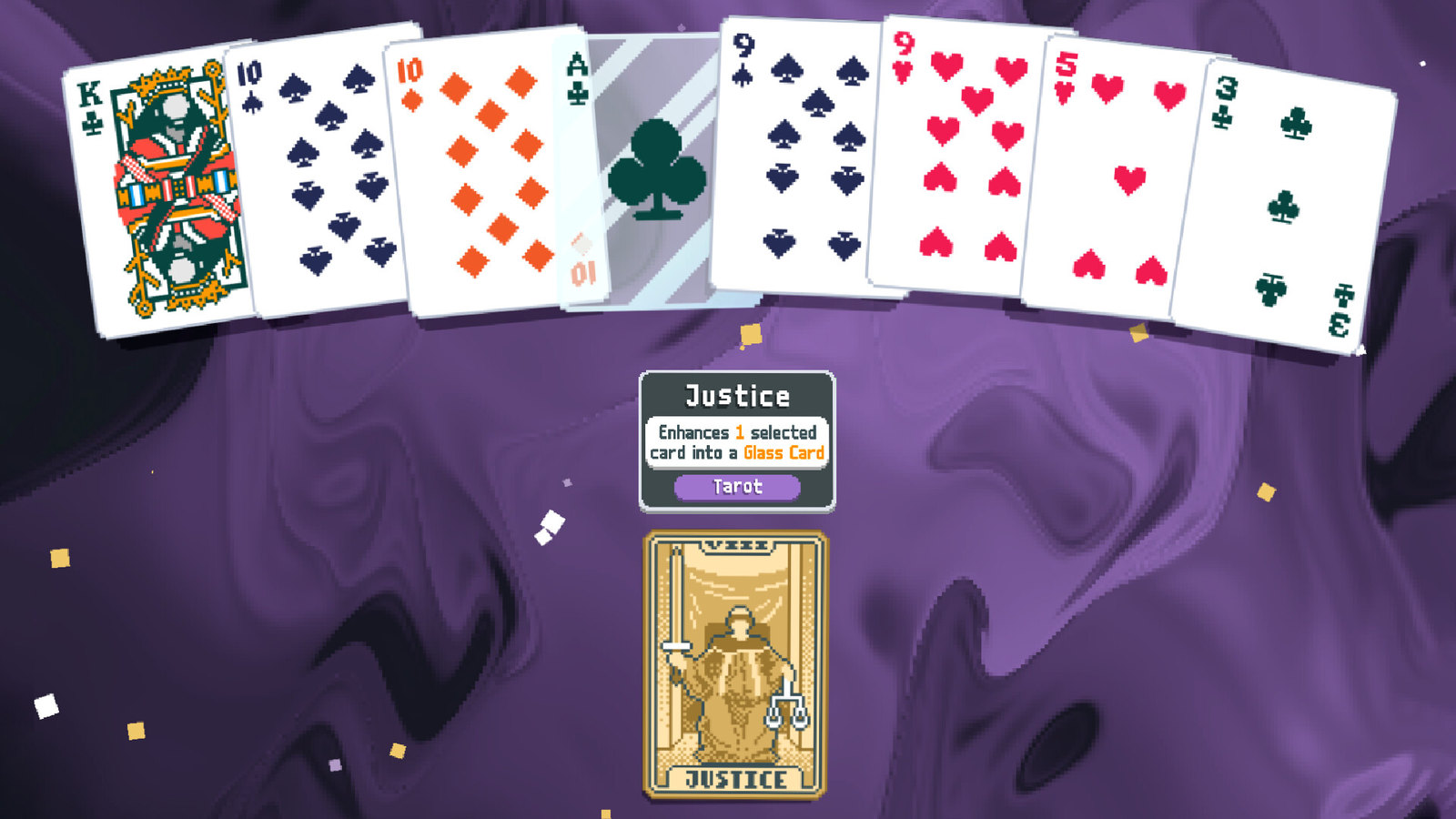
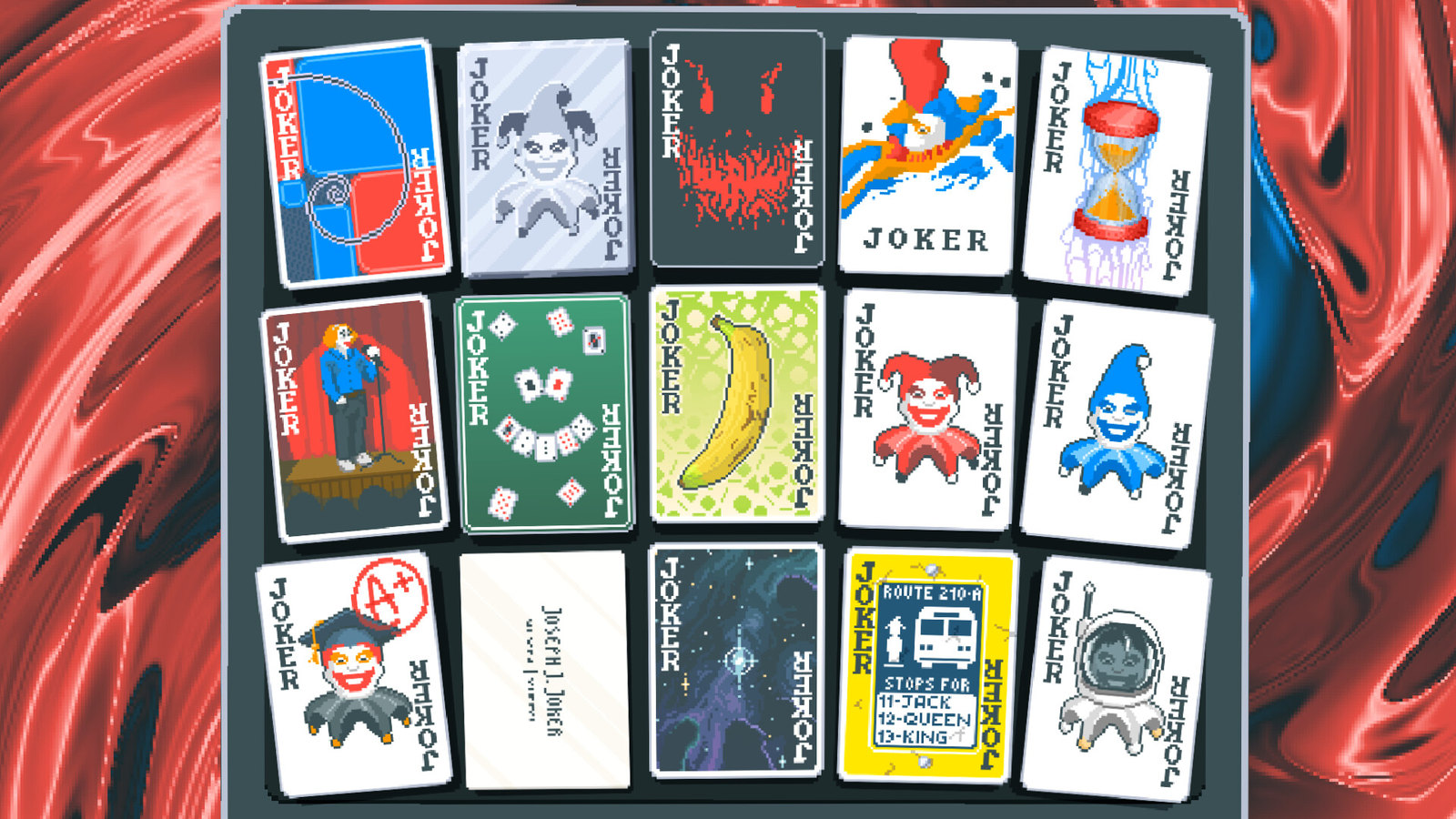
Poker hands, but you bend the rules with jokers that multiply your score in silly ways. One run turns into ten, and the whole game is a 150MB download. Its official spec names integrated graphics and 1GB of RAM, so a basic laptop with no graphics card is enough. More tiny games in our best PC games under 200MB.
 Video: Playstack on YouTube
Portal 2
- Min RAM
- 2GB50% of 4GB
- Install size
- 8GB
- Price
- ₹509
- Integrated graphics
- Officially OK
Minimum graphics: Video card must be 128 MB or more and with support for Pixel Shader 2.0b (ATI Radeon X800…
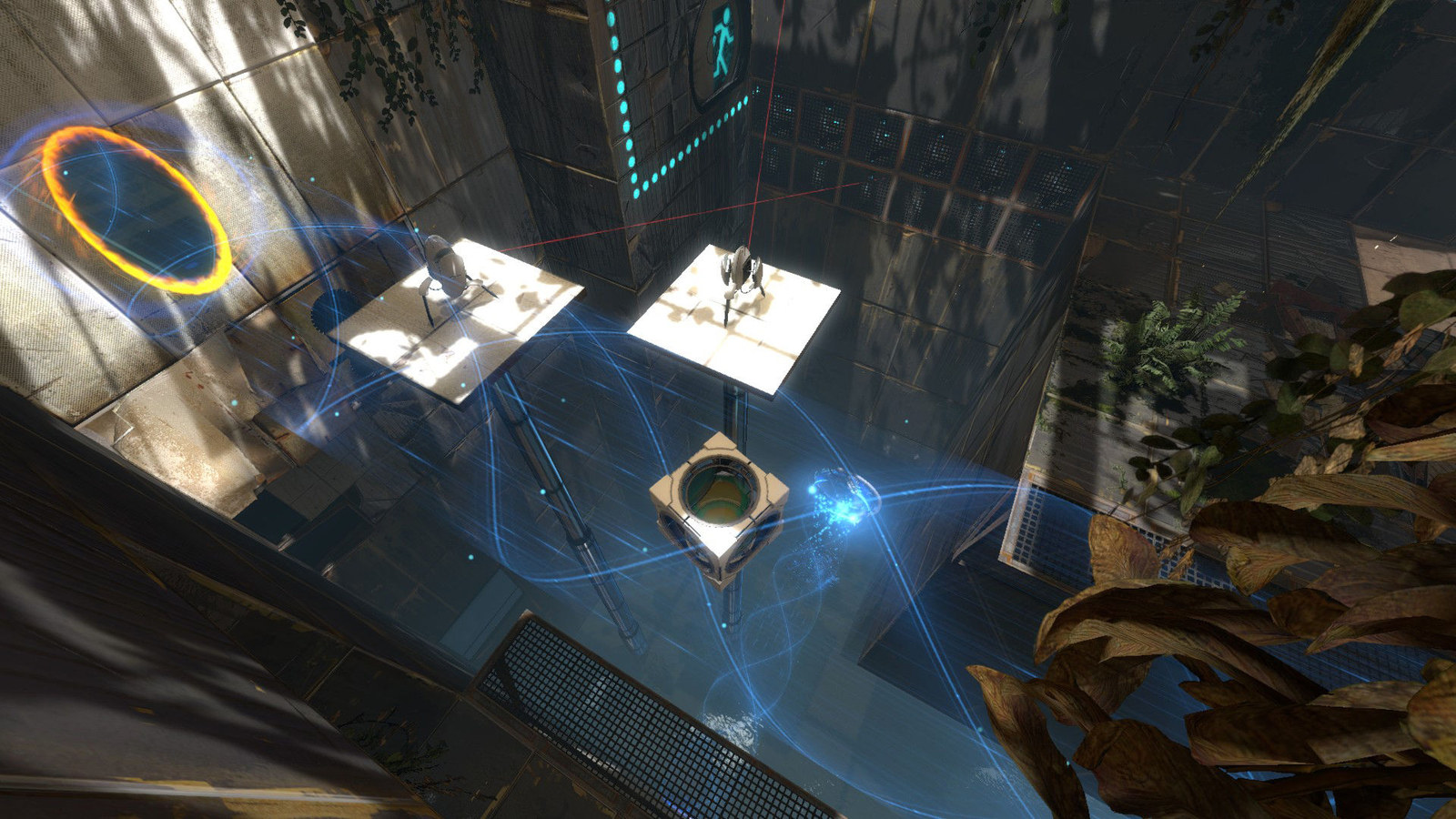
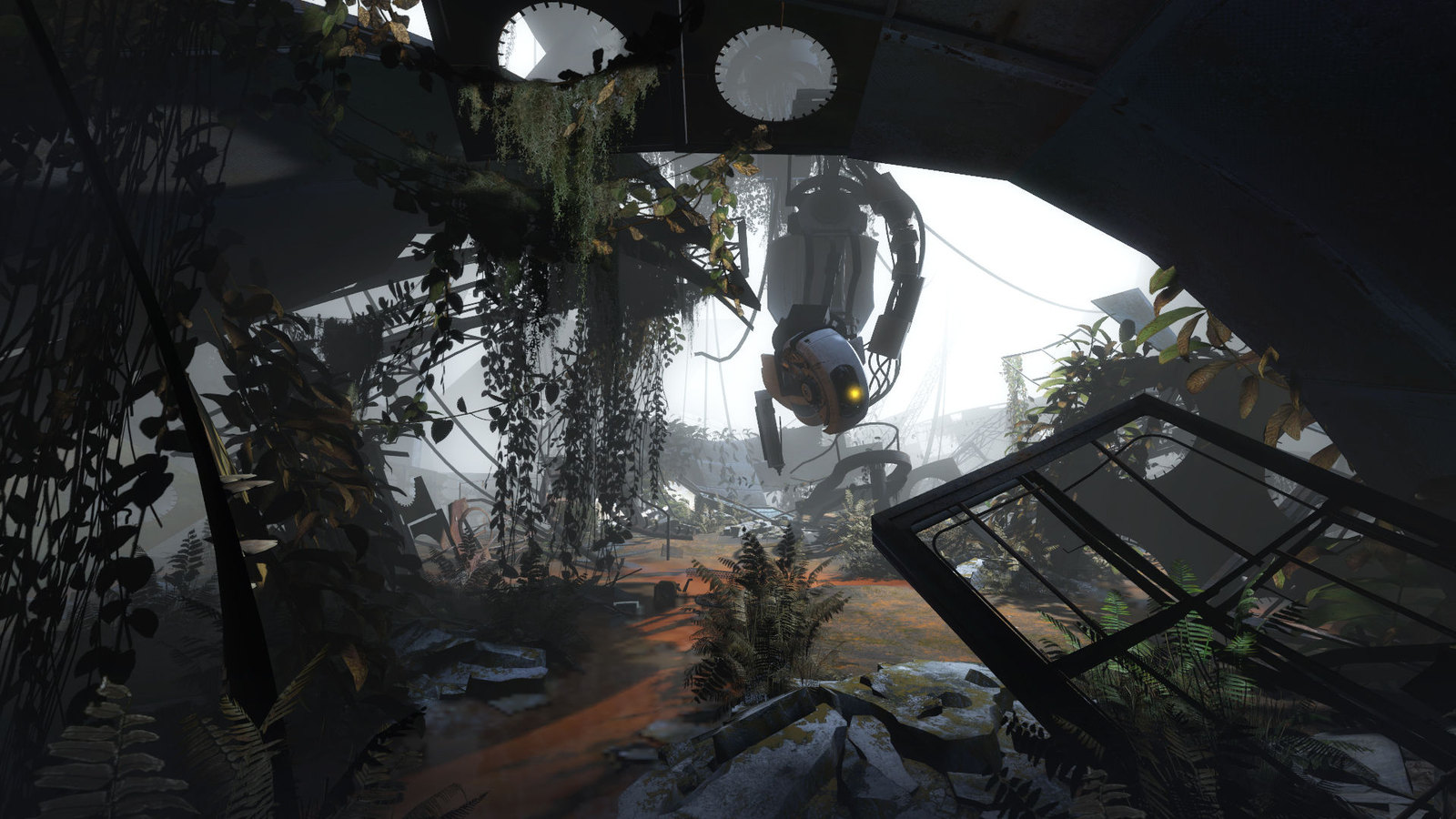
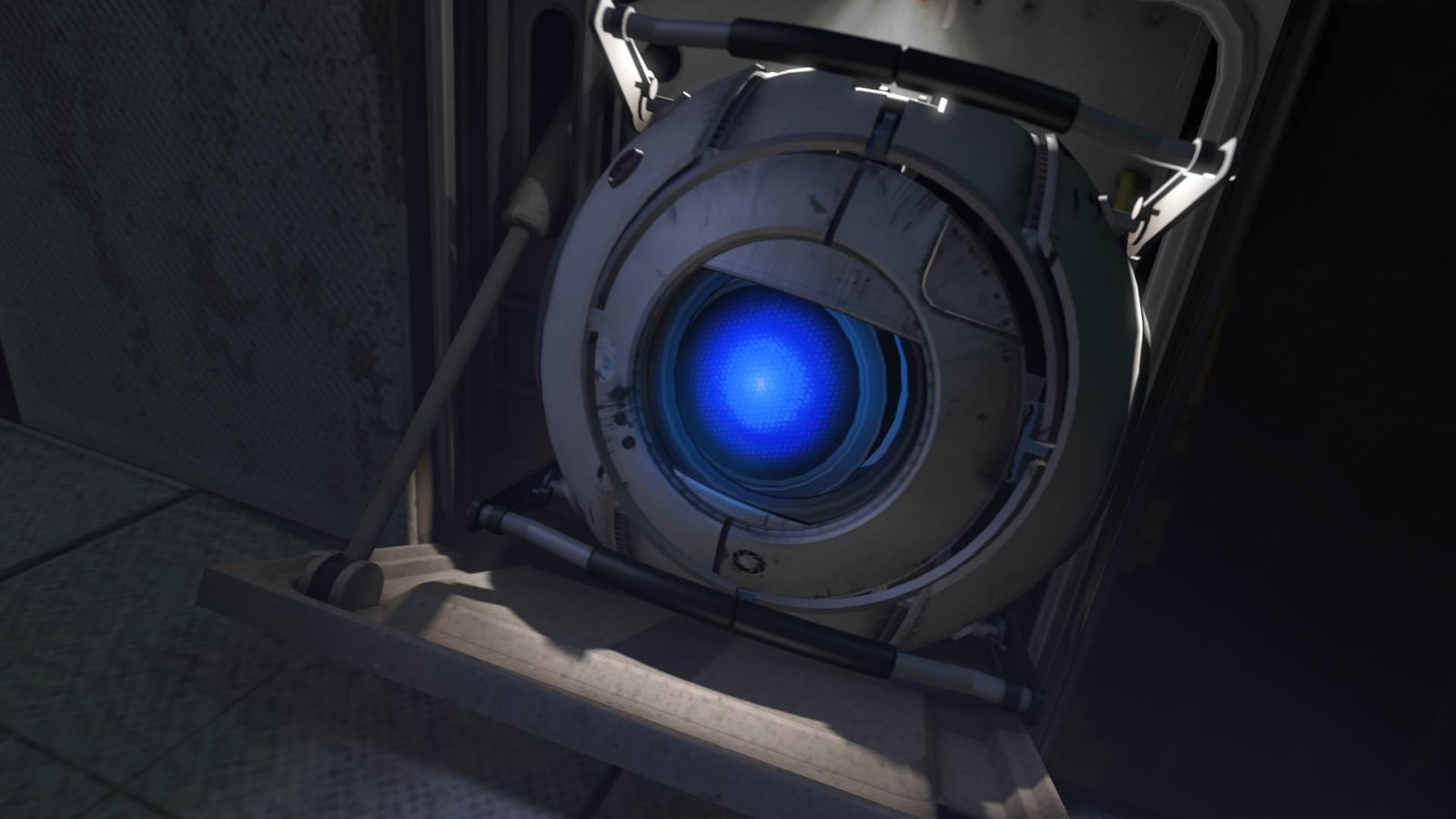
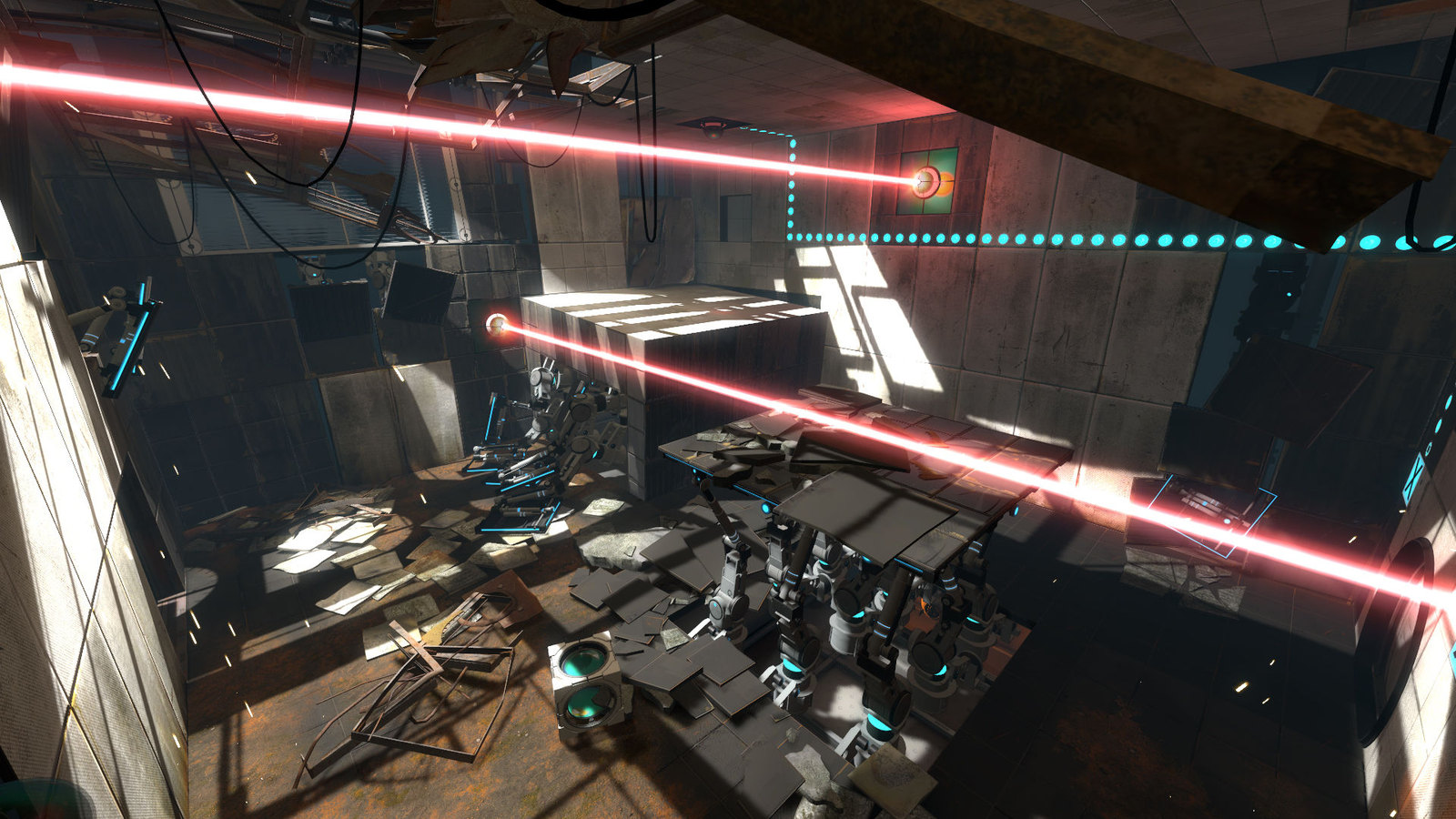
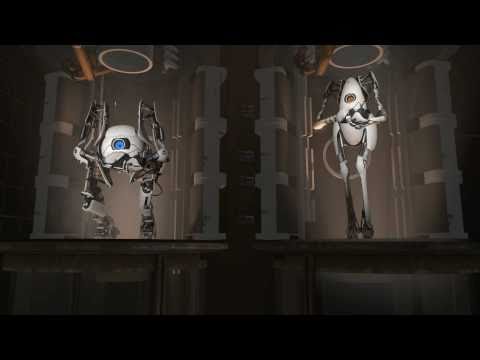
A puzzle game with a portal gun, a brilliant script and a separate two player co-op campaign. It needs 2GB of RAM, and Valve's minimum includes Intel HD Graphics 2000 or higher. The co-op levels are separate from the story, so a friend can join without spoilers. For free games to play with the same friend, see our best free multiplayer PC games.
 Video: Valve on YouTube
Left 4 Dead 2
- Min RAM
- 2GB50% of 4GB
- Install size
- 13GB
- Price
- ₹509
- Integrated graphics
- Not named
Minimum graphics: Video card with 128 MB, Shader model 2.0. ATI X800, NVidia 6600 or better
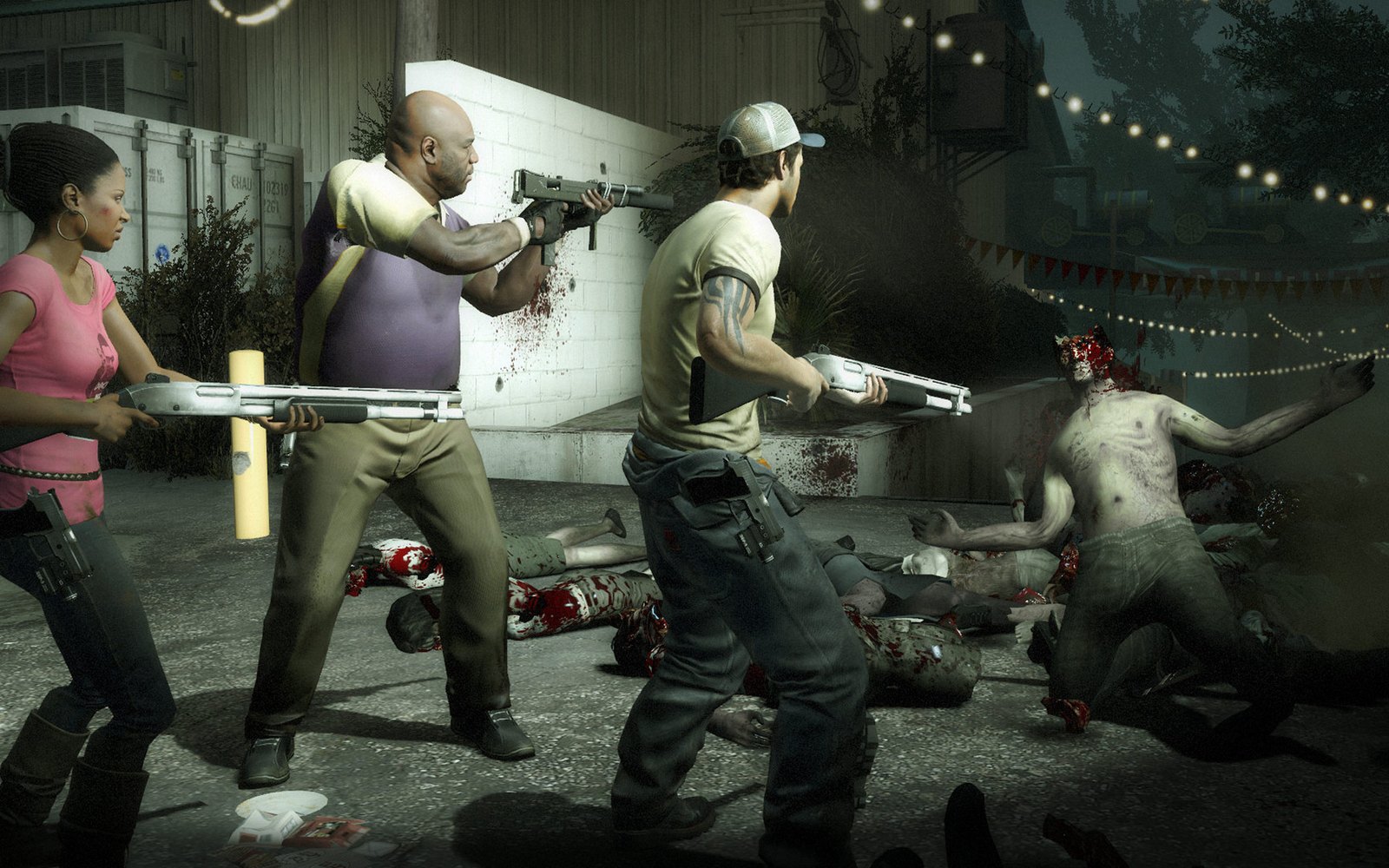
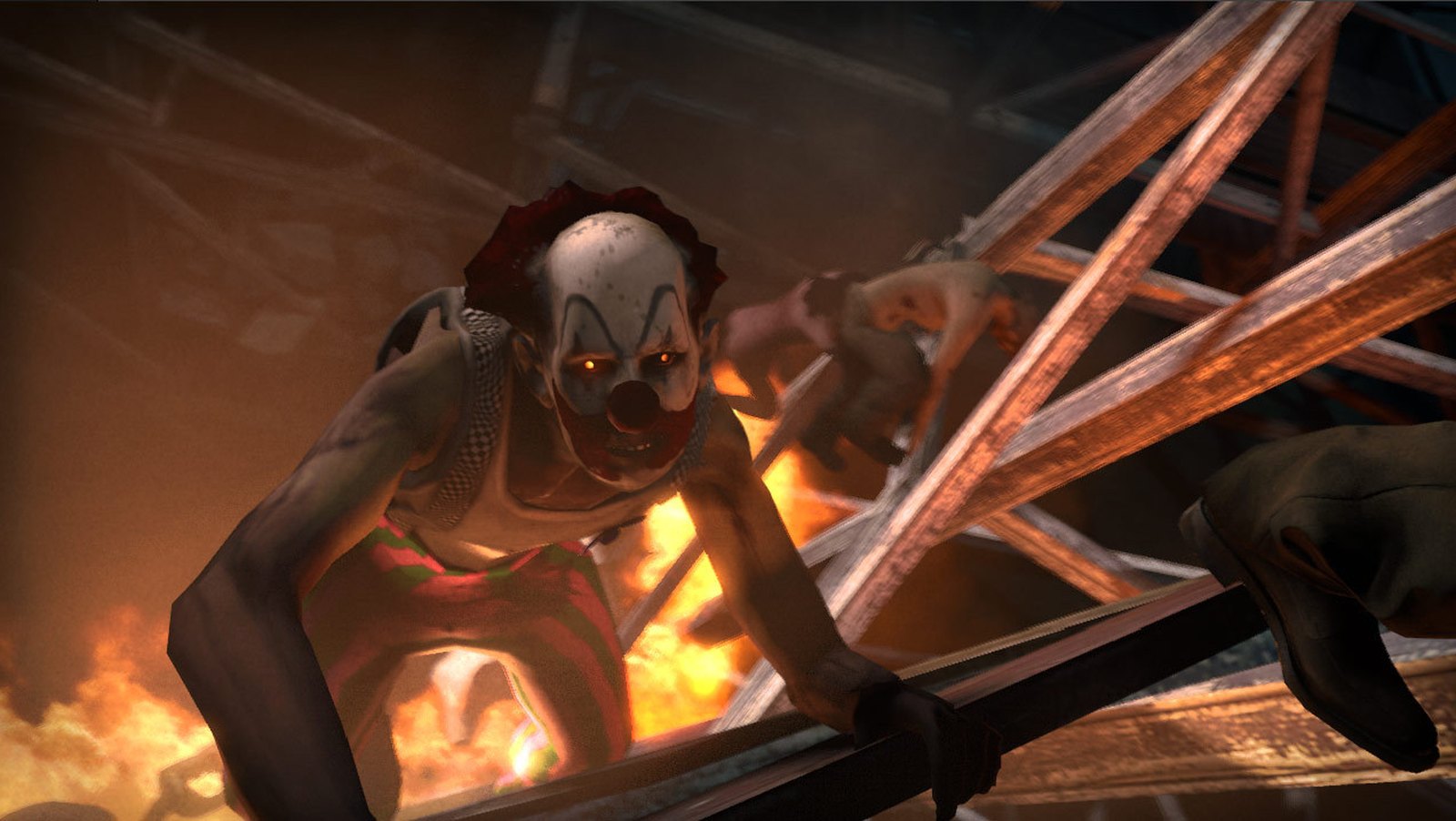
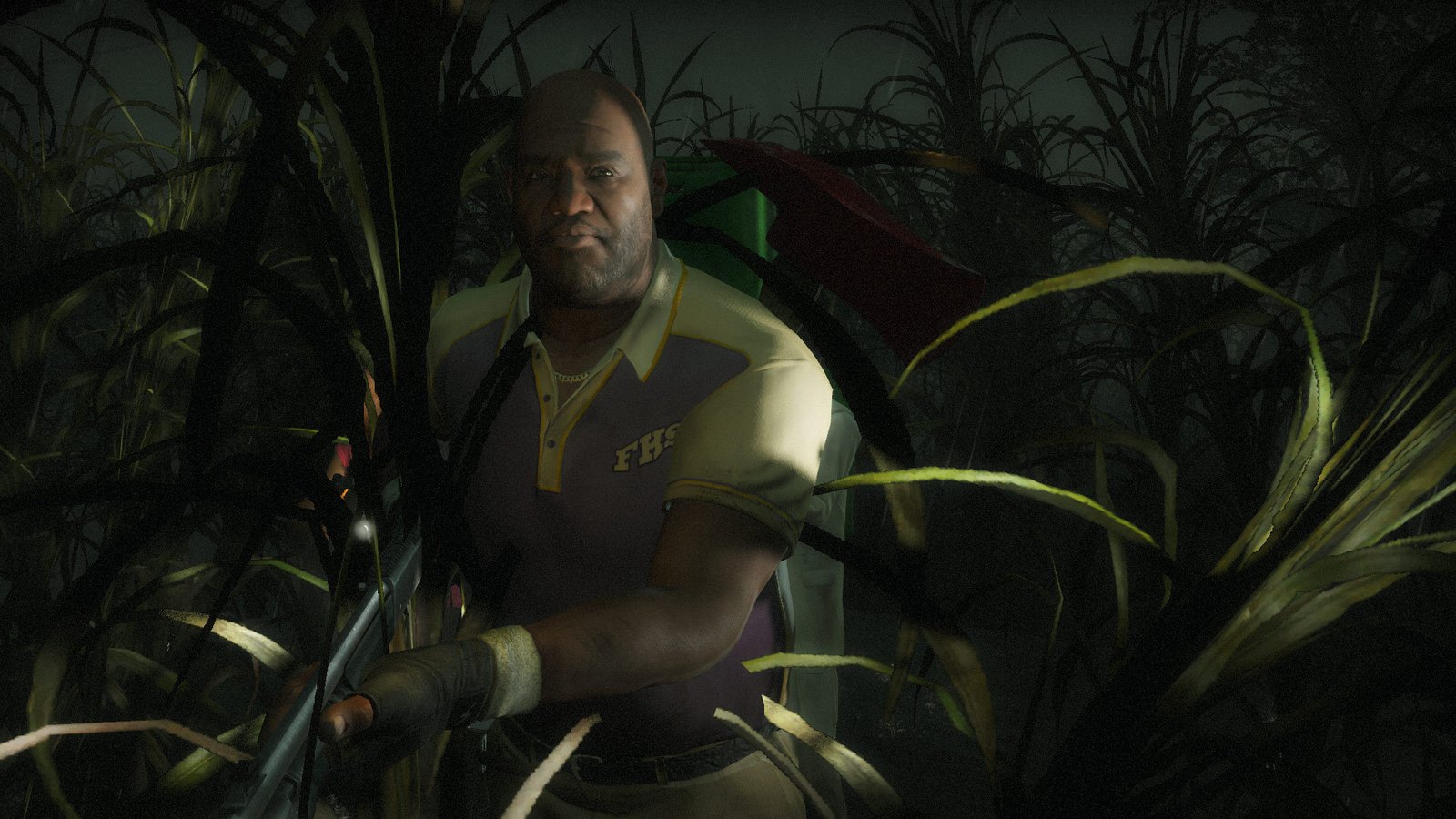
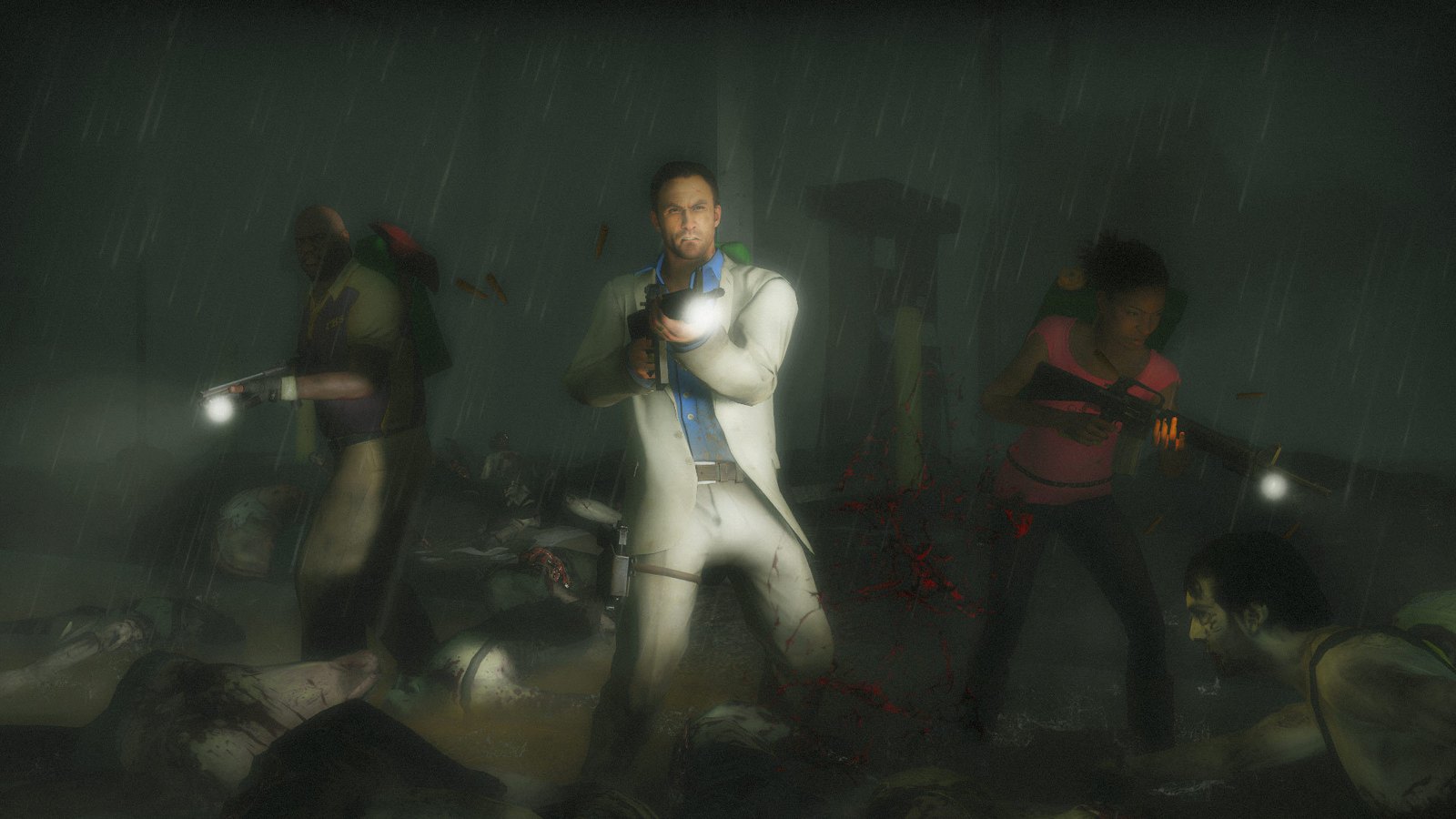
Four players, endless zombies, and an AI Director that changes what you face every run. It's the classic co-op shooter for friends on old PCs, with over a million Steam reviews at 97.5% positive. Its minimum asks for a 128MB graphics card, so even very old dedicated chips cope. A headset with a mic makes it much better; see our best gaming headphones under ₹3,000.
 Video: Valve on YouTube
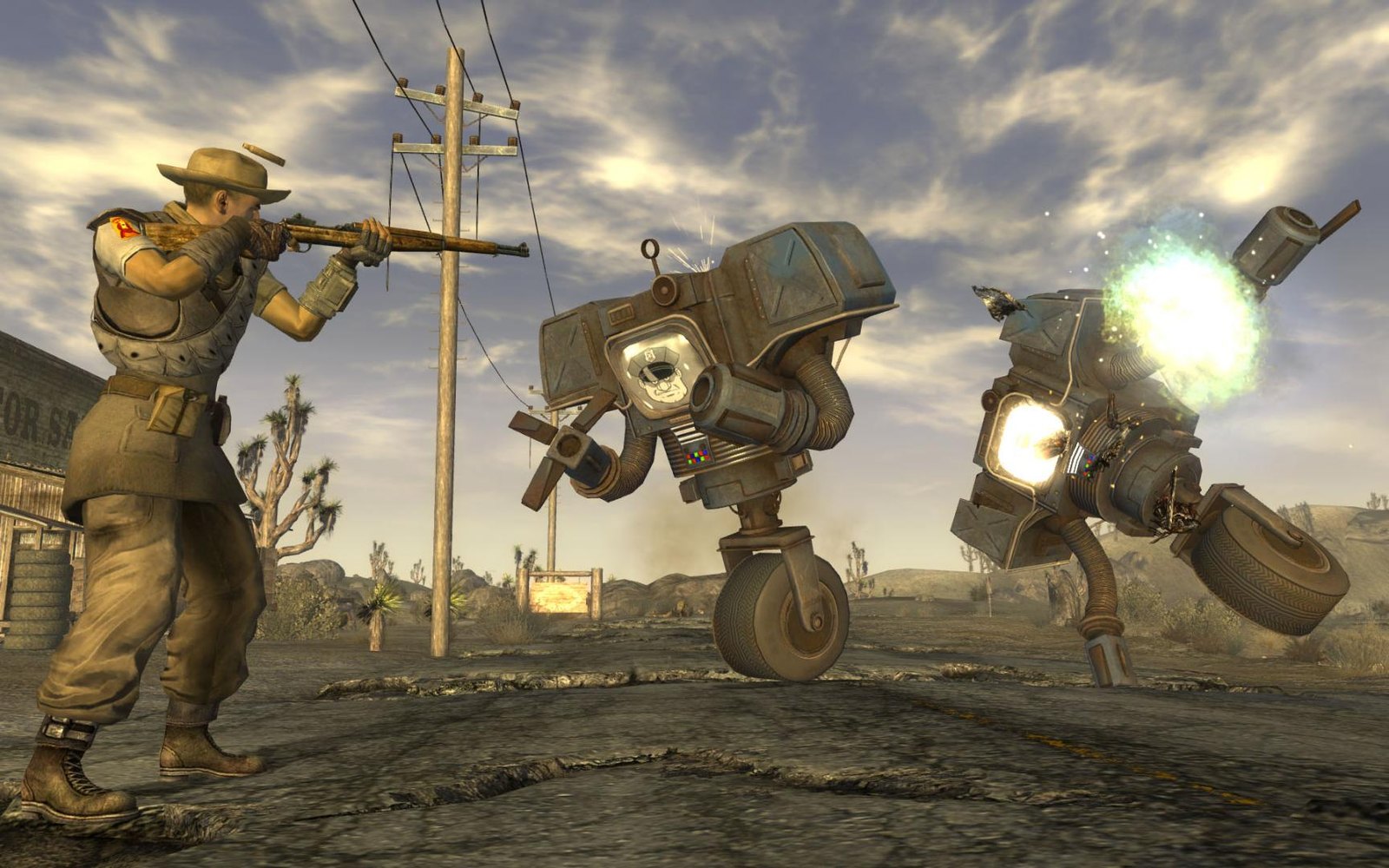
Fallout: New Vegas
- Min RAM
- 2GB50% of 4GB
- Install size
- 10GB
- Price
- ₹449 (₹112 on sale)
- Integrated graphics
- Not named
Minimum graphics: NVIDIA GeForce 6 series, ATI 1300XT series
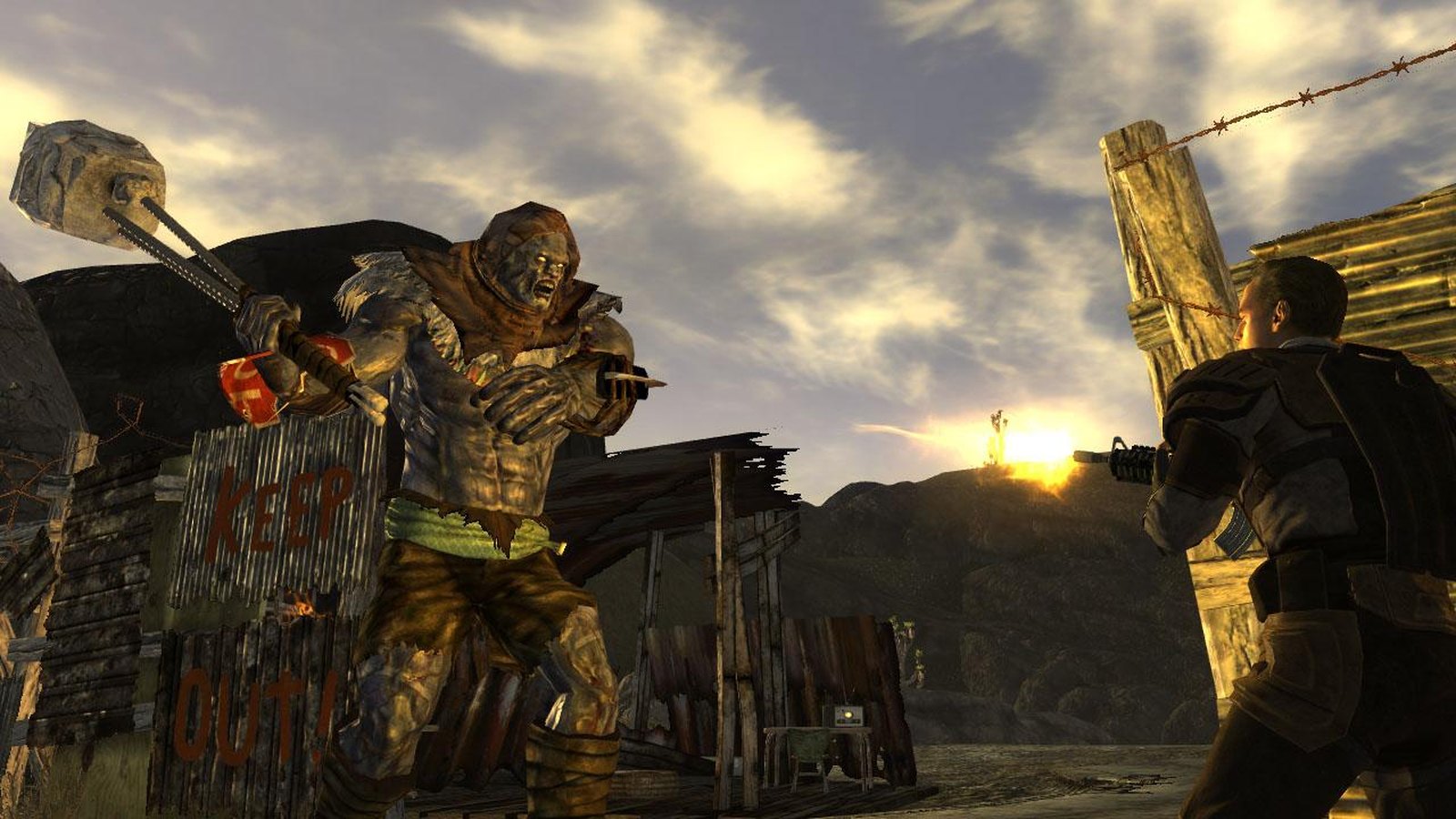
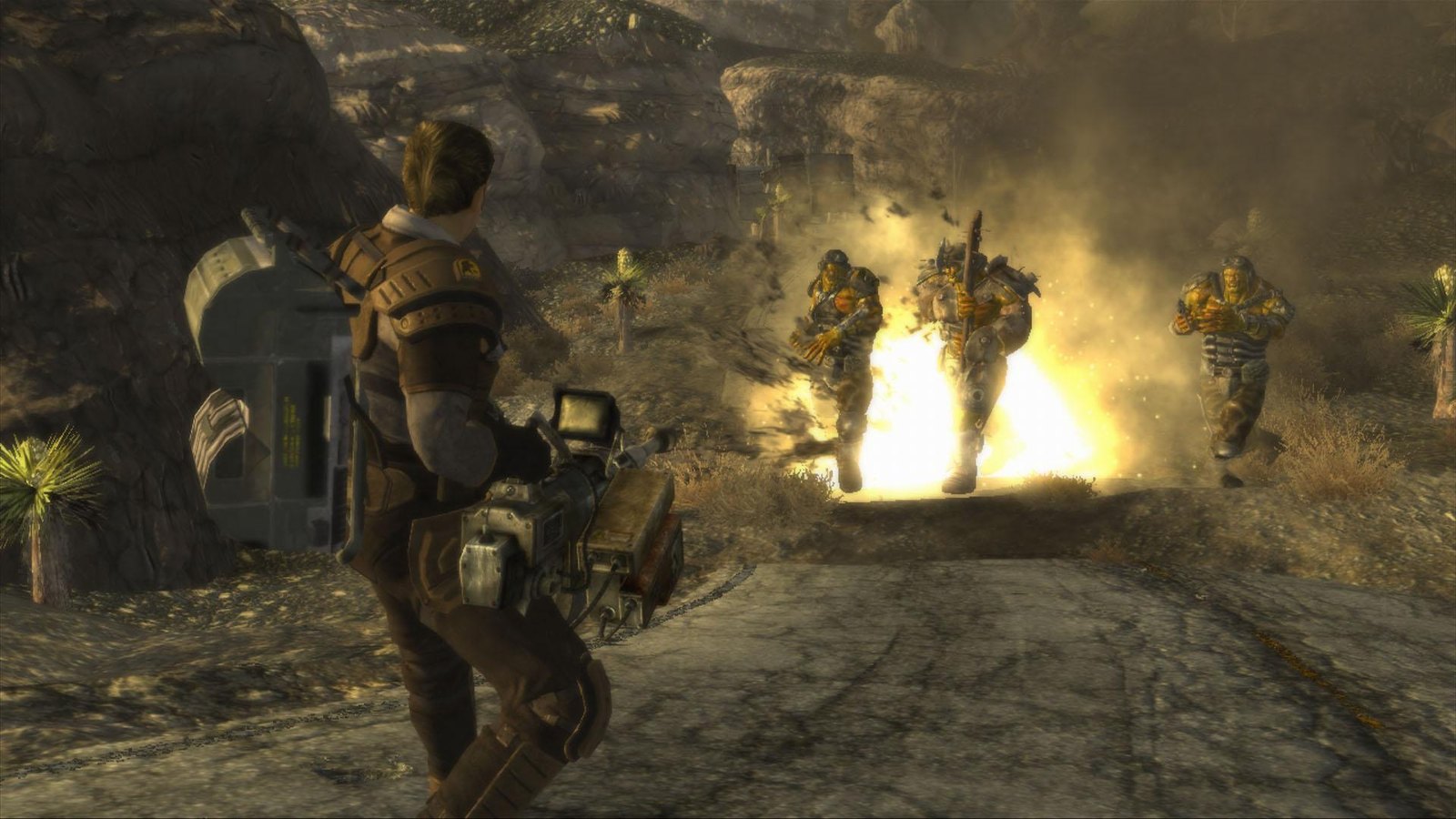
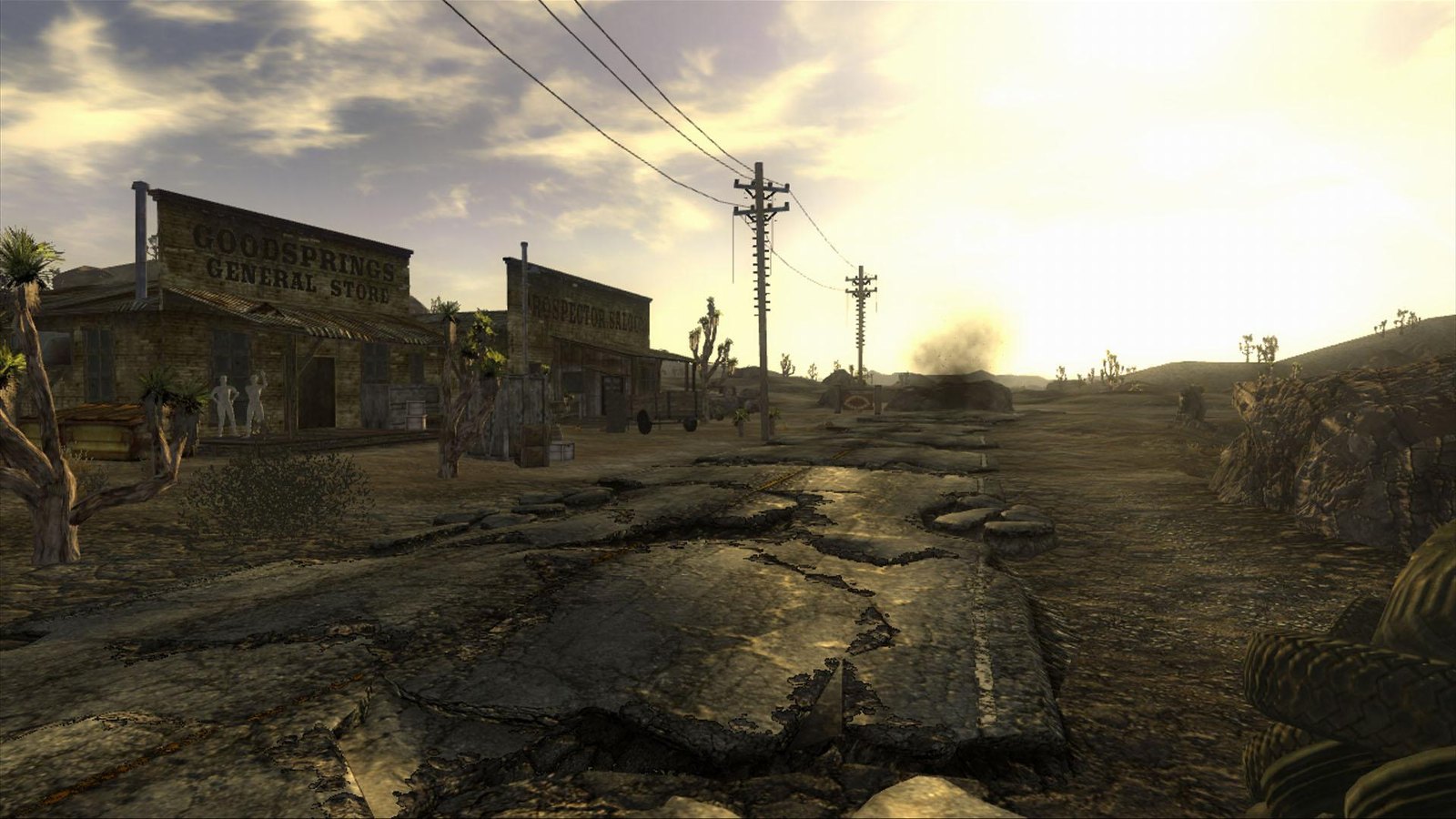
A post apocalyptic Mojave desert full of factions, choices and some of the best writing in any RPG. It's also one of the cheapest games here when Steam runs a sale. Want more crime and open world sandboxes? See our games like GTA for low end PCs.
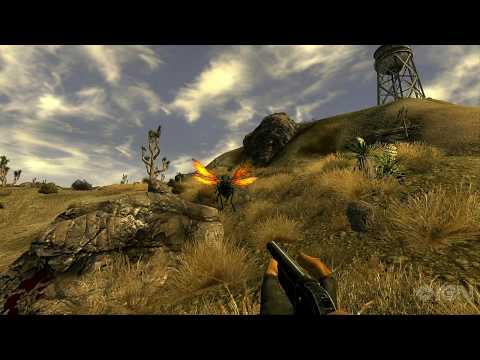 Video: IGN on YouTube
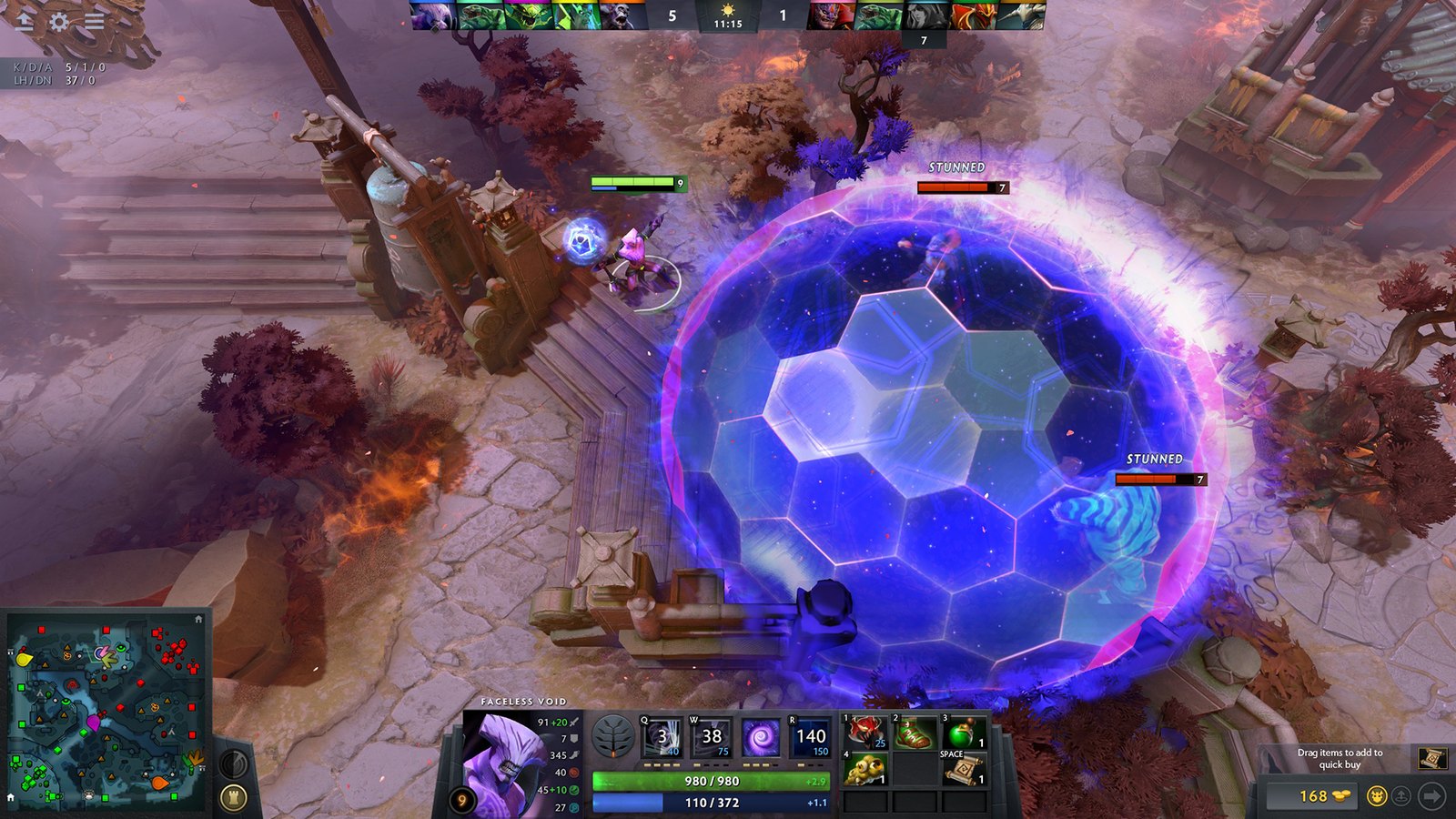
Dota 2
- Min RAM
- 4GBall of 4GB
- Install size
- 60GB
- Price
- Free
- Integrated graphics
- Not named
Minimum graphics: NVIDIA GeForce 8600/9600GT, ATI/AMD Radeon HD2600/3600
Valve's free MOBA, still one of the most played games on Steam. The official minimum is 4GB of RAM, but the download is the catch: 60GB of storage, the largest here by far. On a 4GB laptop, lower the in game resolution first.
League of Legends
- Min RAM
- 2GB50% of 4GB
- Install size
- 16GB
- Price
- Free
- Integrated graphics
- Officially OK
Minimum graphics: GeForce 400 Series / AMD HD 6570 / Intel HD 4600
If Dota 2 is too heavy, this is the MOBA for you. Riot's own minimum is just 2GB of RAM with Intel HD 4600 integrated graphics, and it takes 16GB of storage. Riot recommends 4GB for smooth play, which is exactly what you have.
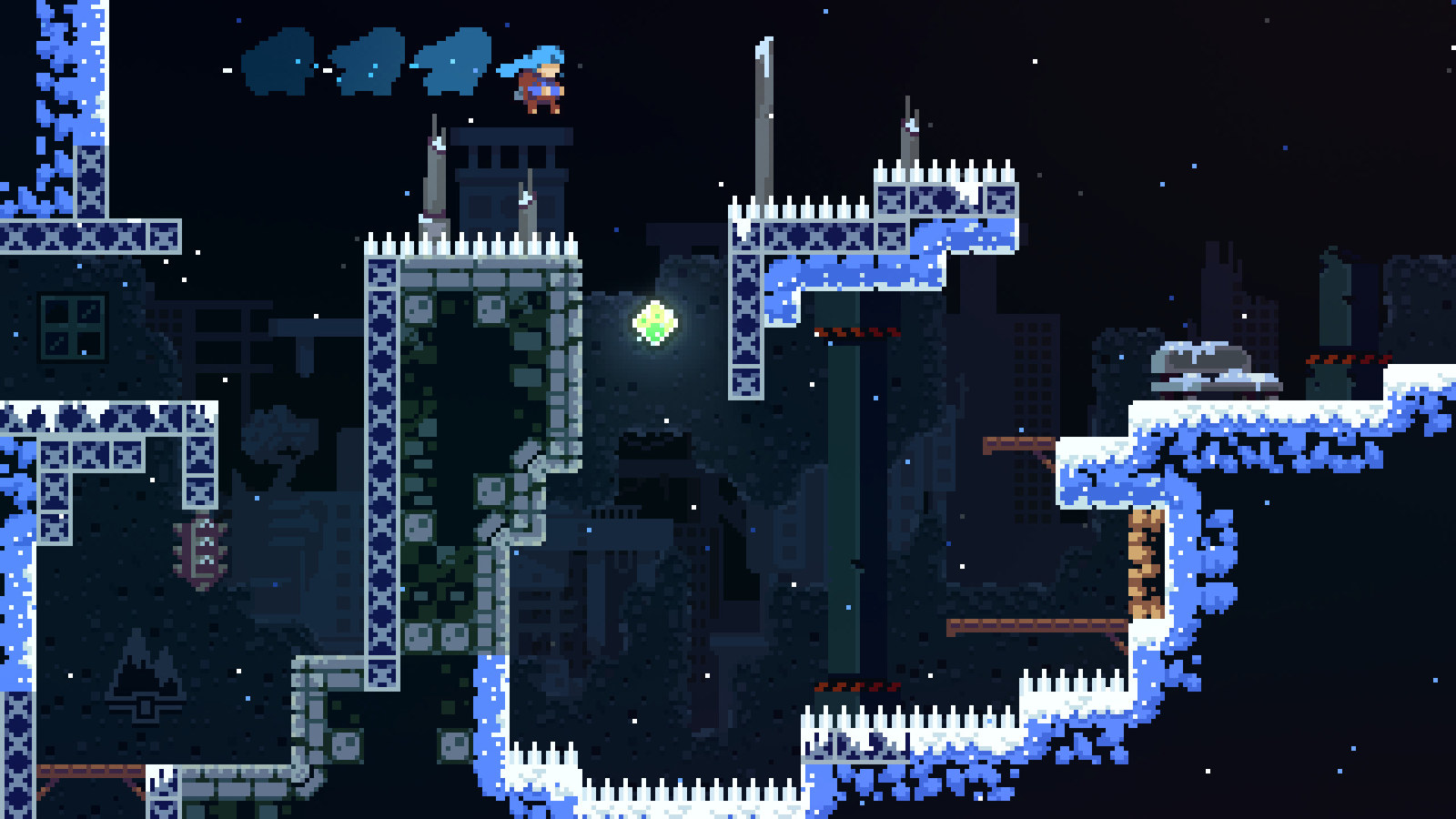
Celeste
- Min RAM
- 2GB50% of 4GB
- Install size
- 1.2GB
- Price
- ₹899 (₹224 on sale)
- Integrated graphics
- Officially OK
Minimum graphics: Intel HD 4000
A tough, precise platformer about climbing a mountain, with a story about anxiety that hits harder than you'd expect. The official minimum is 2GB of RAM and Intel HD 4000 graphics, so it suits laptops with no graphics card. More games that run on any laptop in our best games for low end laptops.
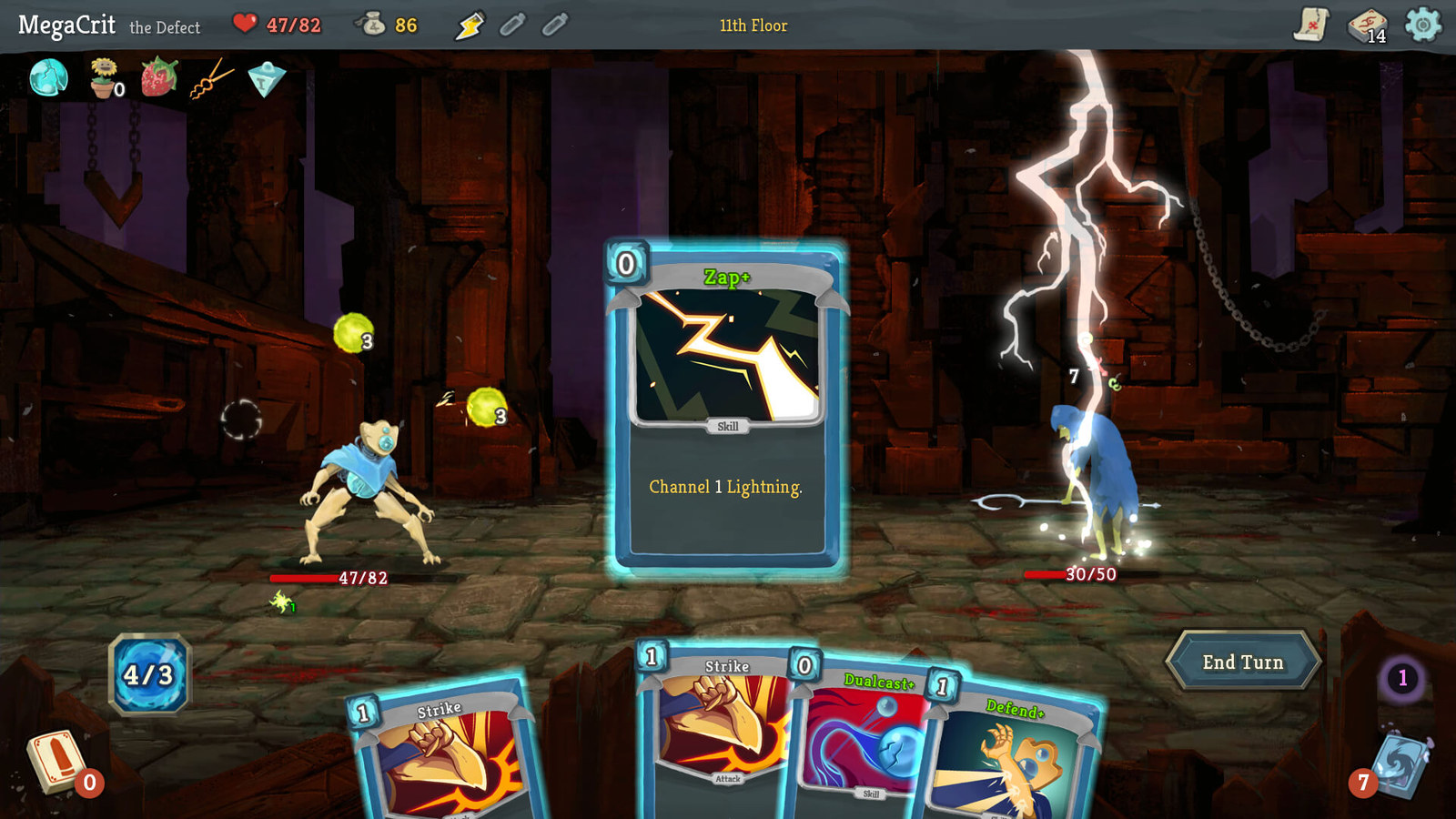
Slay the Spire
- Min RAM
- 2GB50% of 4GB
- Install size
- 1GB
- Price
- ₹1,100 (₹275 on sale)
- Integrated graphics
- Not named
Minimum graphics: 1Gb Video Memory, capable of OpenGL 3.0+ support (2.1 with ARB extensions acceptable)
Build a deck as you climb the spire, and no two runs play the same. Slay the Spire 2 (2026) asks for 4GB and a DirectX 12 or Vulkan card, so the first game is the safer pick.
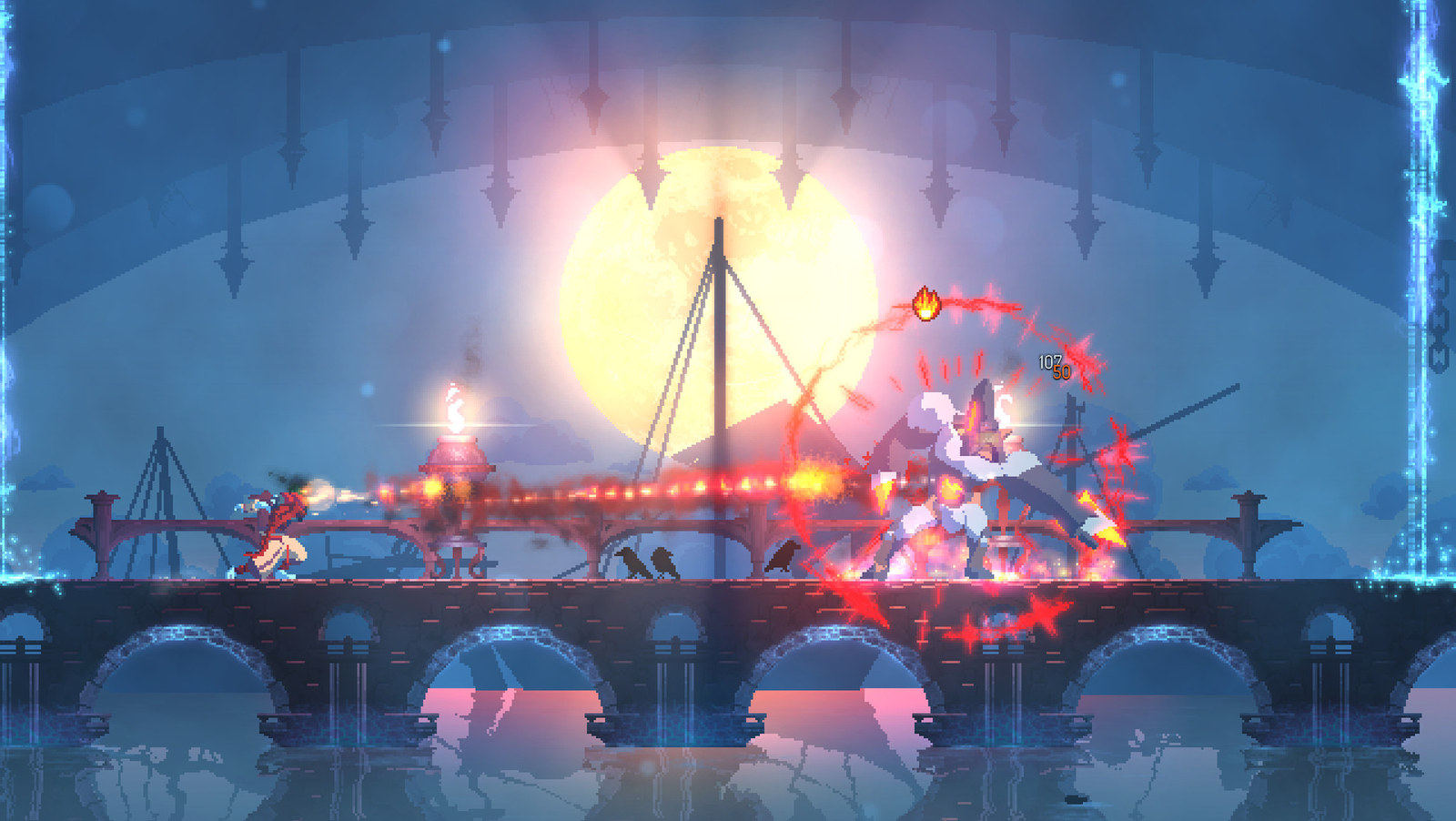
Dead Cells
- Min RAM
- 2GB50% of 4GB
- Install size
- 500MB
- Price
- ₹629 (₹314 on sale)
- Integrated graphics
- Not named
Minimum graphics: Nvidia 450 GTS / Radeon HD 5750 or better
Fast, brutal 2D combat where you die, unlock something new and go again. Its minimum names a GTS 450 class card, so on integrated graphics try Celeste first. Each run is short, and new weapons keep it fresh for a long time.
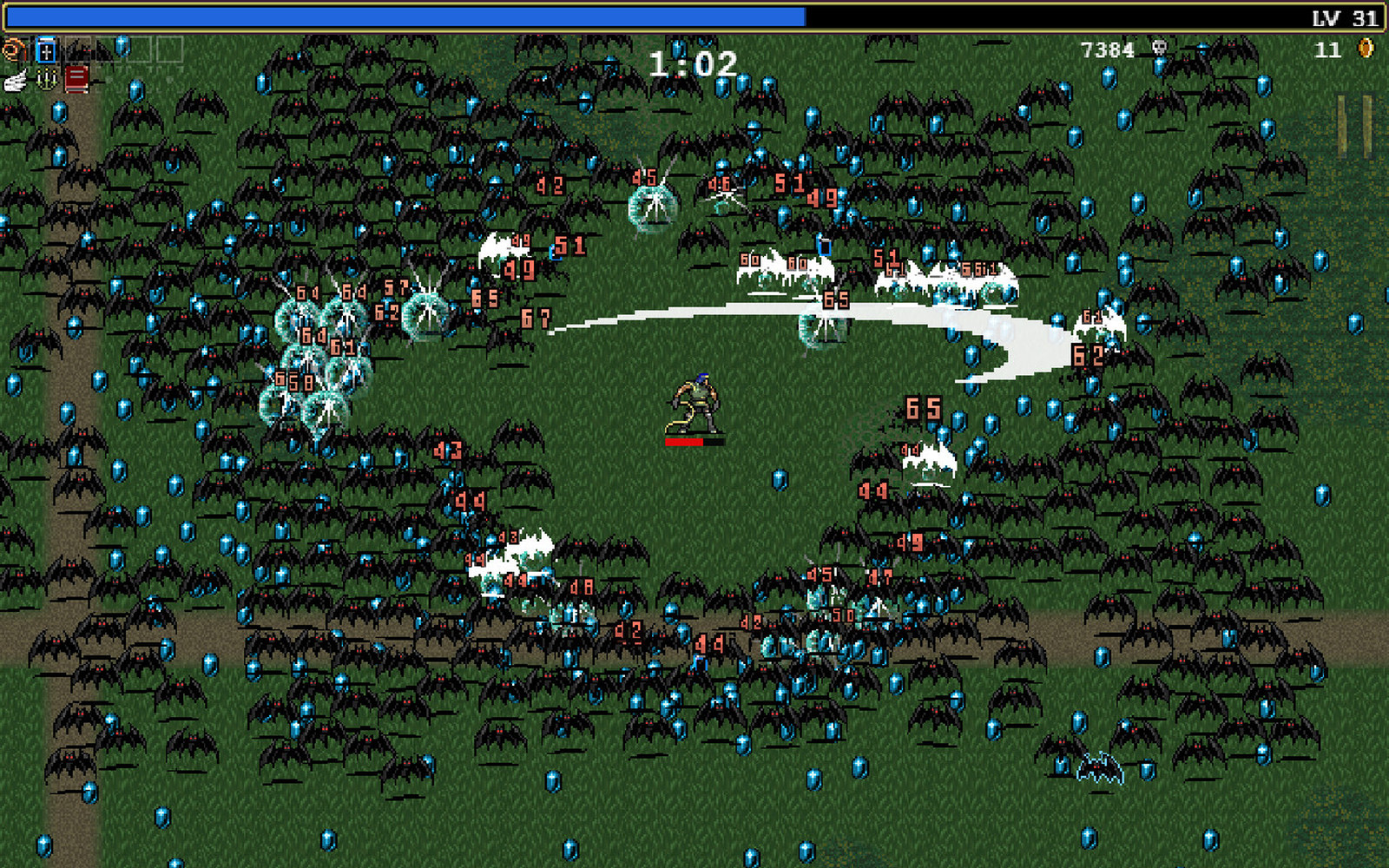
Vampire Survivors
- Min RAM
- 1GB25% of 4GB
- Install size
- 2.5GB
- Price
- ₹249 (₹186 on sale)
- Integrated graphics
- Not named
Minimum graphics: DX11, DX12 capable
You walk, your weapons fire themselves, and in 30 minutes the screen fills with thousands of monsters and explosions. It's the game that started a whole genre, and online co-op is included.
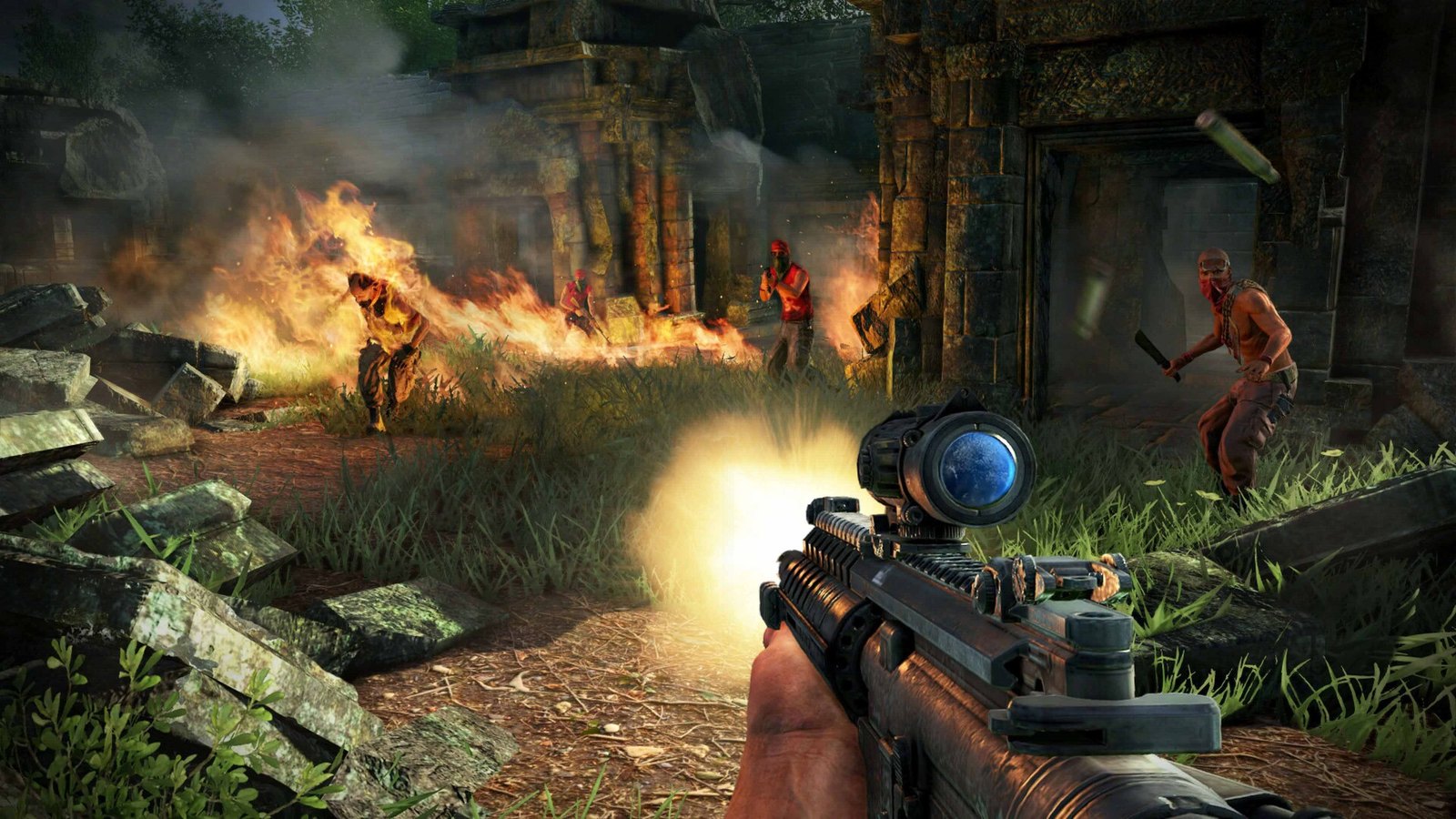
Far Cry 3
- Min RAM
- 4GBall of 4GB
- Install size
- 15GB
- Price
- ₹999
- Integrated graphics
- Not named
Minimum graphics: 512MB Video RAM (1GB Video RAM), DirectX9c (DirectX11) Shader Model 3.0 (Shader Model 5.0)
A tropical island, a memorable villain and outposts to clear however you like. The official minimum really is 4GB of RAM, with a 512MB graphics card. It's one of the heaviest games here, so start on low settings.
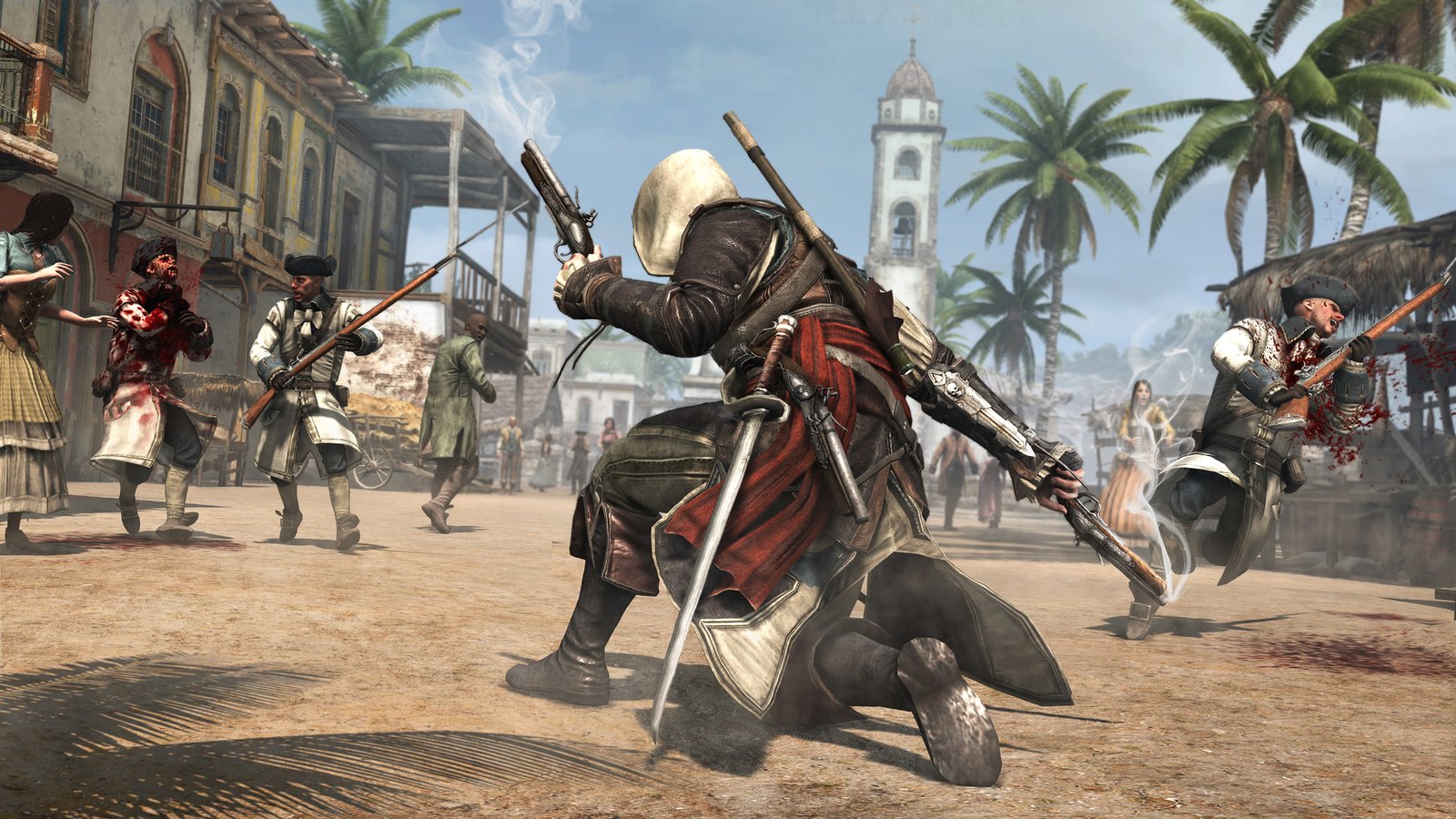
Assassin's Creed IV Black Flag
- Min RAM
- 2GB50% of 4GB
- Install size
- 30GB
- Price
- ₹1,999
- Integrated graphics
- Not named
Minimum graphics: Nvidia Geforce GTX 260 or AMD Radeon HD 4870 (512MB VRAM with shader Model 4.0 or higher)
Sail your own pirate ship around the Caribbean, board other ships and dive for treasure. Many fans still call it the best Assassin's Creed. It lists only 2GB of RAM, but it does want a GTX 260 class graphics card and 30GB of storage.
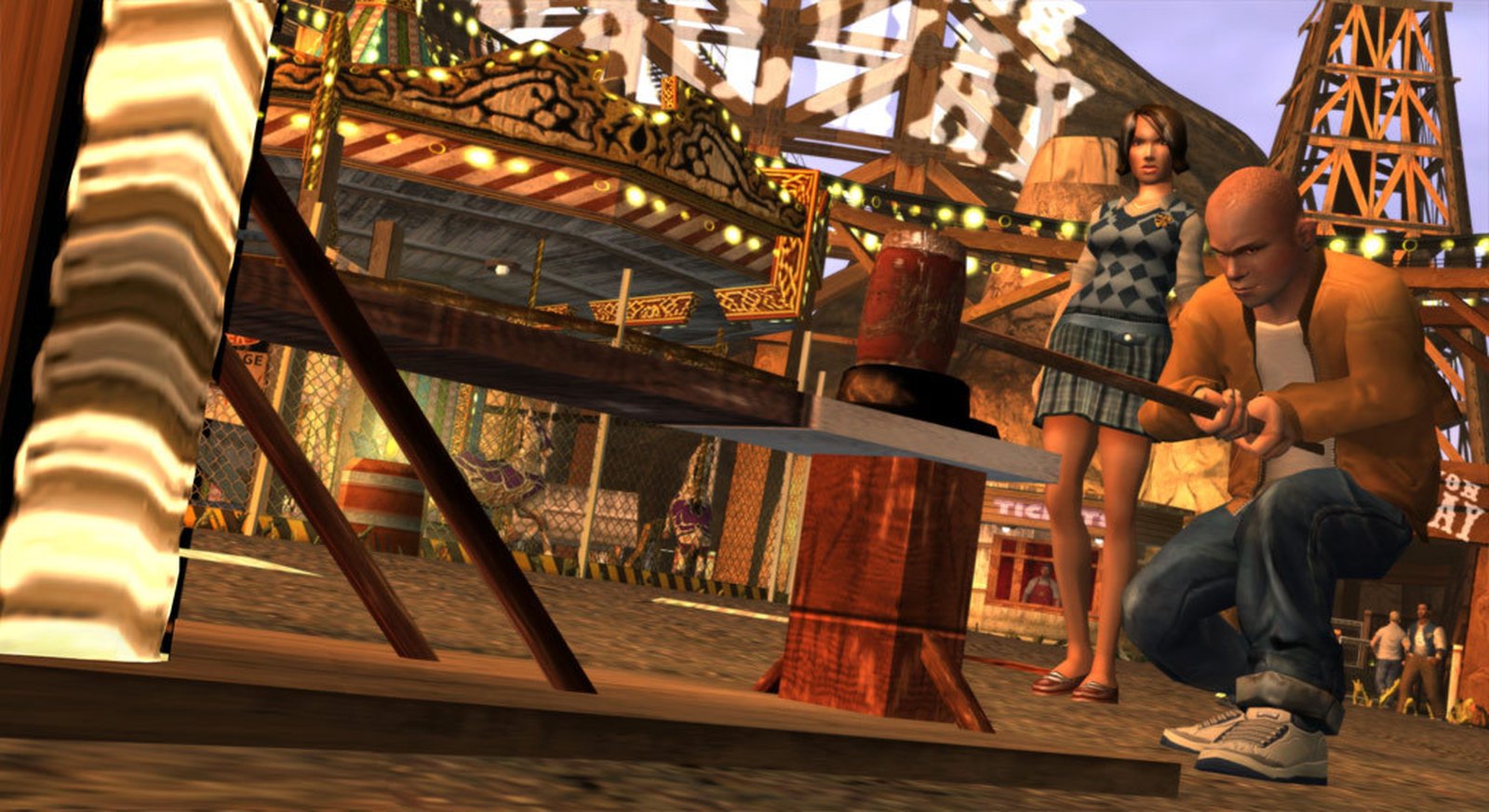
Bully: Scholarship Edition
- Min RAM
- 1GB25% of 4GB
- Install size
- 4.7GB
- Price
- ₹783 (₹274 on sale)
- Integrated graphics
- Not named
Minimum graphics: DirectX 9.0c Shader 3.0 supported, Nvidia 6800 or 7300 or better, ATI Radeon X1300 or…
Rockstar's school sandbox, often called 'GTA in a school'. It's a better pick than the GTA trilogy on 4GB, because the original San Andreas and Vice City aren't sold anymore and the Definitive Editions need 8GB. More picks like this in our games like GTA for low end PCs.
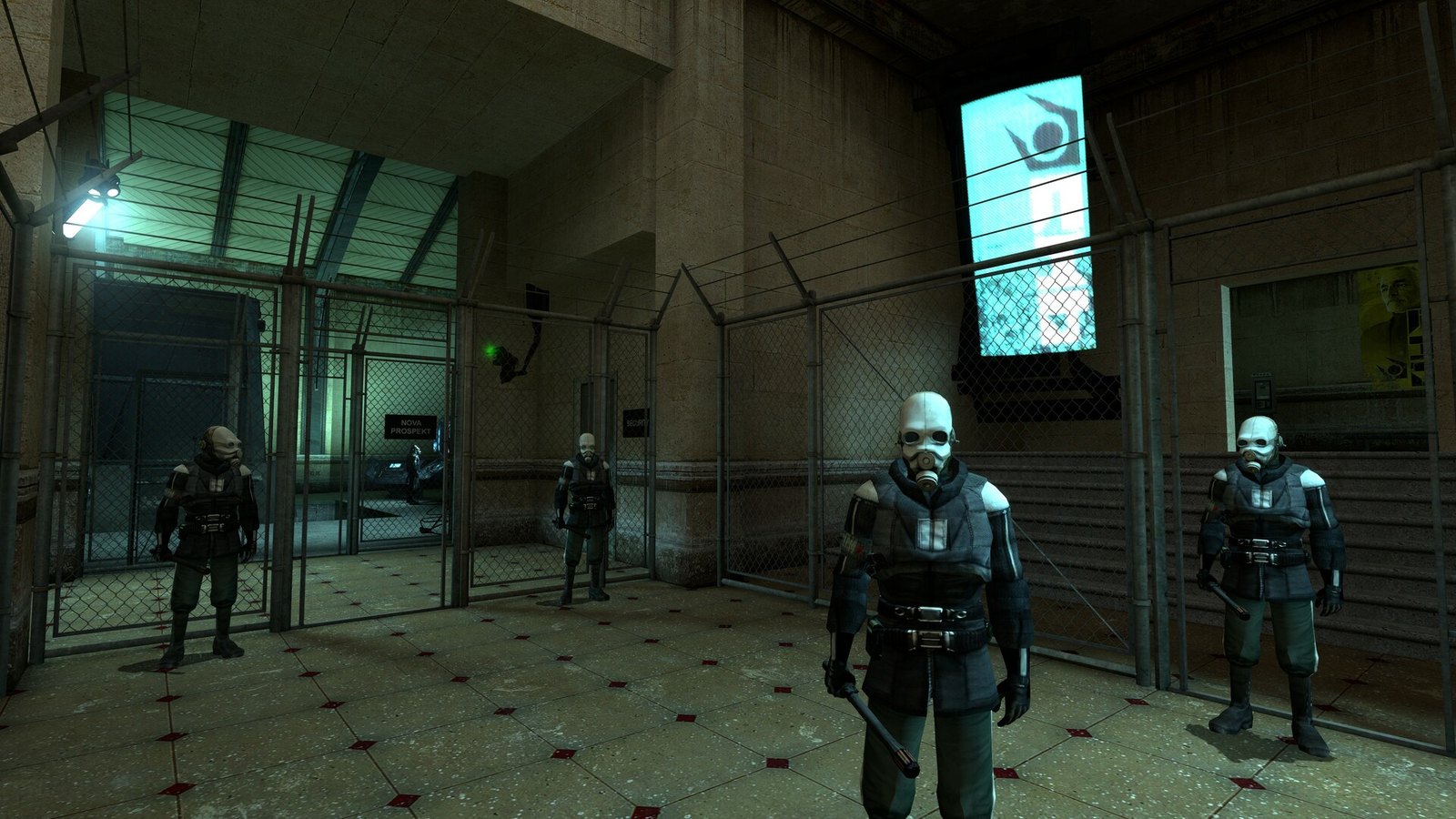
Half-Life 2
- Min RAM
- 512MB12% of 4GB
- Install size
- 6.5GB
- Price
- ₹509
- Integrated graphics
- Not named
Minimum graphics: DirectX 8.1 level Graphics Card (requires support for SSE)
A classic story shooter with physics puzzles, the gravity gun and a story that never stops moving. Both episodes are included now.
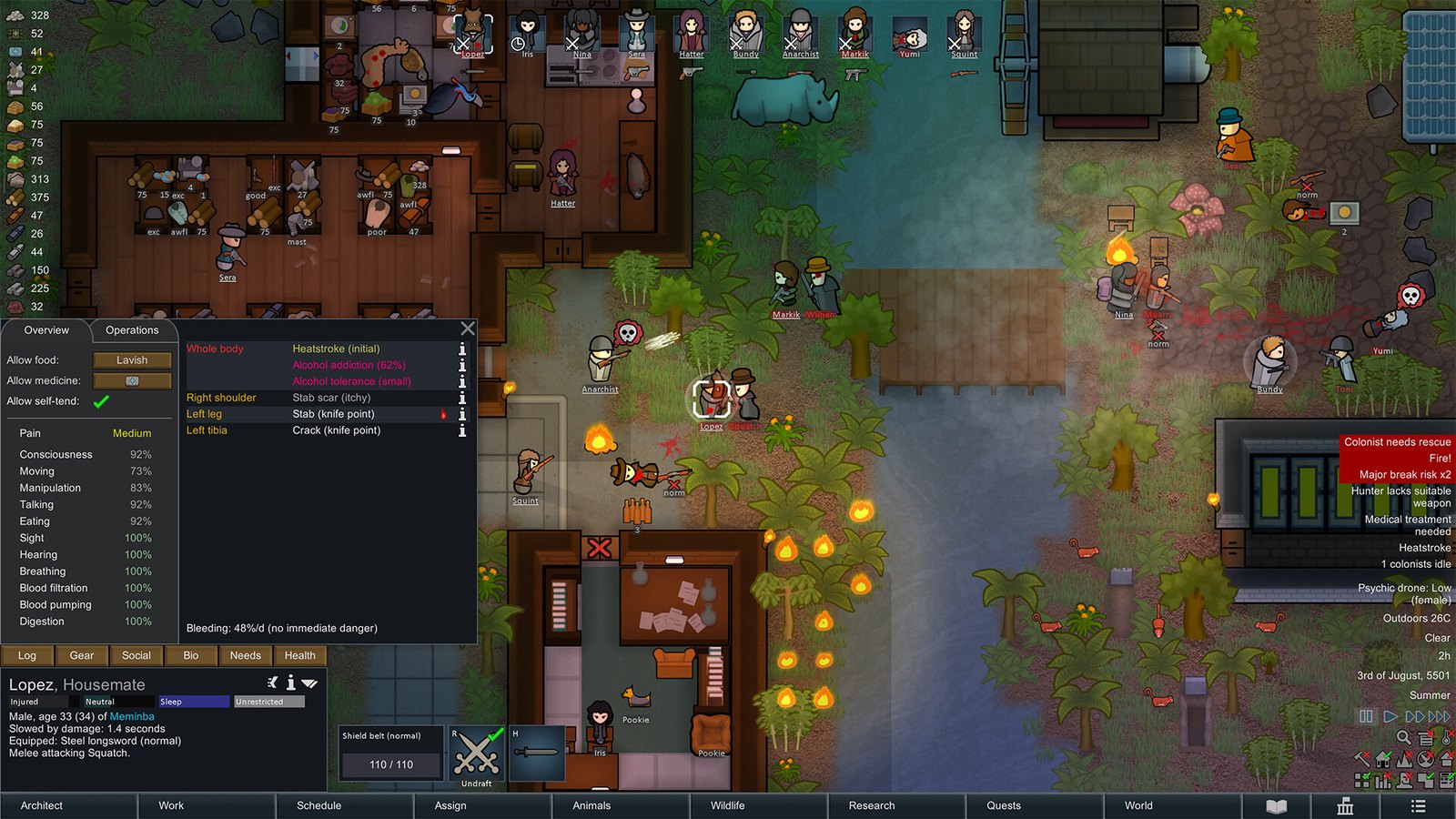
RimWorld
- Min RAM
- 4GBall of 4GB
- Install size
- 1GB
- Price
- ₹1,500 (₹1,200 on sale)
- Integrated graphics
- Officially OK
Minimum graphics: Intel HD Graphics 4000 or other shader model 4.0
A colony sim where an AI storyteller throws raids, diseases and drama at your little group of survivors. The official minimum is 4GB of RAM and Intel HD Graphics 4000, so it's designed for exactly this kind of machine. Late game colonies get heavy, so keep them small.
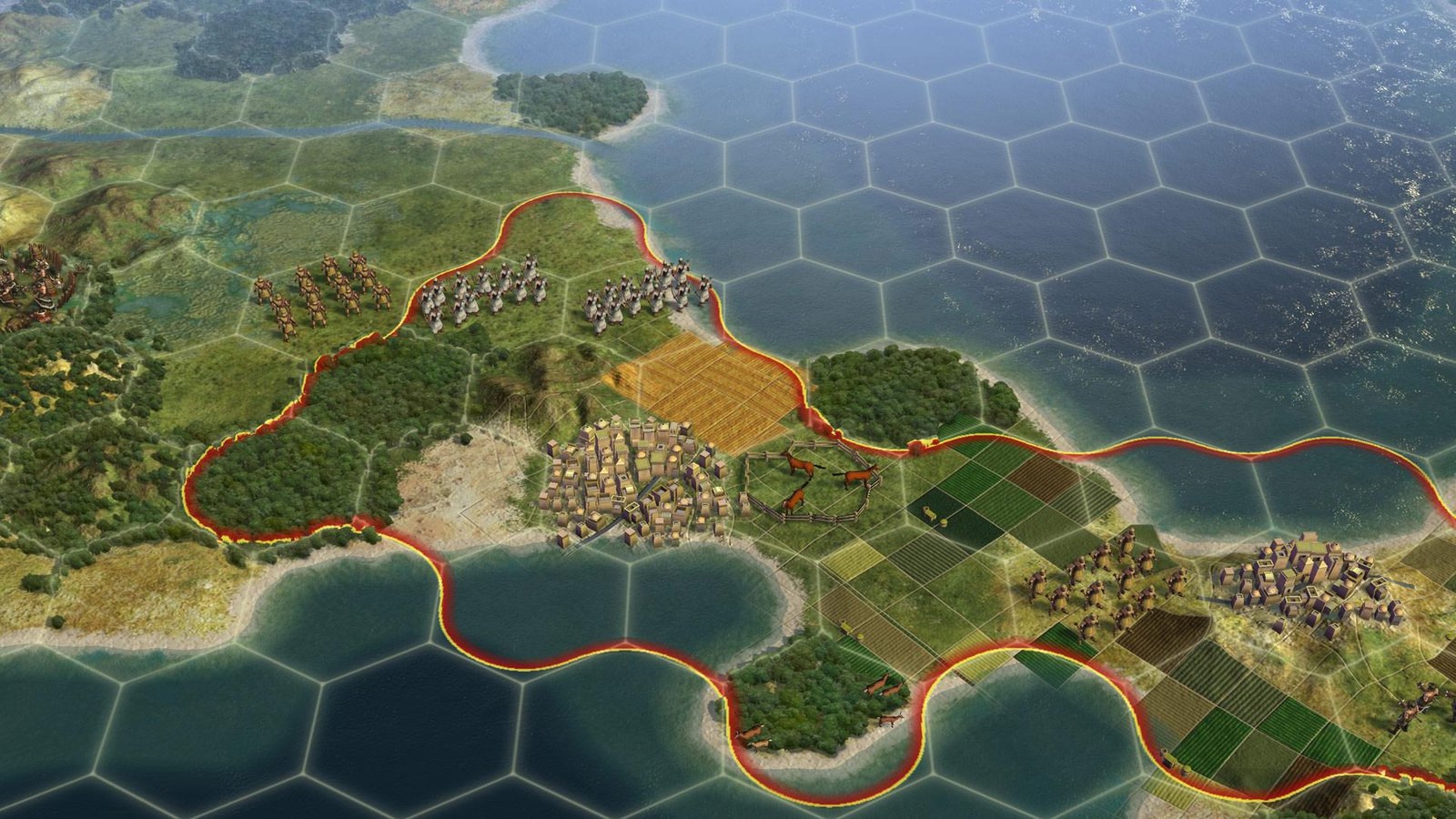
Civilization V
- Min RAM
- 2GB50% of 4GB
- Install size
- 8GB
- Price
- ₹1,499
- Integrated graphics
- Officially OK
Minimum graphics: 256 MB ATI HD2600 XT or better, 256 MB nVidia 7900 GS or better, or Core i3 or better…
'One more turn' strategy at its best. Build an empire from the stone age to the space age. It needs 2GB of RAM, and the official minimum includes Core i3 integrated graphics.
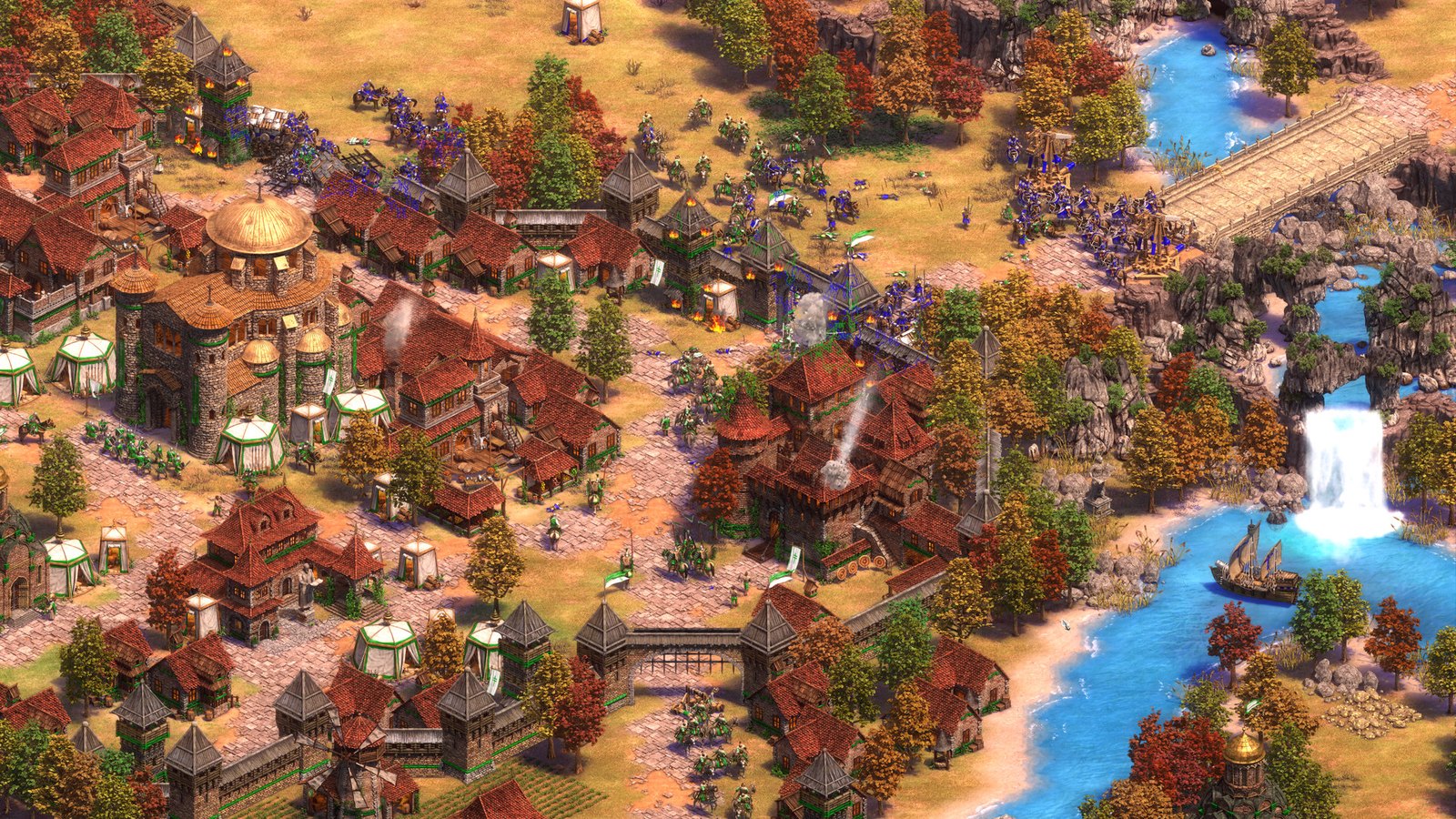
Age of Empires II: Definitive Edition
- Min RAM
- 4GBall of 4GB
- Install size
- 15GB
- Price
- ₹1,399
- Integrated graphics
- Officially OK
Minimum graphics: NVIDIA® GeForce® GT 420 or ATI™ Radeon™ HD 6850 or Intel® HD Graphics 4000 or better with…
The classic RTS, remastered. The official minimum is 4GB of RAM. Steam names Intel HD Graphics 4000 but also asks for 2GB of video memory, which an integrated chip takes from your 4GB, so expect it to be tight. Start with smaller maps.
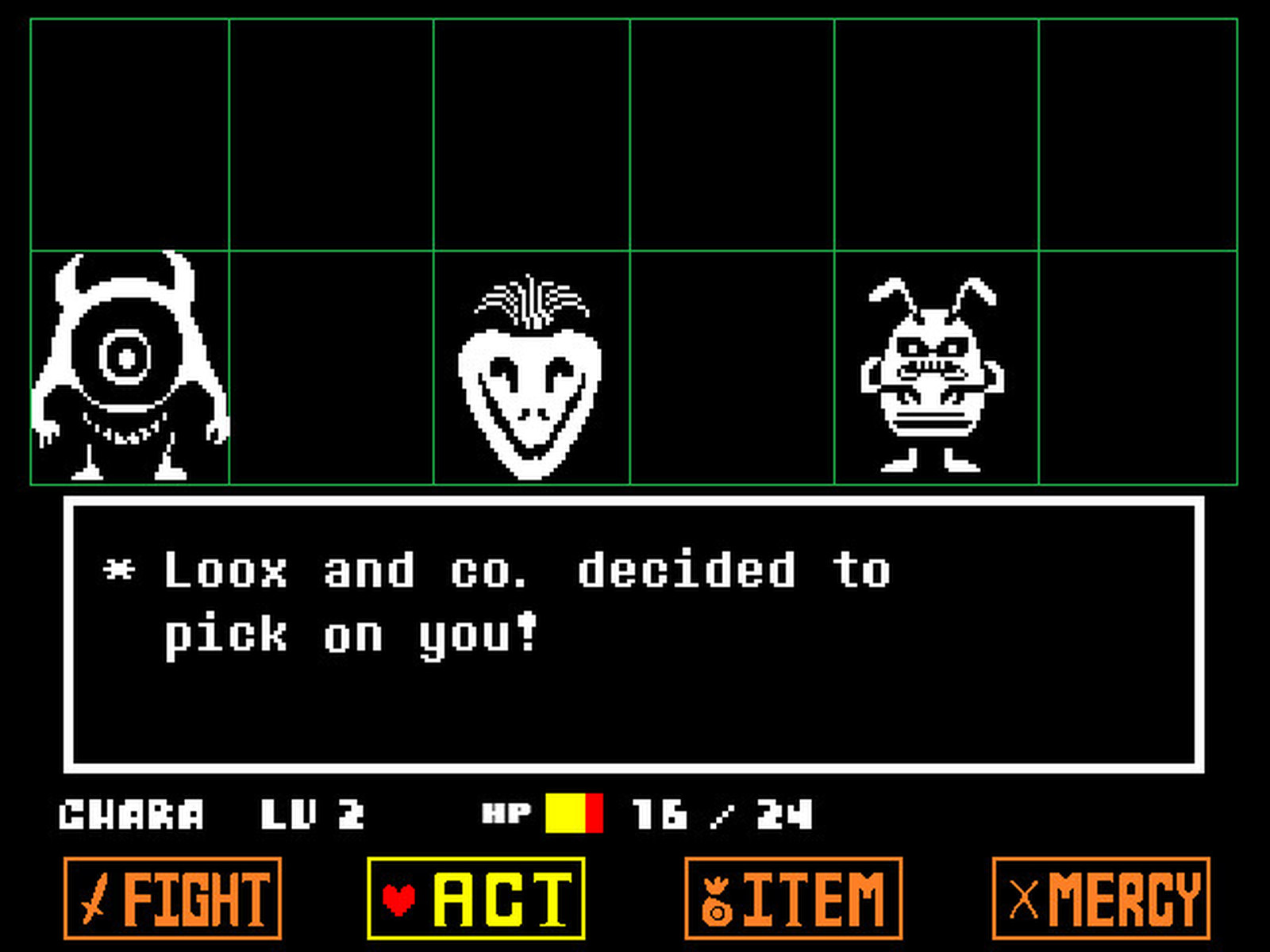
Undertale
- Min RAM
- 2GB50% of 4GB
- Install size
- 200MB
- Price
- ₹369 (₹92 on sale)
- Integrated graphics
- Not named
Minimum graphics: 128MB
An RPG where you never have to kill anyone, and the game remembers what you did. It's a short, funny game you can finish in a weekend. Deltarune, from the same creator, also needs only 2GB.
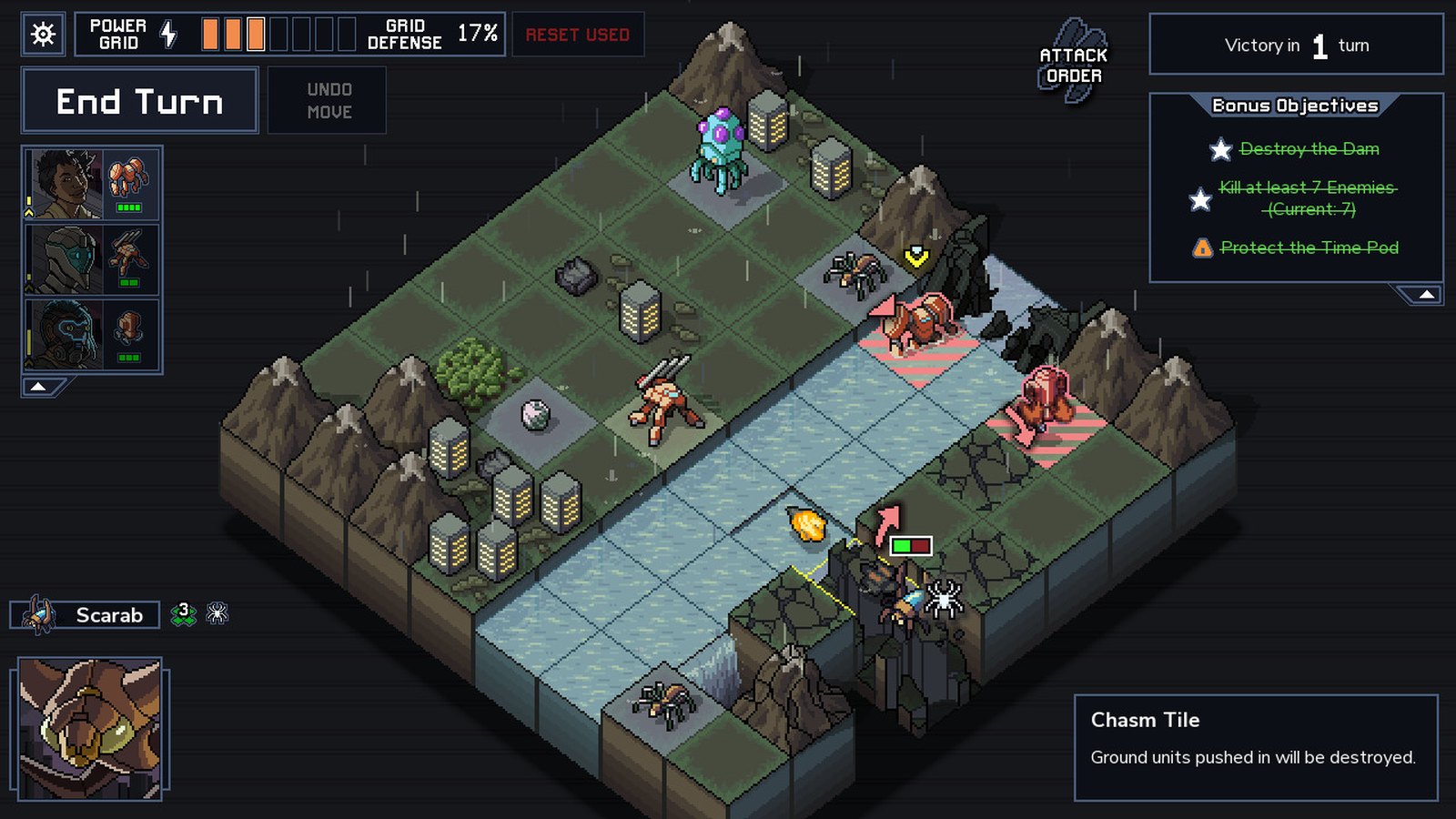
Into the Breach
- Min RAM
- 1GB25% of 4GB
- Install size
- 400MB
- Price
- ₹459 (₹192 on sale)
- Integrated graphics
- Officially OK
Minimum graphics: Must support OpenGL 2.1 or higher. Intel HD 3000 or better.
Chess sized battles where you can see every enemy move before it happens, so every turn is a puzzle. It needs 1GB of RAM and Intel HD 3000 or better, which makes it one of the lightest picks here.
Brotato
- Min RAM
- 4GBall of 4GB
- Install size
- 200MB
- Price
- ₹250
- Integrated graphics
- Not named
Minimum graphics: 128MB, OpenGL 3+
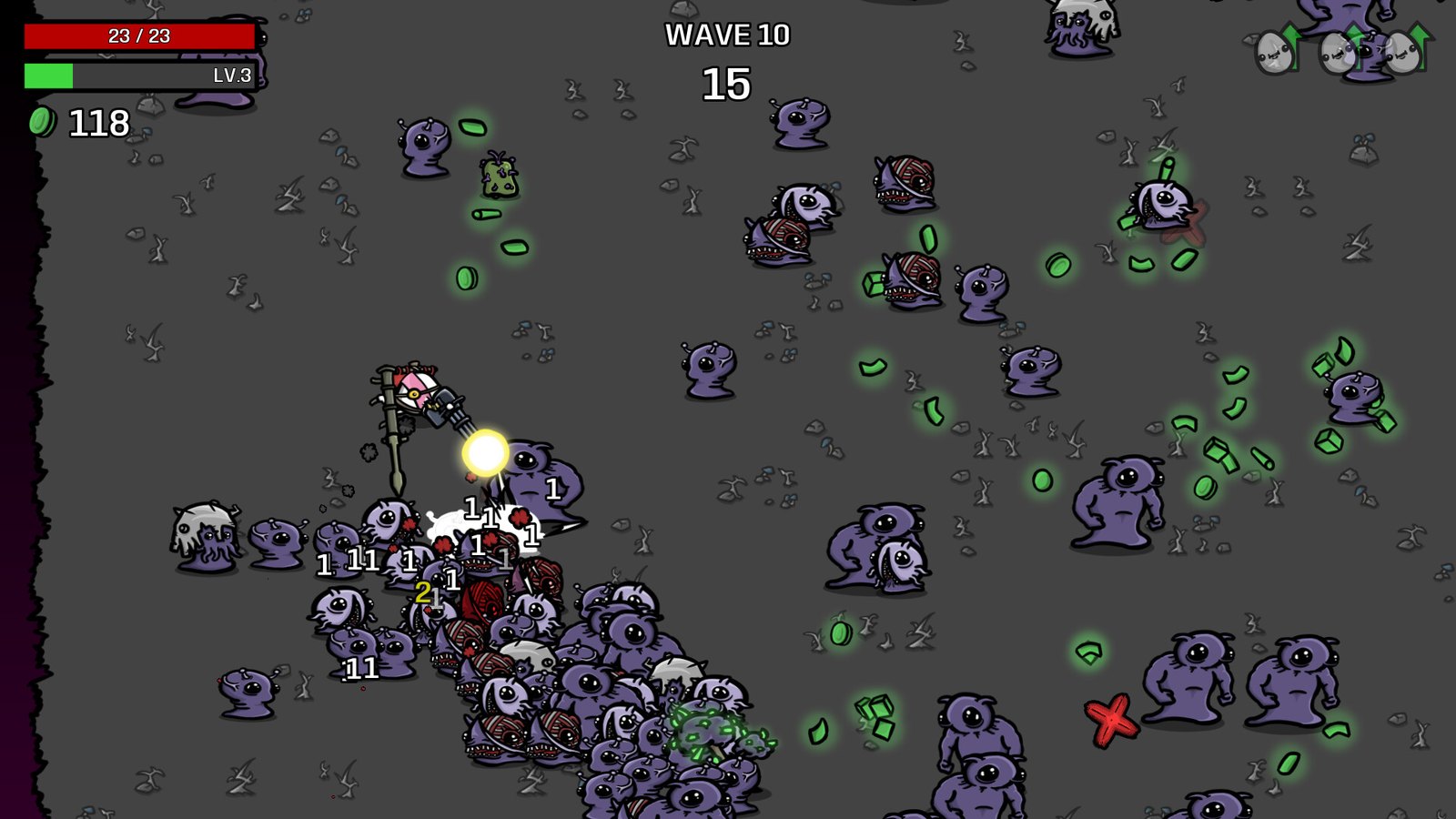
A potato with six guns survives waves of aliens. Each run is short and it's hard to stop at one. It's only a 200MB download, but its listed minimum is still 4GB of RAM.
Megabonk
- Min RAM
- 2GB50% of 4GB
- Install size
- 500MB
- Price
- ₹480
- Integrated graphics
- Not named
Minimum graphics: Steam lists no graphics card
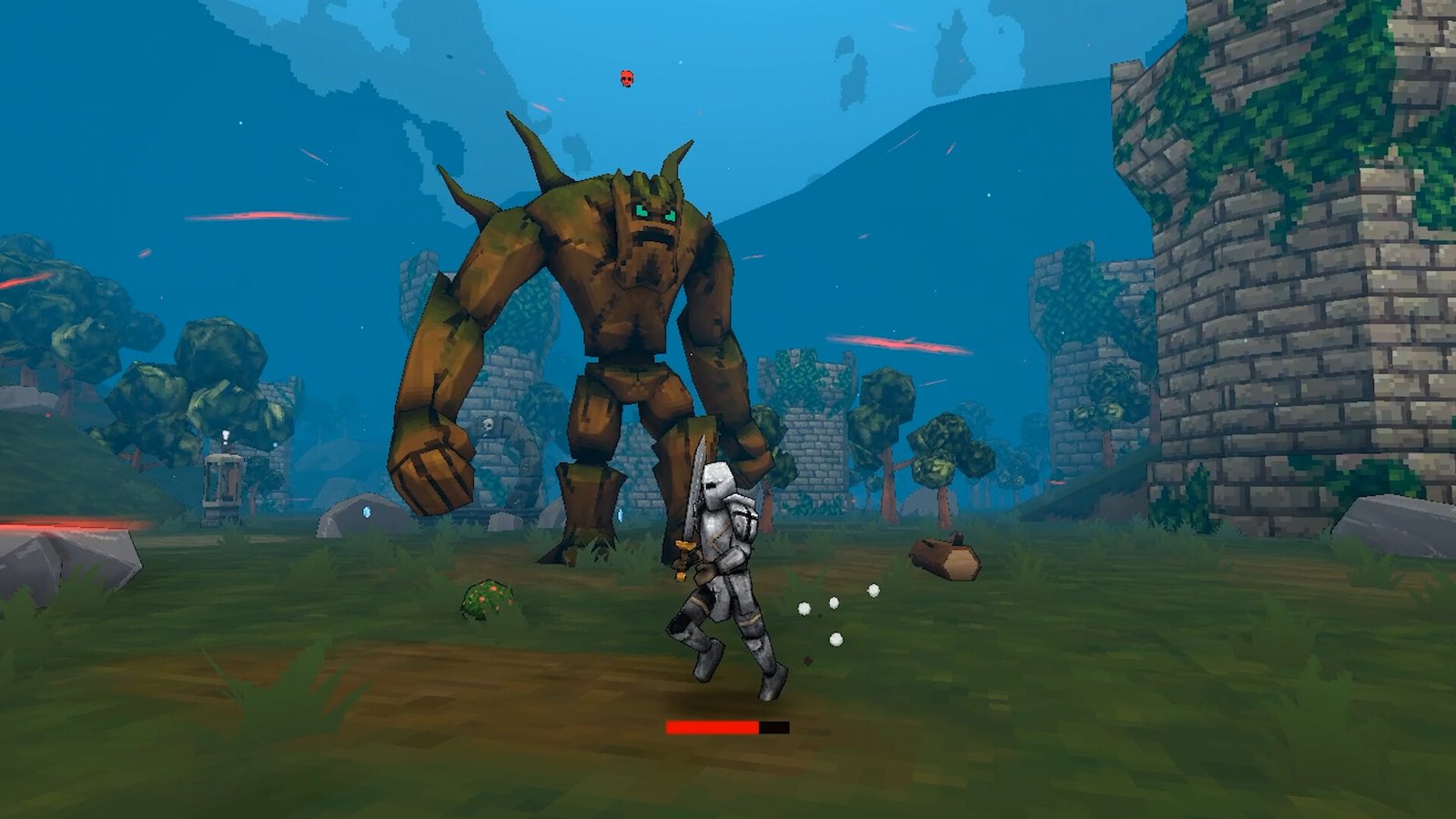
A 2025 indie game: a 3D take on Vampire Survivors where you build absurd item combos. It lists 2GB of RAM, and the developer's joke spec says it runs on a 'potato'. It's one of only four games here released since 2022.
Among Us
- Min RAM
- 1GB25% of 4GB
- Install size
- Not listed
- Price
- ₹229
- Integrated graphics
- Officially OK
Minimum graphics: INTEL HD Graphics 4600
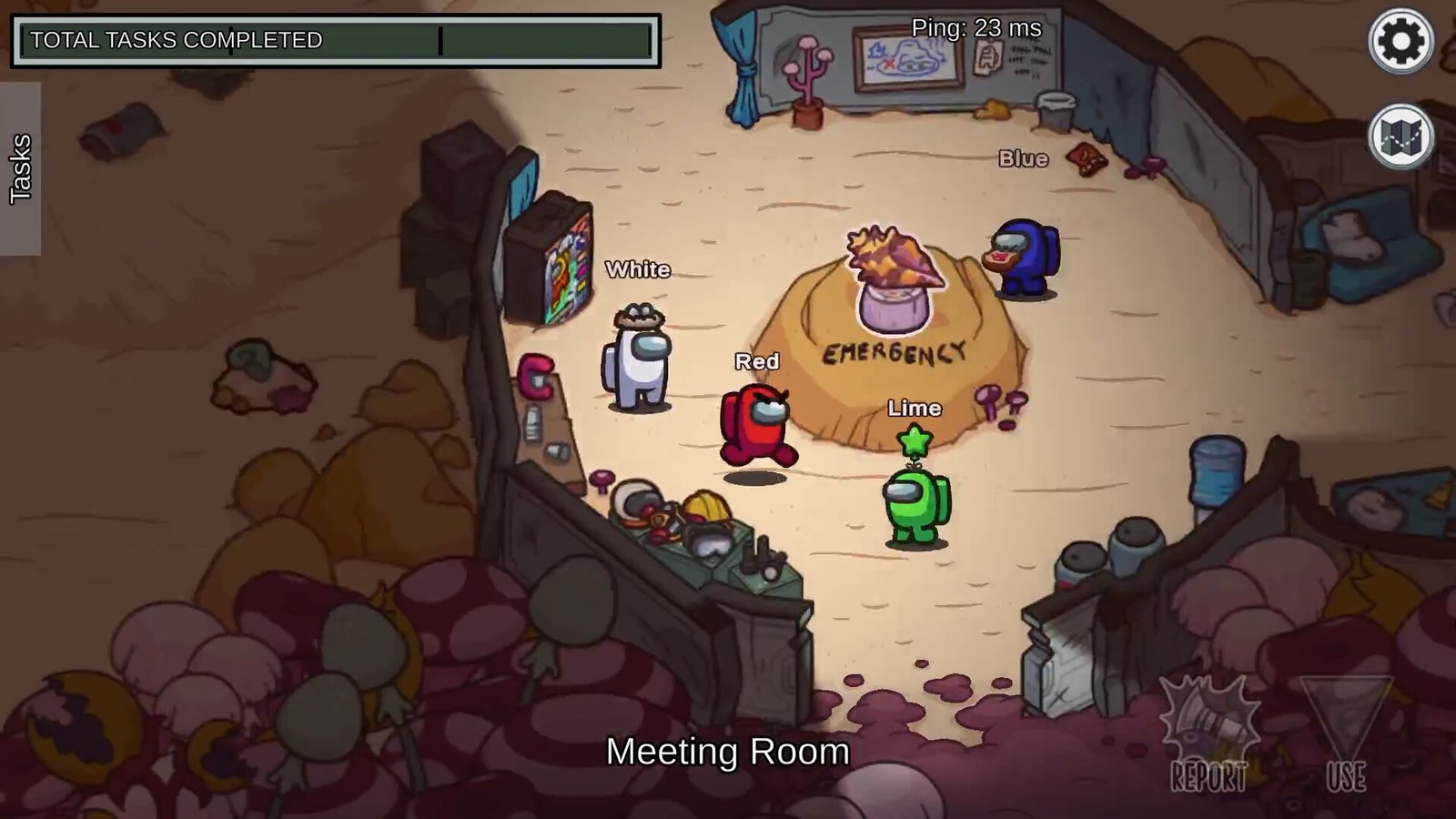
Find the impostor before they get everyone. It's best with a group of friends on voice chat. It needs 1GB of RAM and Intel HD Graphics 4600, and it costs ₹229 on Steam India.
Team Fortress 2
- Min RAM
- 512MB12% of 4GB
- Install size
- 15GB
- Price
- Free
- Integrated graphics
- Not named
Minimum graphics: Steam lists no graphics card
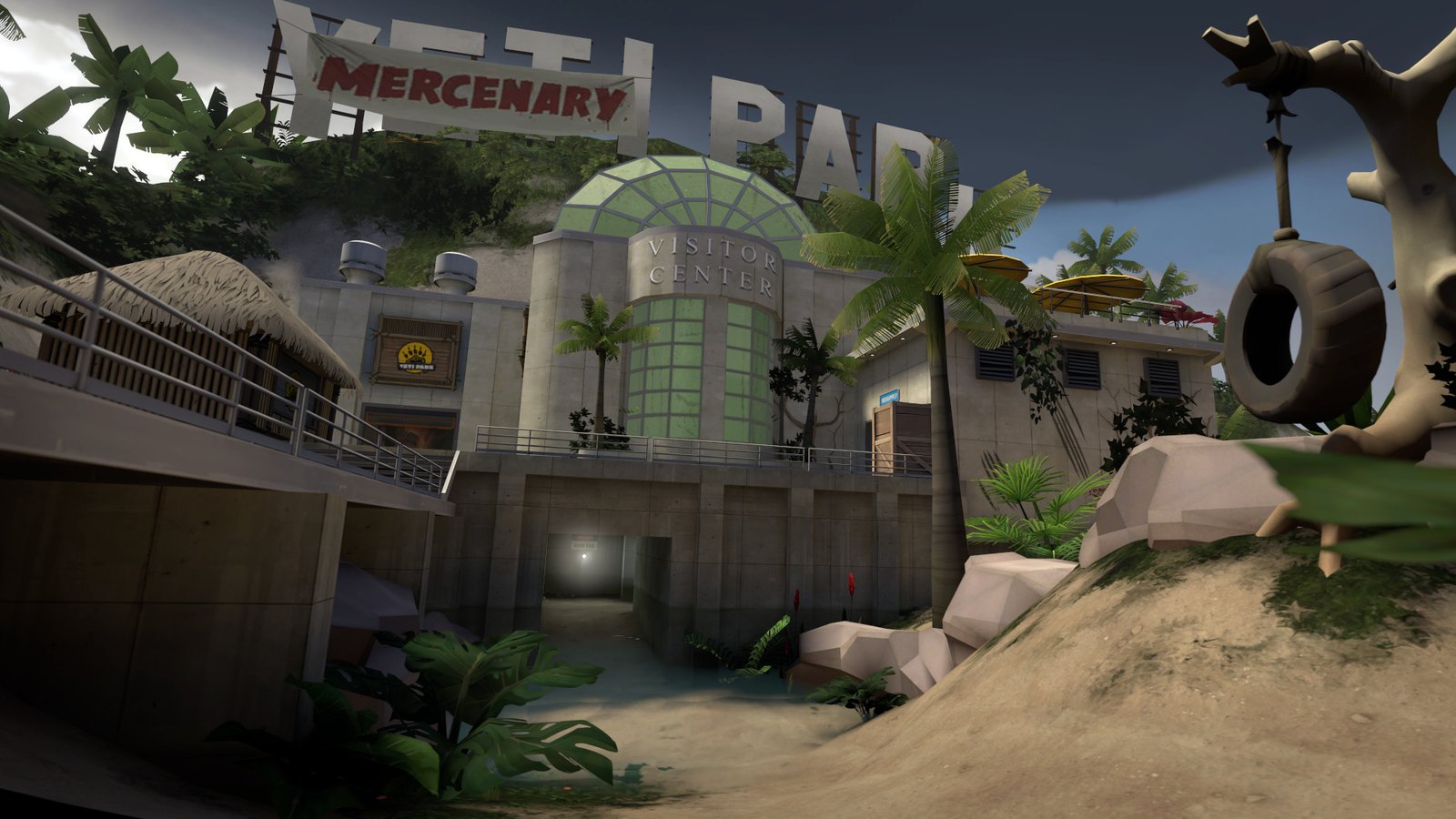
Valve's free shooter with nine wildly different classes. With over 1.2 million Steam reviews, it's still a great time in 2026, and it costs nothing.
Brawlhalla
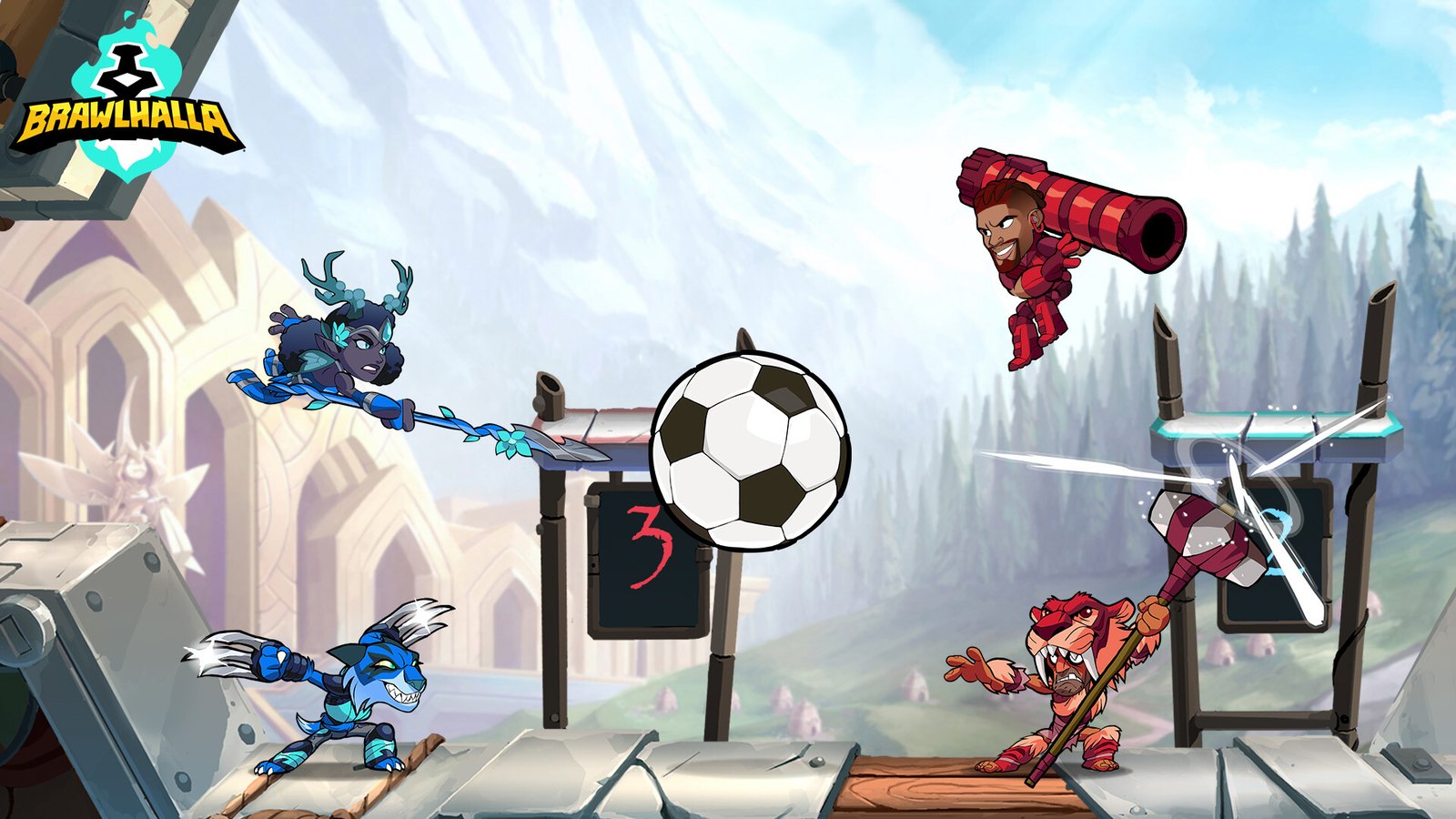
- Min RAM
- 2GB50% of 4GB
- Install size
- 800MB
- Price
- Free
- Integrated graphics
- Not named
Minimum graphics: Steam lists no graphics card
A free Smash Bros style fighter with cross play and plenty of guest characters. Matches are short and it's easy to jump in with friends.
Roblox
- Min RAM
- 1GB25% of 4GB
- Install size
- 300MB
- Price
- Free
- Integrated graphics
- Officially OK
Minimum graphics: DirectX 10 or higher feature level support
Thousands of free player made games in one app. Roblox asks for 1GB of memory and says a recent laptop with integrated graphics gives the best experience. Quit other apps before you play on 4GB.
How to Check Your RAM and Graphics
Before you blame the RAM or buy an upgrade, spend two minutes finding out what you have.
- How much RAM: go to Settings, System, About, and look at “Installed RAM”. The same page shows “System type”: Valorant and most newer games need 64 bit Windows.
- Type and free slots: press Ctrl + Shift + Esc to open Task Manager, select Performance, then Memory. “Slots used” shows how many slots are filled, for example 1 of 2. If no slots are listed, or the memory shows as soldered, it can’t be upgraded.
- DDR3 or DDR4: the free CPU-Z tool shows the memory type (DDR3 or DDR4) on its Memory tab. Task Manager sometimes shows more slots than a laptop really has, so check your laptop’s spec sheet too.
- Your graphics: in Task Manager, Performance, look for GPU 0 and GPU 1. If you only see Intel HD, UHD or Iris graphics, pick the games with green bars in the chart above, or “Officially OK” in their entry.
Steps from HP’s memory guide and CPUID, checked 22 October 2026.

How to Get More FPS on 4GB RAM
- Close your browser before you play. Chrome and Edge with a few tabs can take a big share of 4GB on their own. Check Task Manager (Ctrl + Shift + Esc) and close anything you don’t need.
- Turn on Game Mode. In Windows Settings, go to Gaming, then Game Mode.
- Lower the resolution first, then the textures. On integrated graphics, dropping from 1080p to 720p usually helps the most.
- Stop apps that start with Windows. Task Manager, then Startup apps: disable chat, cloud sync and launcher apps you don’t use daily.
- Plug in your laptop. On battery, most laptops slow the processor and graphics down to save power.
- Use an SSD if you can. When 4GB runs out, Windows swaps to your drive, and an SSD does this far faster than a hard disk.
Is It Worth Upgrading to 8GB RAM?
Often, yes, but RAM isn’t cheap right now. On 23 October 2026, an 8GB DDR4 laptop stick from Crucial, Corsair, Kingston or ADATA cost ₹6,066 to ₹8,079 on Amazon.in. Older DDR3L laptops are the cheap case: ₹2,300 to ₹2,699 for 8GB.

Upgrade if Task Manager shows a free slot (1 of 2 used). Adding one 8GB stick next to your 4GB gives you 12GB, which is enough for everything on this list plus CS2, Fortnite and Minecraft Java at low settings, as long as your graphics can keep up. If it shows 1 of 1 and the stick isn’t soldered, you swap the 4GB stick for the 8GB one and end up with 8GB, not 12GB. Don’t upgrade if your RAM is soldered, or if the laptop has an old dual core processor with no graphics card: then the processor and graphics are the real limit, and the money is better saved toward a new machine. See our best gaming laptops under 50,000 for that.

Crucial 8GB DDR4 3200 SODIMM (CT8G4SFRA32A)
Sold by Clicktech, shipped by Amazon4.5 stars from 25,731 ratingsPrice checked 23 October 2026

Crucial 8GB DDR3L 1600 SODIMM (CT102464BF160B)
Sold by A1 Price (third party), shipped by Amazon4.2 stars from 24,449 ratingsPrice checked 23 October 2026
Prices and stock on Amazon.in on 23 October 2026 (Mumbai pincode). They change often, so check the live price. We may earn a commission if you buy through these links, at no extra cost to you.
How We Picked These Games
- Official numbers only: every RAM figure is the minimum on the game’s own Steam page, or Riot’s, Roblox’s, Mojang’s and Epic’s own support pages, checked on 22 October 2026. We didn’t copy other lists, and that’s how we caught games that have quietly moved to 8GB.
- Still sold: games you can no longer buy (the original GTA San Andreas and Vice City) or that aren’t sold on Steam anymore (Rocket League) are left out of the main list.
- Legal copies only: no “highly compressed” repacks, which are usually pirated and can carry malware.
- Ranked by us: the order is our editorial pick of what’s most worth your time on a 4GB machine. We haven’t benchmarked these games on our own 4GB PC, so we quote the developers’ minimums rather than our own FPS numbers.
Frequently Asked Questions
Is 4GB RAM enough for gaming in 2026?
For lighter games, yes. All 31 games on this list officially need 4GB of RAM or less, including Valorant, League of Legends, Stardew Valley, Terraria and Hollow Knight. Windows 11 itself lists 4GB as its minimum, so close other apps before you play. Newer big games like CS2, Fortnite and Minecraft Java now ask for at least 8GB.
Can I run an 8GB RAM game on 4GB?
Not reliably. Windows can use your drive as extra memory, so some games may start, but expect long loads and stutters, and worse on a hard disk. Adding RAM is the real fix; see the upgrade section above.
Is 4GB RAM enough for Valorant?
Yes, just. Riot’s official minimum for Valorant is 4GB of RAM with Intel HD 4000 graphics, aimed at 30 FPS. Close your browser and other apps before you play, and note that it needs 64 bit Windows.
Can 4GB RAM run GTA 5?
Not the current version. GTA V Enhanced needs 8GB of RAM. The older GTA V Legacy lists 4GB, but Steam doesn’t sell it as a separate game. Bully (1GB) is the best Rockstar game for 4GB.
Can 4GB RAM run Minecraft?
Not well anymore. From 21 July 2026, Mojang’s minimum for Minecraft Java Edition is 8GB of RAM with a graphics card, or 12GB with integrated graphics. Terraria (2.5GB) is the best building game that still fits 4GB.
Can 4GB RAM run Fortnite or CS2?
No. Both list 8GB of RAM as their official minimum. For a free shooter on 4GB, try Valorant (4GB) or Team Fortress 2 (512MB).
What games can I play on 4GB RAM without a graphics card?
On an i3 or Pentium laptop with only Intel graphics, start with these: Balatro, Celeste, Valorant, League of Legends, Into the Breach, RimWorld, Among Us, Portal 2, Civilization V, Age of Empires II and Roblox all name integrated graphics in their official requirements. Older games that list a dedicated card may still work on newer Intel UHD chips, but there’s no promise.
Which free games run on 4GB RAM?
Valorant (4GB), League of Legends (2GB), Dota 2 (4GB), Team Fortress 2 (512MB), Brawlhalla (2GB) and Roblox (1GB) are all free and fit 4GB. Valorant, League of Legends and Roblox also name integrated graphics.
Can 4GB RAM run Roblox?
Yes. Roblox asks for at least 1GB of memory on Windows. Close your browser before you play, since Windows and Chrome share the same 4GB.
What is the best open world game for 4GB RAM?
The original 2011 Skyrim (2GB minimum), Fallout: New Vegas (2GB), Far Cry 3 (4GB) and Assassin’s Creed IV Black Flag (2GB). Avoid Skyrim Special Edition, which needs 8GB.
How much does 8GB RAM cost in India?
On Amazon.in on 23 October 2026, an 8GB DDR4 laptop stick from a known brand cost ₹6,066 to ₹8,079, a desktop 8GB DDR4 stick ₹6,690 to ₹8,269, and an older 8GB DDR3L laptop stick ₹2,300 to ₹2,699. Prices move a lot, so check the live price before you buy.
More Games Sorted by Size and Spec
- Best PC games for 2GB RAM: for even older machines
- Best PC games under 8GB RAM: what opens up after an upgrade
- Best games for low end laptops
- Games for a PC without a graphics card
- Games like GTA for low end PCs
- Best PC games under 1GB and under 10GB
A real gaming PC for the price of a midrange phone
Prices verified at Amazon.in and Flipkart this week. Every part is in stock and ships to all Indian pincodes.
Updated May 2026 · Indian prices verified this week