

Updated July 2026.
Edit on a phone: VN, free, no watermark, and unlike CapCut it is actually installable in India. Edit on a weak PC: Shotcut, because on Windows the free DaVinci Resolve has no GPU accelerated decode for gameplay codecs and wants 16GB of RAM, so it stutters on 8GB machines. Edit on a strong PC: Resolve, easily. Capture and trim with OBS Replay Buffer plus LosslessCut, which costs nothing and saves hours.
Key facts
- CapCut is unavailable in India: the Google Play India listing 404s and capcut.com returns HTTP 451, blocked for legal reasons. The app and the web editor are both out
- VN Video Editor is the phone default: no watermark, free core editor, live on both Indian app stores. A paid VN Pro tier exists
- On an 8GB RAM or iGPU Windows PC, Shotcut beats DaVinci Resolve: free Resolve has no GPU accelerated decode on Windows, and Blackmagic’s own minimum is 16GB of RAM
- OBS Replay Buffer plus LosslessCut is the free clip pipeline nobody teaches: capture the last 30 seconds on a hotkey, trim without re encoding
- Everything here exports with no watermark, checked July 2026. Shotcut, Kdenlive, OpenShot, OBS and LosslessCut are fully free and open source with no export cap at all
Most English guides to this question are written for people who can install CapCut. In India you cannot. Google Play India returns a 404 for it while the same listing loads fine from the US, and capcut.com itself answers an Indian connection with HTTP 451, Unavailable For Legal Reasons, served by ByteDance’s own servers. The web editor is blocked too, not just the app. We are not going to walk you through getting around that.
This one is built around the two things that actually decide your editor: what device you edit on, and how weak it is. Everything below is free, watermark free, and available in India, and the recommendations change depending on whether your PC has 8GB of RAM or 16.
 🎁 GiveawayFREE
The CapCut problem every other guide ignores
CapCut is made by ByteDance, the company behind TikTok. It is not reachable from India. We checked both routes on July 13, 2026: Google Play India returns a 404 for the app while the identical listing returns 200 from the US, and capcut.com answers an Indian connection with HTTP 451, Unavailable For Legal Reasons, from ByteDance’s own edge servers. Worth being precise about why, because most guides are not: CapCut never appeared on any of MeitY’s published ban lists, the 59 app and 118 app orders of 2020 do not name it. What is verifiable is that ByteDance does not serve India, and has not since the broader freeze on Chinese apps here. We are not going to walk you through sideloading or VPN workarounds.
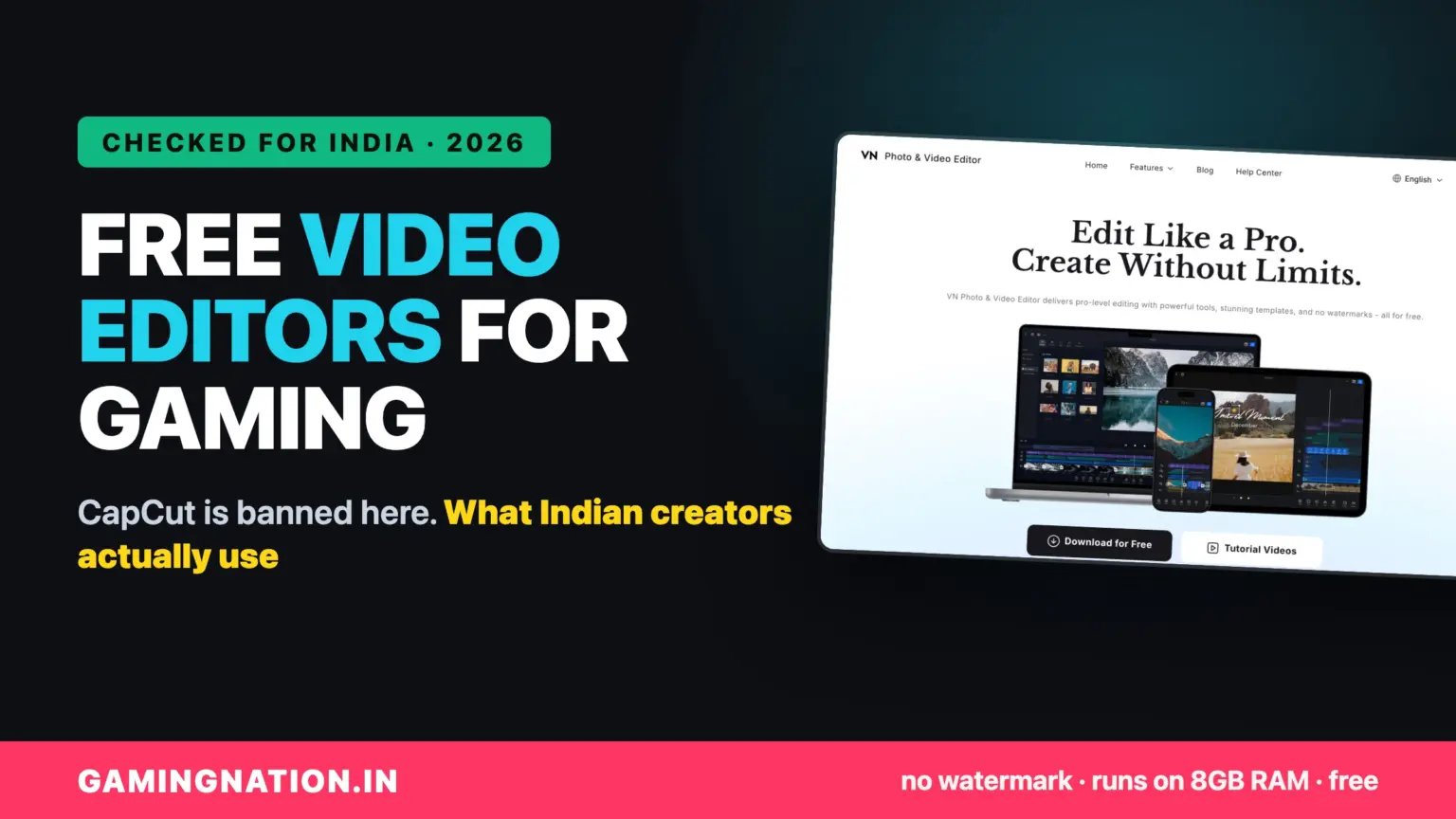
The Indian answer is VN, which is free, live on both Indian app stores, and does the same job for gaming clips.
VN Video Editor: what BGMI creators actually use now
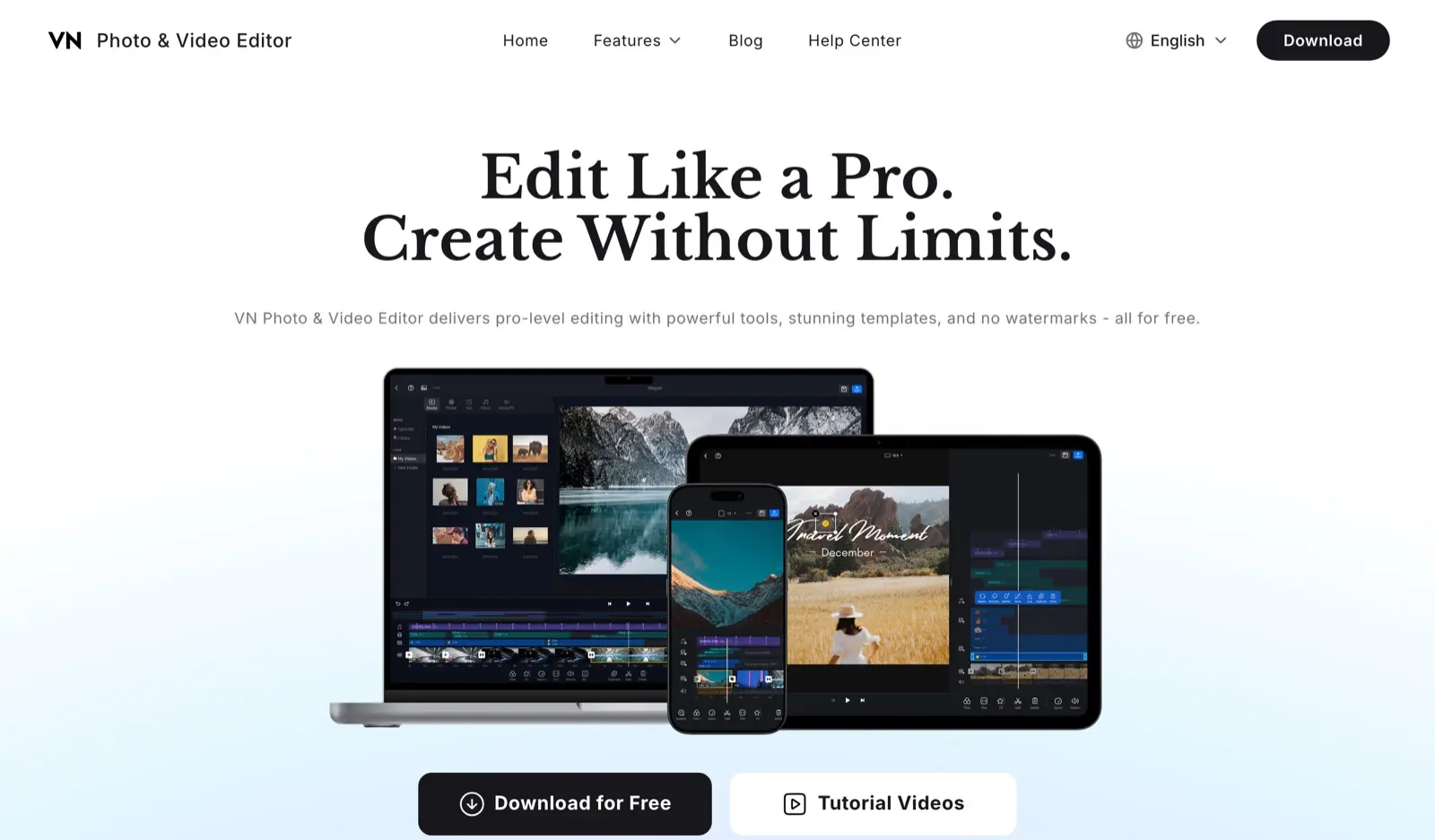
If you edit clips on your phone, this is the answer. VN is what Indian creators moved to when CapCut stopped being reachable. The core editor is free, it does not stamp a watermark on your work, and it advertises custom export up to 4K 60fps. Be straight about the limits though: there is a paid VN Pro tier and the app carries ads, and VN does not publish which export resolutions sit behind Pro, so check before you commit a long project to it.
The feature set is genuinely enough for gaming content: multi track timeline, speed ramps for kill highlights, keyframes, LUTs, and captions. There is a desktop build for Windows and Mac too, which makes it a rare tool that follows you from phone to PC. Its limits show on long projects and older phones, where the timeline starts stuttering, and that is the point where you move to a desktop editor below.
VN Video Editor
Available in IndiaNo watermarkFree core editor
Shotcut: the desktop editor that runs on a weak PC
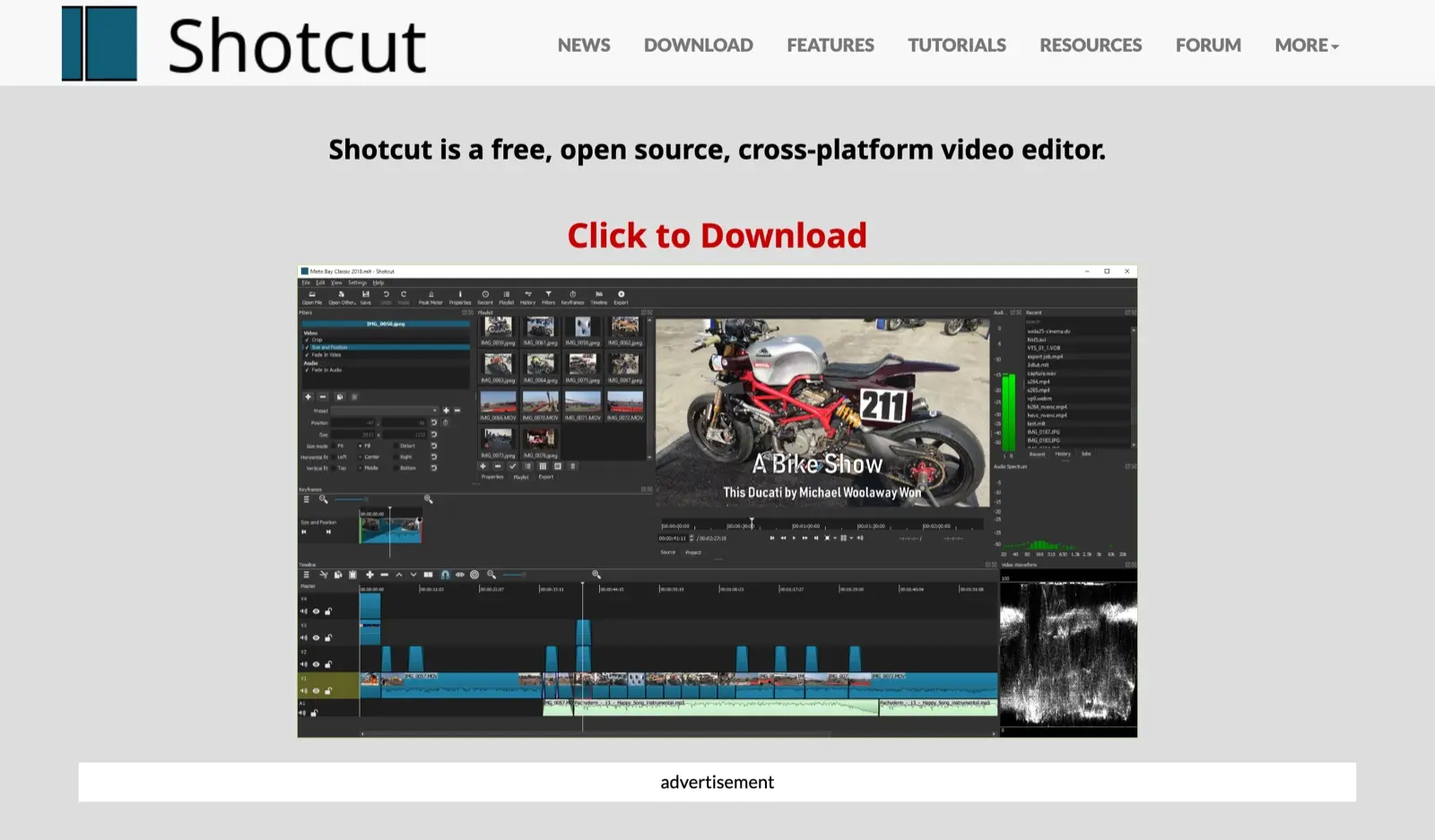
Shotcut is the honest recommendation for the machine most Indian gaming creators actually own: 8GB of RAM, an integrated GPU or an entry level card, and a folder of 1080p gameplay recordings. It is open source, has never had a watermark, imposes no export caps, and crucially it has proxy editing and preview scaling built in, which is what lets a weak machine edit smoothly by working on lightweight copies and only touching the full quality footage at export.
It is not the prettiest editor and its interface takes an evening to click. What it does not do is stutter, nag, or hold your export hostage. For a first serious desktop editor on a budget PC, it is the safest thing to install. Kdenlive and OpenShot are equally free alternatives in the same class, OpenShot being the lightest and slowest at rendering, Kdenlive the most feature rich of the three.
Shotcut
Runs on 8GB RAMProxy editing built inNo caps, no watermark
DaVinci Resolve: the pro tool, if your PC can take it
Resolve is the tool that ends the argument: a genuinely professional editor and colour grading suite, free, no watermark, exporting up to 4K 60fps. Every YouTube tutorial recommends it, and for a good machine that recommendation is right.
Here is the detail those tutorials skip, and it decides everything on a budget Windows PC: on Windows, free Resolve is limited to 8-bit OS supported H.264 profiles and its GPU accelerated decode is a Studio feature. Gameplay recordings from OBS, ShadowPlay or your phone are exactly those formats. Add Blackmagic’s own stated minimum of 16GB of RAM and a GPU with real VRAM, and an i3 with 8GB and integrated graphics stutters on footage Shotcut plays smoothly. The workaround is transcoding every clip first, which costs time and disk. Worth saying clearly, because no other guide does: on macOS, free Resolve does get GPU accelerated decode, so this is a Windows problem specifically. On 16GB and up with a real GPU, none of it matters and Resolve is the best free tool in existence.
DaVinci Resolve 21 (free)
Hollywood grade colourNo watermarkNo GPU decode on free (Windows)
The free clip pipeline: OBS Replay Buffer plus LosslessCut
Most creators lose more time to capture and trimming than to editing, and both problems have free fixes that almost no guide mentions together.
- OBS Studio, Replay Buffer: free, and it is the ShadowPlay equivalent that works on any GPU including Intel integrated. It keeps the last 30 or 60 seconds in memory and saves them to disk on a hotkey. You stop recording entire sessions and start saving only the kills
- LosslessCut: free and open source, it trims video without re encoding. A 10 minute clip becomes a 20 second clip in about a second, with zero quality loss and zero CPU load. On a weak PC this is the difference between editing tonight and rendering all night
- The workflow: hotkey saves the moment, LosslessCut trims it to the exact seconds you want, and only then does it enter VN, Shotcut or Resolve. Your editor now handles 20 second files instead of 2GB session recordings
If your PC is the bottleneck rather than the software, our PC build guides cover what an editing capable machine costs in India, and RAM is almost always the cheapest fix.
Every free editor compared
Free tiers, watermark policies and export limits checked July 2026. Paid upgrades exist for several of these, none is required for gaming content.
| Editor | Platforms | Watermark | Export limit | Proxy support | India note |
|---|---|---|---|---|---|
| VN | Phone and desktop | None | 1080p free, 4K may need Pro | Yes | Available in India |
| Shotcut | Windows, Mac, Linux | None | No cap | Yes, proxies | Best on 8GB RAM |
| Kdenlive | Windows, Mac, Linux | None | No cap | Yes, proxies | Most features of the open source three |
| OpenShot | Windows, Mac, Linux | None | No cap | Yes, Optimize Preview in 3.5.1 | Lightest, slowest renders |
| Clipchamp | Browser, Windows 11 | None | 1080p cap | n/a | Built into Windows, premium assets gate export |
| DaVinci Resolve | Windows, Mac, Linux | None | 4K 60fps | Yes | Wants 16GB, no GPU decode on free (Windows) |
| CapCut | Unavailable in India | n/a | n/a | n/a | Blocked here, Play Store 404s and the site returns 451 |
How we picked, and what we did not do
Every tool here was checked for three things in July 2026: is it genuinely free without a watermark, is it available to install in India, and does it survive a low end PC. Version numbers, free tier limits and the Resolve decode constraint on Windows come from the developers’ own documentation and release notes. We did not run a benchmark suite across editors, and we do not take money from any of them, which is precisely why this list is all free tools and no Filmora.
Every editor recommended on this page is free to download, and not one of them pays us a commission. We have nothing to sell you here, which is the point of the page.
Next steps
Get the clip pipeline running, then worry about the editor
Capture side
Best gaming router under 2000
Streaming and uploading on Indian broadband, sorted at the network end.
Read the guide →The machine
PC builds for India
If your editor stutters, RAM is usually the cheapest fix in the whole build.
Read the guide →The mic
Best streaming mic in India
Audio is the half of creator quality that software cannot fake.
Read the guide →Frequently Asked Questions
Can you use CapCut in India?
In practice, no. CapCut is a ByteDance app and it is unreachable here: the Google Play India listing returns a 404 while the US listing loads normally, and capcut.com answers Indian connections with HTTP 451, Unavailable For Legal Reasons. Both the app and the web editor are out. Use VN instead. It is on both Indian app stores, leaves no watermark, and its core editor is free.
Which free video editor has no watermark?
All of them here: VN, Shotcut, Kdenlive, OpenShot, Clipchamp and DaVinci Resolve free all export without a watermark. Watermarks are how the paid tools you see advertised, Filmora and Movavi among them, push you to subscribe. You never need to accept one.
Can I edit gaming videos on an 8GB RAM laptop?
Yes, if you pick the right tool. Shotcut with proxy editing runs comfortably on 8GB, and OpenShot is even lighter. Free DaVinci Resolve is the one to avoid on that spec: Blackmagic’s own minimum is 16GB, and on Windows the free version has no GPU accelerated decode for gameplay codecs.
Is DaVinci Resolve free good enough for a YouTube gaming channel?
More than good enough, it is used on actual films. The free version has no watermark and exports 4K at 60fps. The only real constraint is hardware: Blackmagic asks for 16GB of RAM and a dedicated GPU. On Windows specifically, the free tier has no GPU accelerated decode for H.264 and H.265, so gameplay footage stutters on weaker machines. On macOS the free version does get hardware decode, so this is a Windows problem.
What do BGMI YouTubers use to edit?
Phone editors, overwhelmingly, and since CapCut became unreachable here that means VN for most of them, with some on InShot or KineMaster. VN is the one that is watermark free with a genuinely free core editor, which is why it took over. Desktop editors come in when channels grow into long form content.
Is VN Video Editor really free?
Yes, with no watermark and no subscription for the core editing features, which is unusual and is why it spread so fast in India. It runs on Android, iOS, Mac and Windows, and it is live on both Indian app stores, which CapCut is not. There is a paid VN Pro tier if you want the extras, and the app carries ads.
Which video editor works without a graphics card?
Shotcut, OpenShot and Kdenlive all edit fine on integrated graphics, especially with proxy editing turned on. Clipchamp works in a browser on almost anything but caps free exports at 1080p. Skip free DaVinci Resolve on Windows, where the lack of GPU accelerated decode punishes machines without a GPU the hardest.
How do I record gameplay clips for free?
OBS Studio with the Replay Buffer enabled. It keeps the last 30 to 60 seconds in memory and writes them to disk when you press a hotkey, which is the free equivalent of NVIDIA ShadowPlay and works on Intel and AMD integrated graphics too. Pair it with LosslessCut to trim instantly without re encoding.