
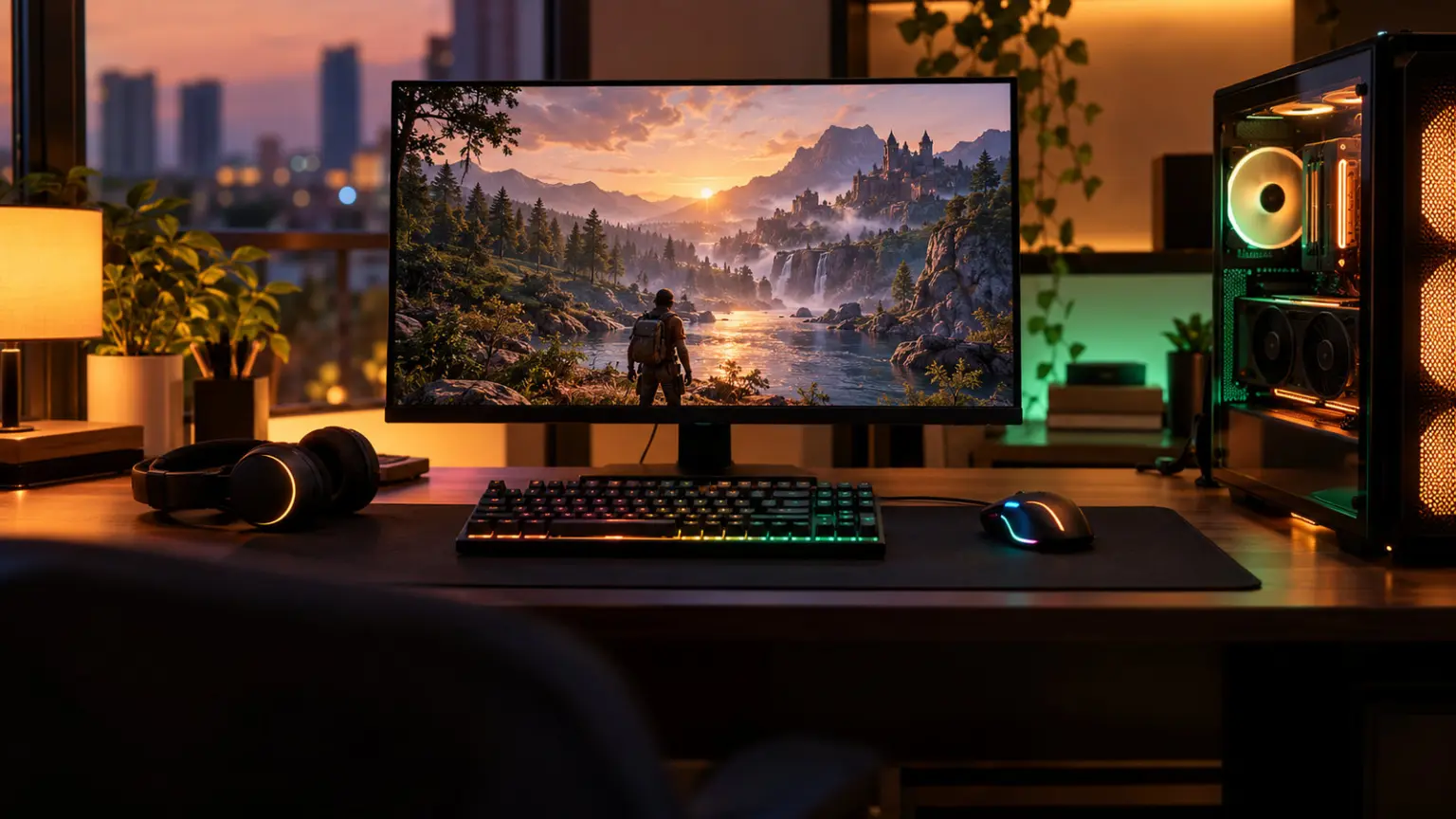
Best Gaming Setup Under 75000 India 2026: Complete Parts List

Harsh Talreja
18 Min Read

Updated May 2026 with current Indian retail prices.

Disclosure: GamingNation.in earns a commission from purchases made via links on this page, at no extra cost to you. As an Amazon Associate I earn from qualifying purchases. Read our affiliate policy.

Last updated April 2026. All prices verified on Amazon.in.

Heads up: some links here are affiliate links. If you buy through them, we earn a small commission at no extra cost to you. This helps keep GamingNation running.

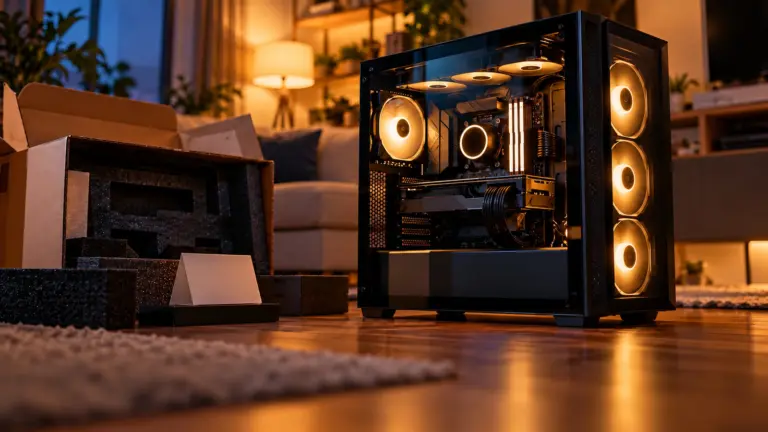
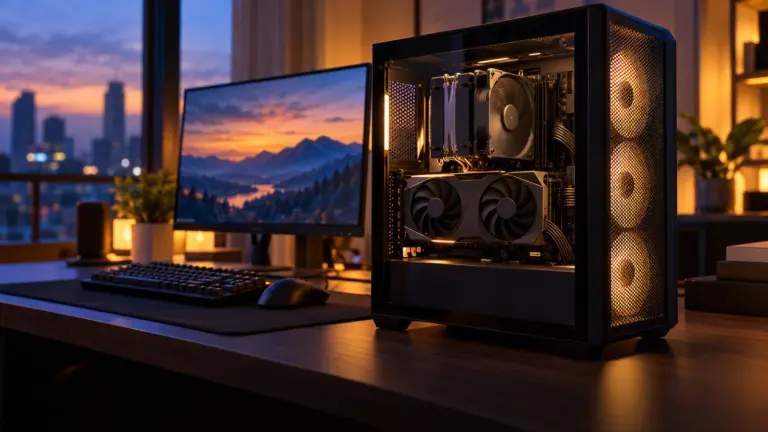
₹75,000 is enough for a complete gaming setup that beats every gaming laptop at this budget. Worth the extra. The PC alone costs ₹60,000. The remaining ₹15,000 covers a 180Hz monitor, mechanical-feel keyboard, gaming mouse, and headset. Here is exactly how to split the money.

The Complete ₹75,000 Gaming Setup at a Glance

Product comparison table
ComponentProductPrice (Apr 2026)
PC Build (tower)I5-13400F + RX 7600 XT 16GB~₹60,000
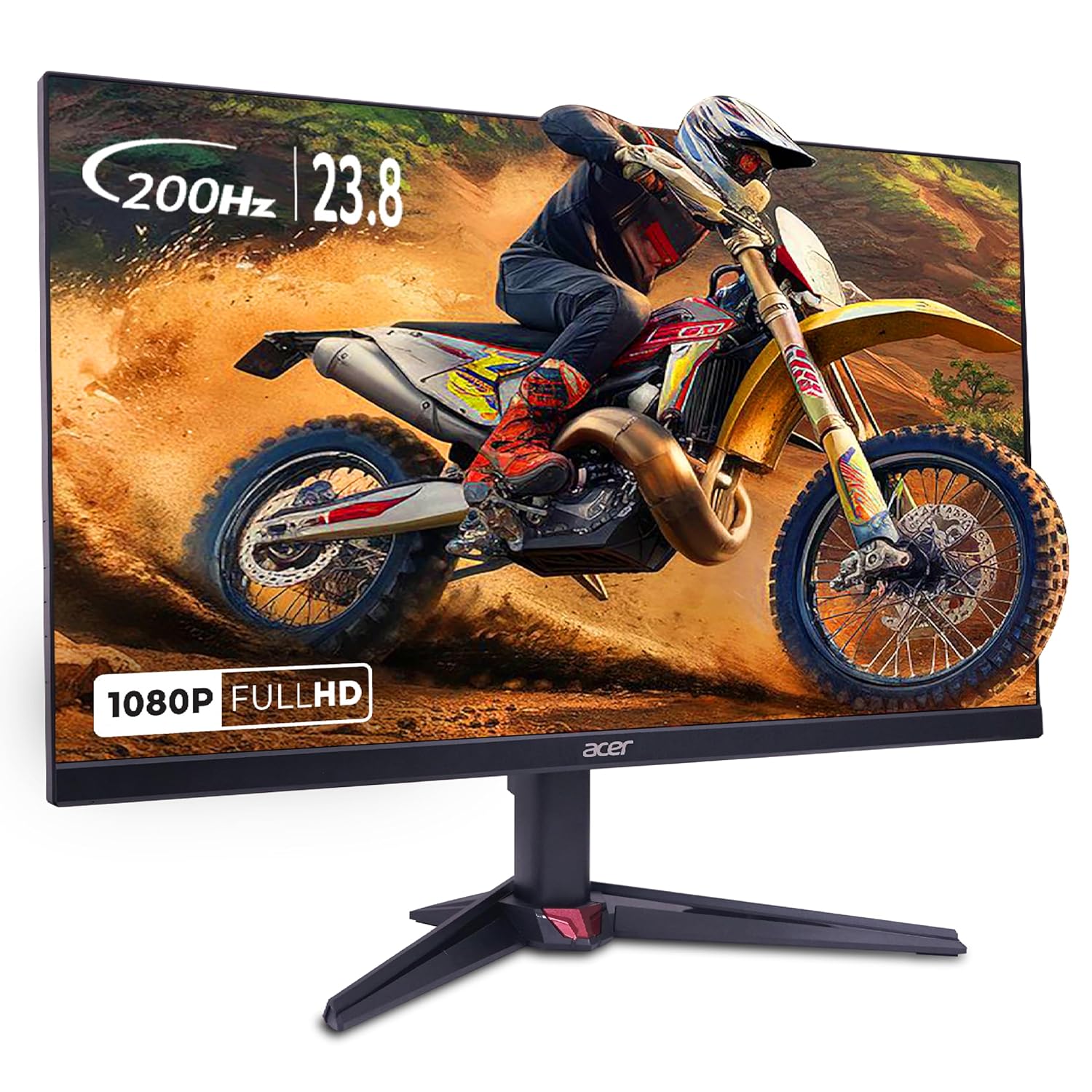
MonitorAOC 24G42E (24-inch, 180Hz Fast IPS)₹8,499
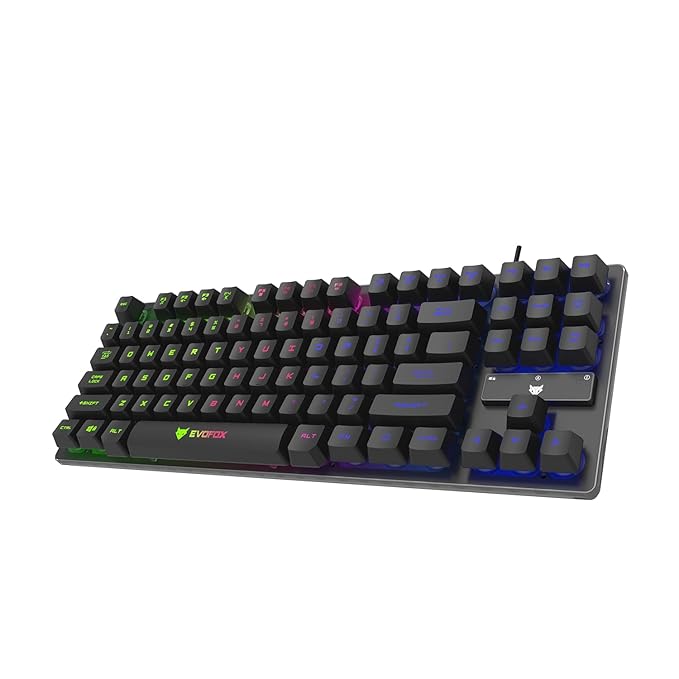
KeyboardCosmic Byte CB-GK-16 RGB₹2,199
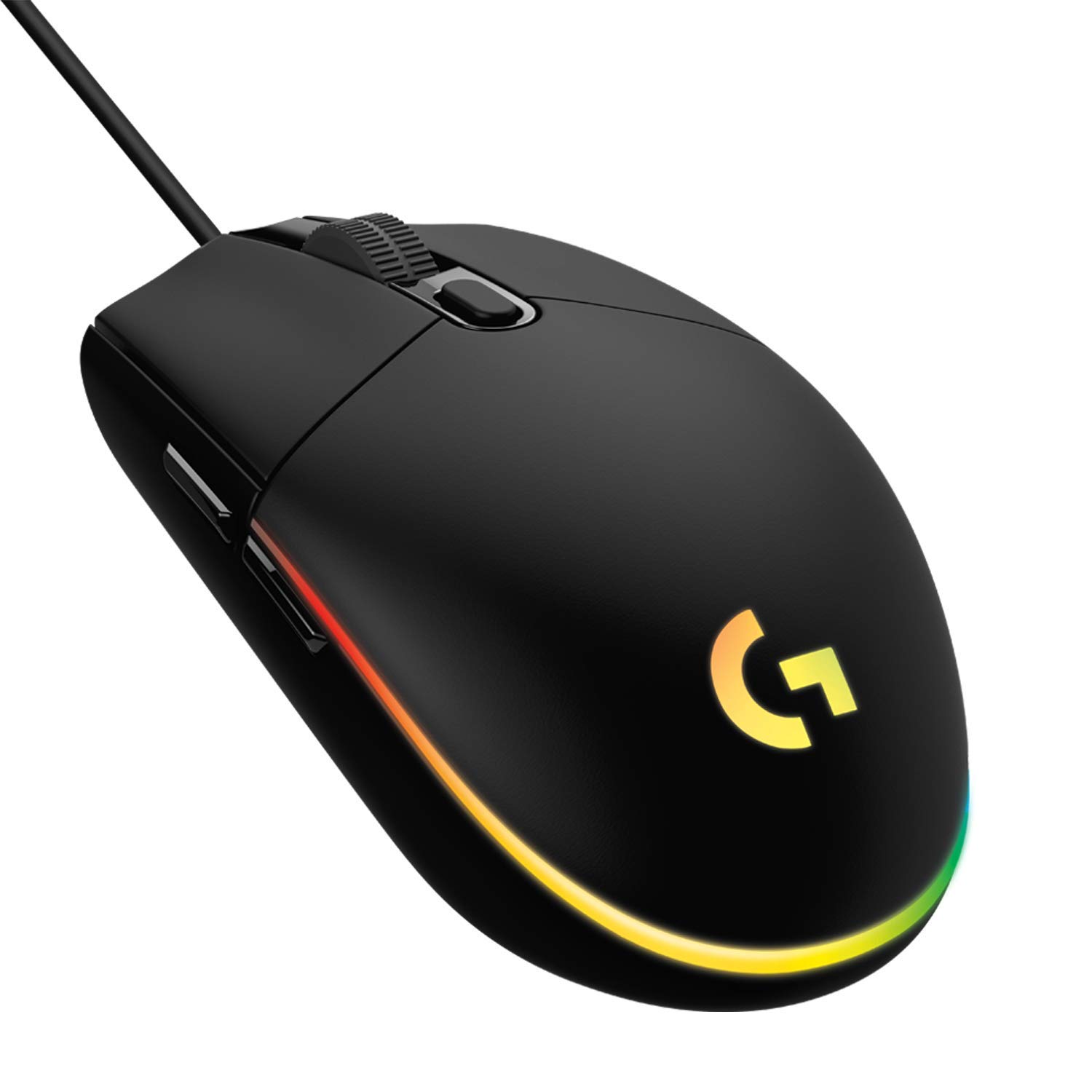
MouseLogitech G102 LIGHTSYNC₹1,499
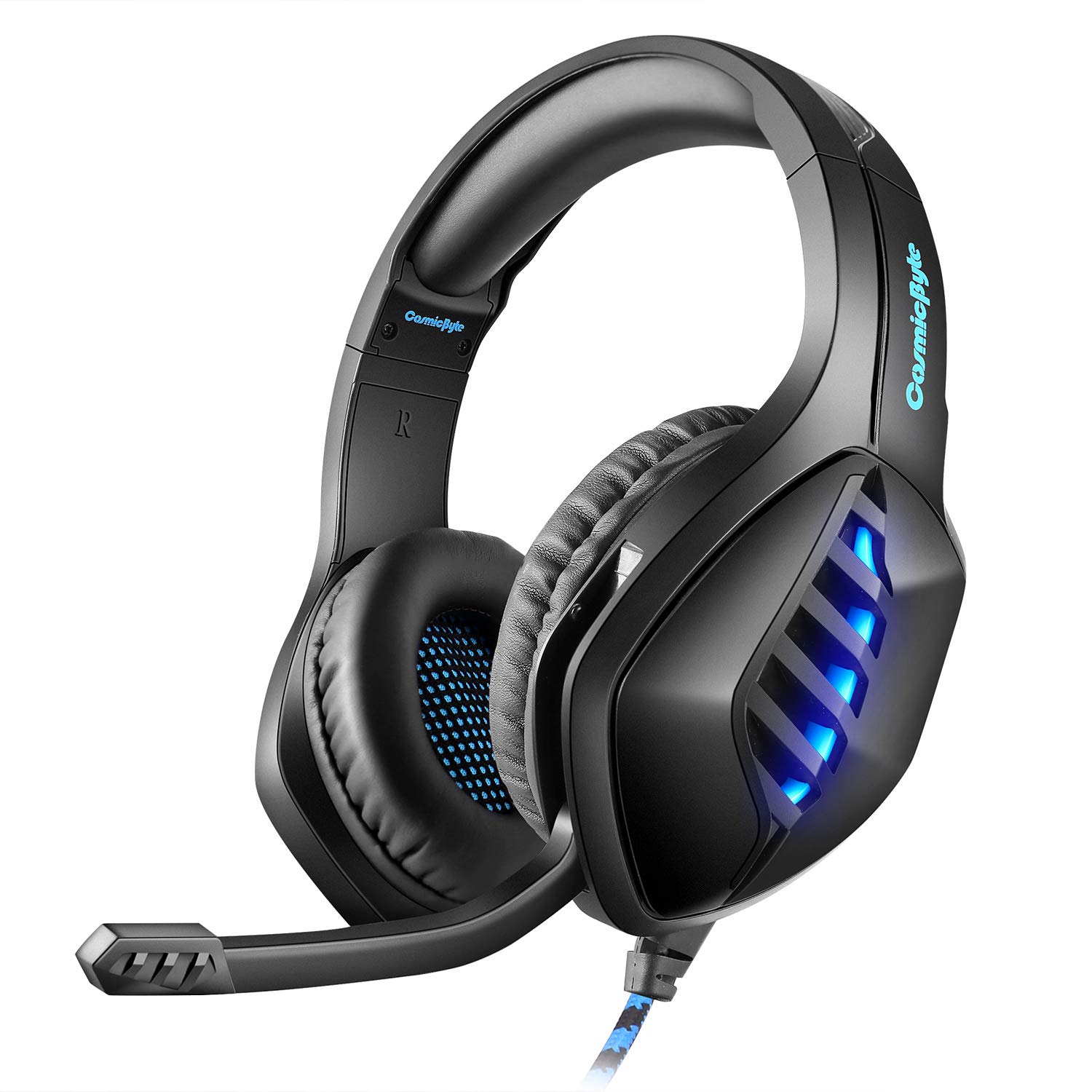
HeadsetBoAt Immortal IM1000D 7.1₹2,299
Total~₹74,496

The PC build details (component list, prices, assembly notes) are in the dedicated ₹60,000 PC build guide This article covers everything else: the monitor, peripherals, and how the full setup fits together.

The Monitor: AOC 24G42E (₹8,499)

AOC 24G42E 24-inch Gaming Monitor
Top Pick

AOC 24G42E 24-inch Gaming Monitor

24-inch180Hz Fast IPS1080p0.5ms GtGFreeSyncHDR10129% sRGB

A 180Hz Fast IPS panel at ₹8,499 was a ₹13,000 purchase eighteen months ago. The AOC 24G42E is the best monitor you can buy under ₹10,000 in India right now. At 24 inches and 1080p, the pixel density is sharp enough that text and textures look clean at normal desk distance. The 129% sRGB colour coverage is the highest in its price segment.

A friend in Goregaon built a Rs 1 lakh setup in 2023 with an RTX 4060 Ti, 1440p monitor, Green Soul chair, Logitech G502. He still uses every part 14 months later.

The RX 7600 XT in this build pushes 200+ FPS in Valorant and CS2 at 1080p. A 180Hz monitor captures most of that performance. If you were going to compromise anywhere in this setup, the monitor isn’t the place. The AOC handles both competitive gaming and single-player titles well.

Use DisplayPort from your GPU to reach the full 180Hz. HDMI 2.0 on this monitor caps at 144Hz. Both cables are included in the box.

The stand is tilt-only: no height adjustment. If ergonomics matter to you, a VESA monitor arm costs ₹1,500-2,000 and solves this. The AOC supports 100x100mm VESA mounting.

The Keyboard: Cosmic Byte CB-GK-16 (₹2,199)

Advertisement
Cosmic Byte CB-GK-16 RGB Gaming Keyboard
Best Value

Cosmic Byte CB-GK-16 RGB Gaming Keyboard

WiredOutemu Blue switchesRGB backlightanti-ghostingmedia keys

The CB-GK-16 uses Outemu Blue switches: a clicky mechanical feel at a membrane price. The tactile feedback is noticeably better than any membrane keyboard at this price. For gaming, anti-ghosting on all keys means every key press registers even in rapid combination inputs in Valorant or CS2.

If you prefer quieter typing (hostel, shared room), the Cosmic Byte CB-GK-02 with Outemu Brown switches costs ₹2,299 and is the same keyboard without the click sound. Both are solid options at this budget.

Full gaming keyboard details, comparison with other options under ₹2,000 and ₹3,000, and a guide to what switch type suits you: best gaming keyboard under ₹2,000

The Mouse: Logitech G102 (₹1,499)

Logitech G102 LIGHTSYNC Gaming Mouse
Top Pick

Logitech G102 LIGHTSYNC Gaming Mouse

8000 DPI6 programmable buttonsRGB1000Hz polling rate200 IPS tracking
Advertisement

The Logitech G102 is the most trusted gaming mouse under ₹2,000 in India. The sensor tracks cleanly at 8000 DPI, the 1000Hz polling rate means zero input lag, and Logitech’s build quality holds up for years. The right-hand ergonomic shape fits most hand sizes. It works well for both palm and claw grip.

At this price point there are cheaper options, but the G102’s sensor accuracy is measurably better than Cosmic Byte or Redgear alternatives. For Valorant and CS2 where mouse accuracy directly impacts rank, this matters.

More mouse options across budgets: best gaming mouse under ₹2,500

The Headset: boAt Immortal IM1000D (₹2,299)

boAt Immortal IM1000D 7.1 Gaming Headset
Best Value

boAt Immortal IM1000D 7.1 Gaming Headset

7.1 virtual surround53mm driversRGBnoise-isolating micUSB + 3.5mm

The boAt Immortal IM1000D provides 7.1 virtual surround sound through USB and standard 3.5mm audio through the same headset. The 53mm drivers have more bass and volume range than the 40mm drivers found in most sub-₹2,000 headsets. For BGMI, Warzone, and single-player games where positional audio matters, the surround effect is useful.

The mic quality is acceptable for voice chat. It isn’t studio quality, but teammates hear you clearly in Discord and in-game voice. At ₹2,299, you are getting the best value for gaming audio at this budget.

Total Setup Cost: Two Options

SetupPC BudgetPeripheralsTotalBest For
Setup A (₹75k)₹60,000 (RX 7600 XT build)₹14,496₹74,496Full 1080p gaming, competitive + AAA
Setup B (₹65k)₹50,000 (RTX 3060/RX 6600 build)₹14,496₹64,496Budget build, strong 1080p gaming

Setup B uses the ₹50,000 PC build with the same peripherals. The ₹10,000 saved versus Setup A is enough for a better gaming chair or a 1440p monitor upgrade in 6 months.

This Setup vs a ₹75,000 Gaming Laptop

Product comparison table
ComparisonThis Desktop Setup₹75k Gaming Laptop
GPU PerformanceRX 7600 XT 190W full desktop powerRTX 4060 at 80W (laptop TDP limit)
DisplayYour choice: 180Hz, 24-inch IPSLaptop screen (usually 144Hz, smaller sRGB)
RAM upgradeableYes, 2 DIMM slotsOften soldered or limited
PortabilityNoneFull: bag and go
GPU upgrade in 2 yearsSwap GPU for ₹30k-40kCannot upgrade GPU
Cooling in Indian summersFull tower airflow, no throttlingThrottles at 38-40C ambient

The desktop wins on every performance metric. The laptop wins only if you carry it to college or a hostel daily. If this setup sits on a desk 90% of the time, the desktop delivers significantly more for the same money.

Gaming laptop options at this budget: best gaming laptop under ₹60,000

What This Setup Does Not Include

Windows 11: Add ₹4,500 for a retail Home key or ₹7,000 for Pro. Both are available on Amazon.in as digital codes. Don’t buy from unknown third-party sellers at ₹300-500, these are OEM keys tied to another machine and can be deactivated by Microsoft.

UPS/stabiliser: India’s power supply has real voltage fluctuations. A good UPS (APC BX600C or similar at ₹3,500) protects the PC from surges and gives you 5-10 minutes of runtime to shut down cleanly during a power cut. The RX 7600 XT draws 190W at peak, size your UPS accordingly. Budget for this if your area has frequent cuts.

Gaming chair: The ₹10,000-15,000 segment has decent options. Green Soul Zodiac Pro at ₹7,999 is the best under ₹10,000. If your budget stretches, a ₹15,000-20,000 chair from a brand with Indian service centres is worth the investment for daily use. See our gaming chair under ₹10,000 guide

WiFi adapter: If your desk is far from the router, a USB WiFi adapter at ₹800-1,200 (TP-Link Archer T3U) gives you dual-band WiFi. Ethernet is always better for gaming, run a cable if physically possible.

Upgrade Path: What to Add and When

  • Month 1-6: Use the setup as-is. Get good at your games before spending more.
  • 6-12 months: Add a gaming chair (₹8,000-15,000). Your back will thank you after long sessions.
  • Year 2: Upgrade to a 1440p monitor (LG 27GS60QC-B at ₹16,999). The RX 7600 XT handles 1440p medium-high settings at 60+ FPS in most titles.
  • Year 3: GPU upgrade. By 2028, the RTX 5060 Ti or RX 9070 tier will be available at ₹30,000-40,000 and the performance jump will be significant.

The Final Setup

₹74,496 for a working gaming station: RX 7600 XT build, 180Hz IPS monitor, mechanical keyboard, Logitech mouse, and 7.1 headset. Every component has been chosen to match the GPU’s performance tier, no bottlenecks, no oversized expenditure on peripherals that the PC can’t use.

Start with this. Add the gaming chair when your back asks for it. Upgrade the monitor to 1440p in year two. The PC itself stays relevant for 3-4 years without any changes.

See also: full ₹60,000 PC build component guide monitor under ₹10,000 guide mouse under ₹2,500 guide

Advertisement
HT

Harsh Talreja

Editor, GamingNation.in | Mumbai

Author note: I’ve built or advised on at least 10 complete gaming setups for friends and cousins in the last two years, all in Indian apartments. The layouts below are from that experience, not from Pinterest moodboards. Practical wins over aesthetic every time.

About Harsh · How we test · Editorial policy

Share This Article
Follow:
Harsh Talreja edits Gaming Nation from a Mumbai bedroom desk and a Bangalore hotel desk on alternate months. He has been writing about PC hardware, gaming peripherals and Indian gaming cafes for 6 years, with hands-on time on every major PC component category sold in India under Rs 2,00,000 (RTX 3050 to RTX 4070 Super, Ryzen 5 5600 to Ryzen 7 7700X, every B550 and B650 mainstream board, 144Hz IPS to 240Hz OLED, Razer DeathAdder to Logitech G502 Hero). He has visited and benchmarked over 18 gaming cafes across Mumbai, Bangalore, Pune, Delhi, Hyderabad, Chennai, Kolkata and Amritsar. Plays BGMI at Crown tier, Valorant at Diamond, daily-drives a 5800X3D plus RX 7600 build at home. Outside Gaming Nation, Harsh works as an SEO partner for Indian startups (he can be reached on LinkedIn for that work). All Indian retail prices on this site are checked monthly against Amazon.in and Flipkart, all hardware claims are checked against RTINGS, Tom's Hardware, NotebookCheck, and Hardware Unboxed where applicable.