

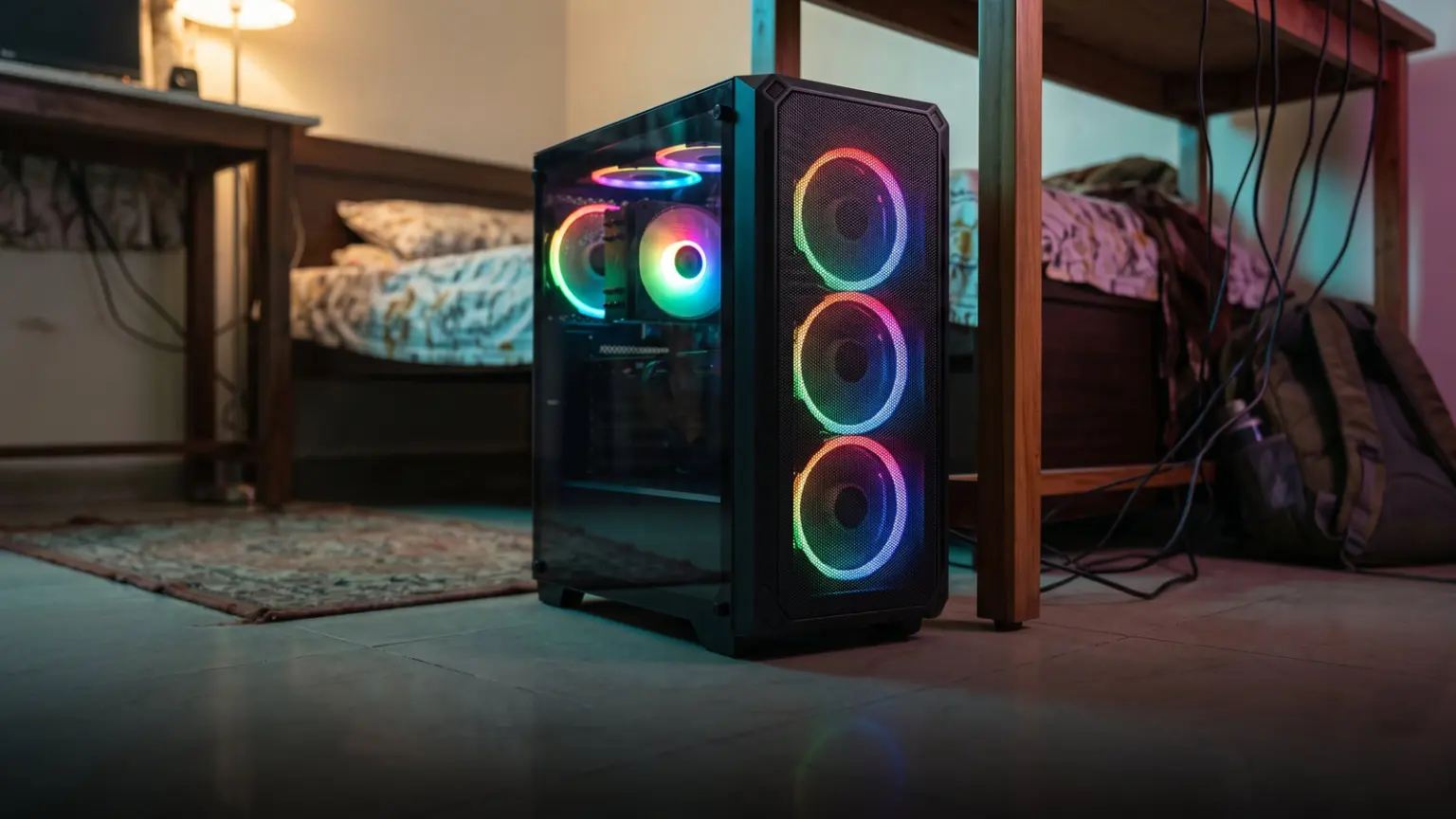
Updated October 2026 with current Indian retail prices.
Best value: A-PRIORI 4-Fan ARGB at ₹3,199 (4 ARGB fans). Best six-fan value: Ant Esports 205 6F at ₹3,879. Best six-fan premium: Frontech ROX at ₹4,498 (6 ARGB + Type-C).
Key facts
- Pre-installed fans save real money. Case fans cost roughly ₹400 to ₹700 each to buy separately, so a case with 4 to 6 ARGB fans included saves you ₹1,600 to ₹4,000 and the hassle of buying and wiring them.
- ARGB fans (addressable) look best and sync with your motherboard for rainbow effects. Every pick here includes ARGB fans, not plain single-colour ones.
- More fans is not always better. Three good fans in a mesh case can cool as well as six in a sealed glass one. Aim for a sensible intake-and-exhaust setup, not just a high number.
- Check how the fans connect. ARGB fans sync via a motherboard ARGB header or a bundled hub/remote. If your board has no ARGB header, pick a case that includes a controller.
- Best value here: the A-PRIORI (₹3,199, 4 ARGB fans) and Ant Esports 205 6F (₹3,879, 6 fans).
Jump to your pick
Buying a case that already includes its fans is one of the smartest budget moves in PC building: case fans cost ₹400 to ₹700 each separately, so a cabinet with 4 to 6 ARGB fans included saves you a lot of money and the work of buying and wiring them. This guide ranks the best cabinets with pre-installed ARGB fans, in stock on Amazon India right now, with real Amazon ratings shown for each. Prices are noted as of June 2026, so confirm the live price before buying. For RGB looks across price points, see our best RGB gaming cabinet guide.
 🎁 GiveawayFREE
Quick comparison table
Prices & ratings verified on Amazon.in, June 2026. Street prices move, always check the live link before buying.
| Pick | Cabinet | Price | RGB fans | Best for | Buy |
|---|---|---|---|---|---|
| Best Value | A-PRIORI 4-Fan ARGB | ₹3,199 | 4 ARGB | Most fans per rupee | Amazon |
| Six-Fan Value | Ant Esports 205 6F | ₹3,879 | 6 fans | Compact, max fans | Amazon |
| Six-Fan Premium | Frontech ROX | ₹4,498 | 6 ARGB + Type-C | Showy fan builds | Amazon |
| Best Airflow | Antec CX300 ARGB | ₹4,517 | 3 ARGB mesh | Cooling over count | Amazon |
| Five-Fan | Antec VCX300 ARGB | ₹4,059 | 5 ARGB mesh | Fans + airflow | Amazon |
| Best Budget | GAMDIAS Aura GC7 | ₹2,499 | ARGB | Tightest budgets | Amazon |
Best value cabinet with fans: A-PRIORI 4-Fan ARGB
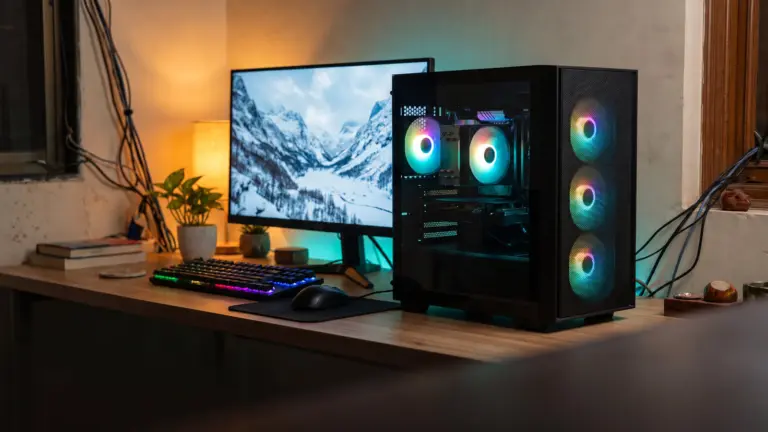
The A-PRIORI 4-Fan ARGB is the value pick because the four infinity-mirror ARGB fans it includes would cost ₹1,600 or more bought separately, so you are effectively getting the steel ATX case almost free, all for ₹3,199. At 4.2 stars over 31 ratings it is the best-reviewed value option here. If your goal is maximum lighting and airflow for the least money, with the fans already done for you, start here.

Steel ATX case with 4 ARGB infinity-mirror fans
Price verified June 20264 ARGB fans includedMost-reviewed value
Best six-fan value: Ant Esports 205 6F
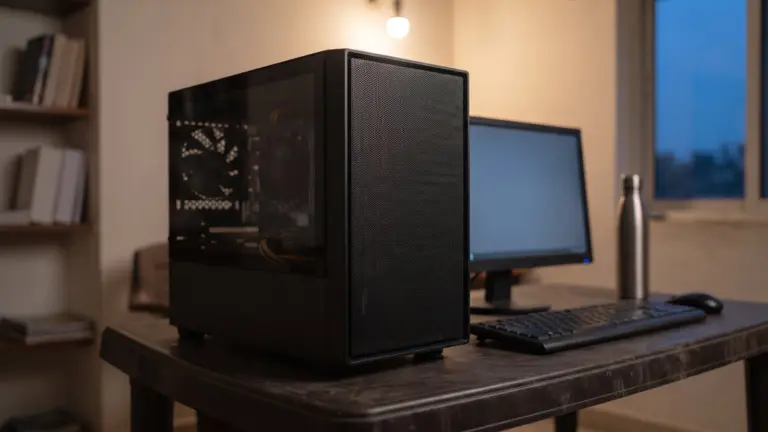
The Ant Esports 205 6F packs six fans for ₹3,879, the highest fan count per rupee here, giving strong airflow and plenty of lighting out of the box in a compact tempered-glass case from a well-known India brand. Rated 4.1 stars over 43 ratings, the most-reviewed multi-fan option here. Note it is micro-ATX / mini-ITX size, so check your motherboard fits. For a glowing, well-cooled compact build with no extra fans to buy, it is excellent value.

Compact case with six fans included
Price verified June 2026Six fansWell-reviewed
Best six-fan premium: Frontech ROX
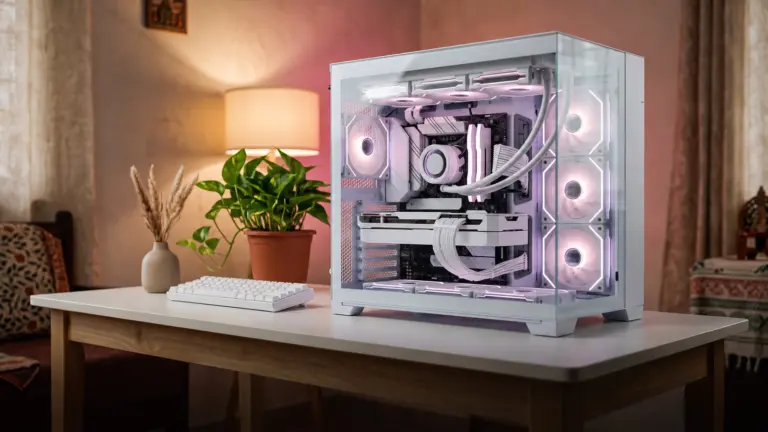
The Frontech ROX is the premium six-fan pick at ₹4,498: six ARGB fans, dual tempered-glass panels for a wrap-around view of the glow, and a modern USB Type-C front port, a strong feature set for the price. Reviews are early (5.0 stars, few ratings), so it is less proven than the Ant and A-PRIORI picks. But if you want a showy six-fan build with Type-C already included, it is a lot of cabinet for the money.

Dual tempered-glass case with 6 ARGB fans and Type-C
Price verified June 20266 ARGB + Type-CDual glass
Best airflow with fans: Antec CX300 ARGB
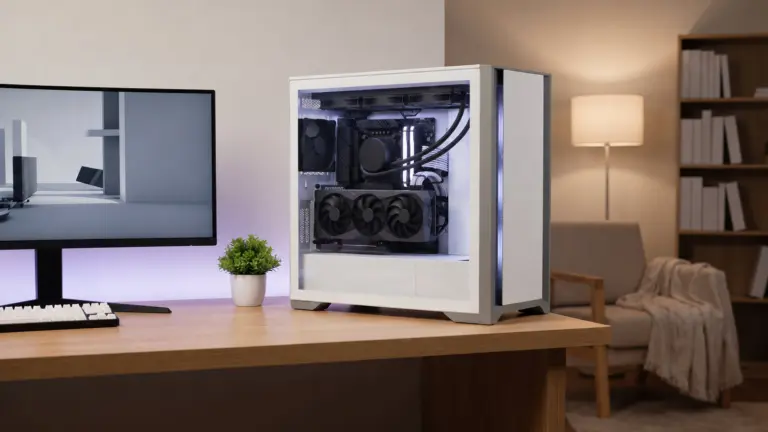
The Antec CX300 ARGB proves that fan count is not everything: its high-airflow mesh front lets its 3 included ARGB fans pull in plenty of cool air, often cooling as well as six fans stuck behind a sealed glass panel, for ₹4,517. From Antec, a respected case brand, with full ATX support. Reviews are early (5.0 stars, few ratings). If you want included fans AND genuinely good cooling, the mesh design makes this the airflow-smart pick.

Mesh-front case with 3 ARGB fans included
Price verified June 2026Mesh airflow3 ARGB fans
Best five-fan: Antec VCX300 ARGB
The Antec VCX300 ARGB combines a generous five included ARGB fans with a high-airflow mesh front for ₹4,059, so you get both plenty of fans and the airflow to make them count, with full ATX, Micro-ATX and ITX support. Reviews are still early (3.5 stars, few ratings), so it is less proven than the A-PRIORI or Ant picks. But for five fans plus mesh airflow from a trusted brand at this price, it is worth a look.

High-airflow mesh case with 5 ARGB fans
Price verified June 20265 ARGB fansMesh front
Best budget with ARGB: GAMDIAS Aura GC7
The GAMDIAS Aura GC7 is the budget entry at ₹2,499: a compact ARGB mid-tower with full ATX support and up to 320mm GPU clearance, from an established budget gaming brand. Its 3.6-star score over 9 ratings is the weakest here, so treat it as a tight-budget pick rather than a standout, and confirm the exact included fan count on the live listing. If you want some ARGB lighting and full ATX support for the least money, it qualifies, but the A-PRIORI gives far more fans for a little more.

Compact ARGB mid-tower with included lighting
Price verified June 2026ARGB includedLowest price
Why pre-installed fans save you money
Good ARGB case fans cost roughly ₹400 to ₹700 each to buy on their own, and a build wants three to six of them for proper airflow. So a case that includes 4 to 6 ARGB fans saves you ₹1,600 to ₹4,000, plus the time and fiddle of buying, mounting and wiring fans and a controller yourself. That is why a fan-included case is one of the best value choices in a budget build: you often pay barely more than the empty case would cost, and get all the fans free. Just make sure the included fans are ARGB (addressable, for proper effects) rather than plain single-colour ones, every pick here is.
How many fans do you actually need?
More fans is not automatically better. What matters is a sensible airflow path: at least one front intake pulling cool air in and one rear (or top) exhaust pushing warm air out. Three good fans in a mesh case (like the Antec CX300) can cool as well as six fans crammed behind a sealed glass panel, because the mesh lets the air actually move. So treat fan count as one factor alongside the panel design: a high number behind solid glass looks great but may not cool better. For most builds, three to four fans with good airflow is plenty; six is a bonus for looks and heavy components.
Controlling the included ARGB fans
To get rainbow and wave effects from the included ARGB fans, they need to be controlled. The best way is via your motherboard ARGB header (a 3-pin 5V header), which lets you sync the fans with your other RGB in one app (Aura Sync, Mystic Light, RGB Fusion, Polychrome). If your motherboard has no ARGB header, you need a case that bundles a controller or remote, many fan-included cases do, so you can still change colours and modes. Before buying, check that the case either matches your motherboard ARGB header or includes its own controller, so you can actually use the lighting you are paying for.
Mesh airflow vs glass looks
Fan-included cases come in two flavours: mesh-front (Antec CX300, VCX300), which prioritises cool-air intake so the fans cool effectively, and glass-front (the six-fan showcases), which looks stunning but can restrict intake. The honest rule is to buy airflow first: a mesh case with three fans often runs cooler than a glass case with six. If you want the showcase look, that is fine, just make sure there are enough intake fans and vents to keep temperatures down. For a build with a warm CPU or GPU, lean towards mesh; for a looks-first display build, the glass six-fan options shine.
How we chose these cabinets
We searched Amazon India for PC cabinets that include their fans, then filtered for what matters: the number and type of included fans (ARGB preferred), airflow design (mesh vs glass), motherboard and GPU clearance, build quality and brand, ARGB control method, and user ratings. We checked every pick was in stock with its current price on Amazon.in in June 2026, and we show each case real Amazon star rating and rating count, favouring the better-reviewed value picks (A-PRIORI, Ant 205 6F). We did not lab-test units; picks are based on verified listings, specifications and aggregate user reviews. Confirm the exact fan count on the listing, and prices move, so check before buying.
Affiliate disclosure: links to Amazon are affiliate links. If you buy through them, GamingNation may earn a small commission at no extra cost to you. It does not affect our picks or the order above.
Decision time
Pick the cabinet that matches your board, budget and airflow needs, then click through to verify the live price
Frequently Asked Questions
Which cabinet with pre-installed fans is best value in India?
The A-PRIORI 4-Fan ARGB (around ₹3,199) is the best value, with four infinity-mirror ARGB fans included (worth ₹1,600+ alone) on a full-ATX case. For the most fans, the Ant Esports 205 6F (₹3,879) includes six. The Antec CX300 ARGB (₹4,517) is the airflow-smart pick with three fans and a mesh front.
How much do you save with pre-installed fans?
A lot. ARGB case fans cost roughly ₹400 to ₹700 each separately, so a case with 4 to 6 included fans saves you ₹1,600 to ₹4,000, plus the time of buying and wiring them. You often pay barely more than the empty case would cost, making fan-included cases one of the best value choices in a budget build.
How many fans does a gaming PC need?
Most builds run well with three to four fans set up as front intake and rear or top exhaust. Six fans add more airflow and lighting but are not essential. What matters more than the number is the airflow path and whether the case breathes (mesh vs sealed glass). Three good fans in a mesh case often cool as well as six behind solid glass.
Are the included fans ARGB or plain RGB?
On all the picks here, they are ARGB (addressable RGB), which lets each LED show a different colour for rainbow and wave effects and sync with your motherboard, the look most people want. Plain RGB shows one colour at a time. Always check the listing says ARGB rather than single-colour LED if effects matter to you.
How do I control the ARGB fans that come with the case?
Either through your motherboard ARGB header (a 3-pin 5V header) using its app for full sync with your other RGB, or through a bundled controller or remote if your board has no ARGB header. Many fan-included cases include a controller. Before buying, check the case matches your motherboard header or includes its own controller so you can use the lighting.
Is a six-fan case better than a three-fan one?
Not necessarily. A three-fan mesh case can cool as well as a six-fan glass case because mesh lets air move freely, while six fans behind sealed glass can recycle warm air. Six fans add airflow headroom and more lighting, useful for hot components or a showcase look, but for most builds three to four fans with good airflow is plenty. Judge the case design, not just the fan count.
Do these cabinets work with full-size ATX motherboards?
Most do, but check each one. The A-PRIORI, Antec CX300, Antec VCX300 and GAMDIAS support full ATX, while the Ant Esports 205 6F is micro-ATX / mini-ITX size. Always match your motherboard size (ATX, Micro-ATX or Mini-ITX) to the case before buying, especially with compact fan-included cases.
Should I prioritise fans or airflow design in a case?
Airflow design first. A mesh-front case with a few fans cools better than a glass-front case with many fans, because the mesh lets air actually flow through. Included fans are a great money-saver, but if your build has a warm CPU or GPU, prioritise a mesh or vented case (like the Antec picks) over sheer fan count behind glass.