Gaming Setup for College Students Under 40000 India 2026

Harsh Talreja
15 Min Read

Updated April 2026 with current Indian retail prices.

Disclosure: GamingNation.in earns a commission from purchases made via links on this page, at no extra cost to you. As an Amazon Associate I earn from qualifying purchases. Read our affiliate policy.

Heads up: some links here are affiliate links. If you buy through them, we earn a small commission at no extra cost to you. This helps keep GamingNation running.

Short answer: the best gaming setup for college students under Rs 40,000 is a Ryzen 5 5600G APU build at Rs 28,000 to Rs 30,000 with a 24-inch 75Hz monitor, budget mechanical keyboard, and gaming mouse. For a tighter budget, see our complete gaming setup under Rs 50,000 for students. Not a gimmick. The 5600G handles gaming and coding work without a GPU. Total PC plus peripherals comes to Rs 35,000 to Rs 38,000. This guide also covers a second option: skip the desktop and go for a gaming laptop under Rs 40,000 if you live in a hostel.

College students in India face a specific challenge: the setup needs to handle both gaming and coursework, fit in a hostel room or PG, and cost under Rs 40,000 total. Here’s how to build it right.

Desktop vs Laptop for College Gaming Under Rs 40,000

This is the first decision and it depends on one thing: do you live in a hostel or at home?

  • Home or PG with fixed desk space: Desktop wins. Rs 40,000 buys a significantly better gaming PC than Rs 40,000 buys a gaming laptop. Better CPU, better integrated GPU, upgradeable. The desktop answer is below.
  • Hostel or shared accommodation: Laptop wins. You can’t carry a desktop PC back and forth or guarantee your setup is safe in a hostel room. The laptop under Rs 40,000 recommendation is at the end of this guide.

Option 1: Desktop Gaming Setup for College Under Rs 40,000

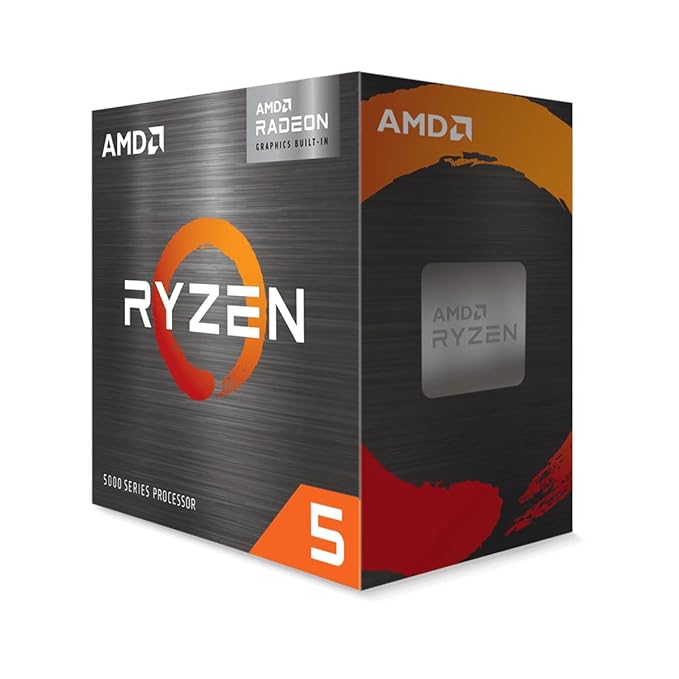
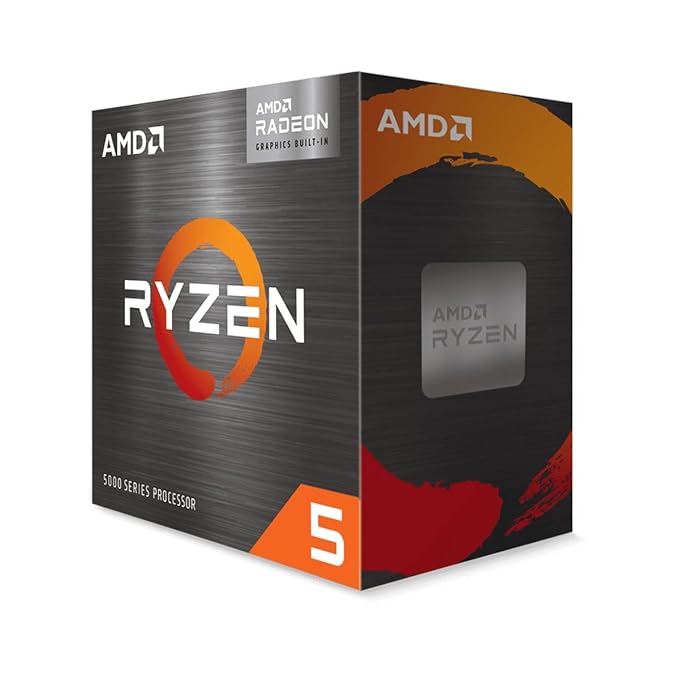
AMD Ryzen 5 5600G APU
Best College CPU

AMD Ryzen 5 5600G APU

6-coreRadeon Vega 7 iGPUhandles gaming + coding
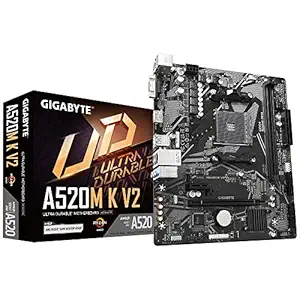
MSI A520M-A PRO Motherboard

MSI A520M-A PRO Motherboard

Supports Ryzen 5000micro-ATXbudget-friendly
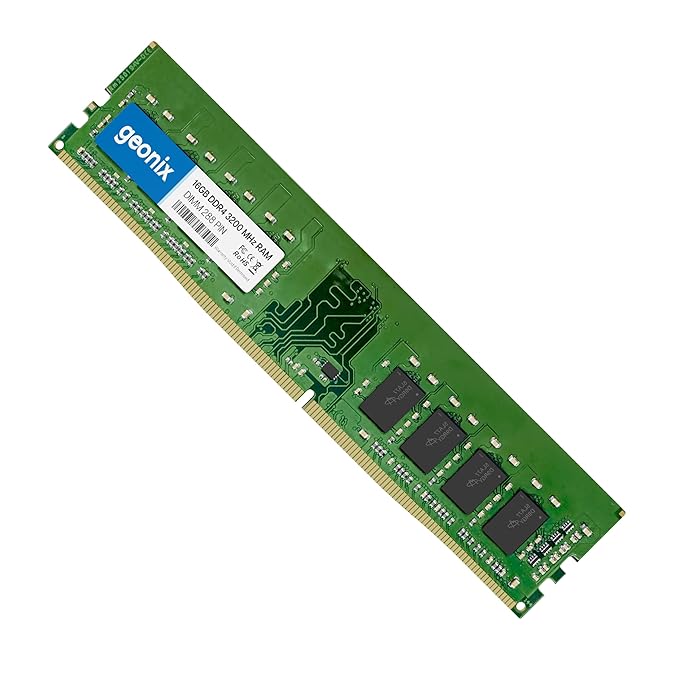
Corsair Vengeance 16GB DDR4 3200MHz

Corsair Vengeance 16GB DDR4 3200MHz

2x8GBdual channel is essential for 5600G
Advertisement
HyperX Cloud Stinger Gaming Headset

HyperX Cloud Stinger Gaming Headset

Best headset under Rs 2500 for gaming and online class audio
Product comparison table
ComponentPickPrice
CPU + GPUAMD Ryzen 5 5600G (APU)Rs 9,499
MotherboardMSI A520M-A PRORs 6,299
RAMCorsair Vengeance 16GB DDR4 3200MHz (2x8GB)Rs 3,299
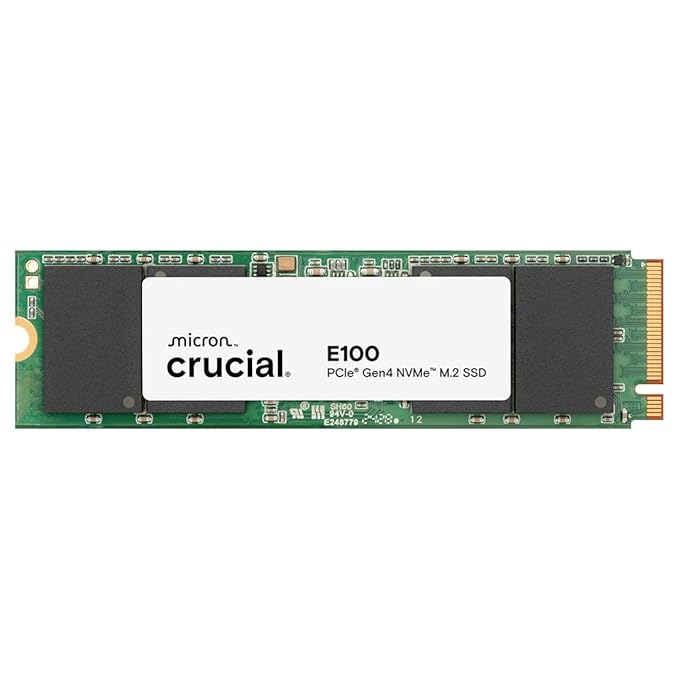
StorageKingston A400 480GB SSDRs 2,499
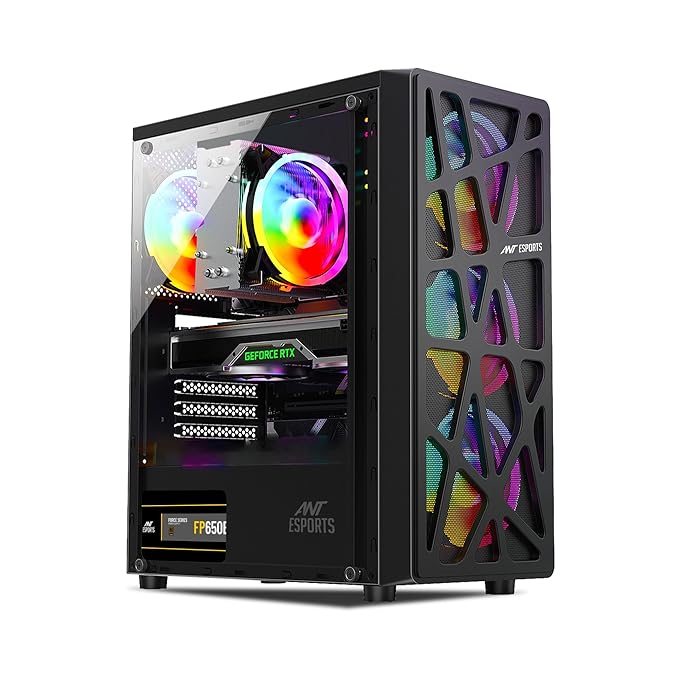
CabinetAnt Esports ICE-200TGRs 3,299
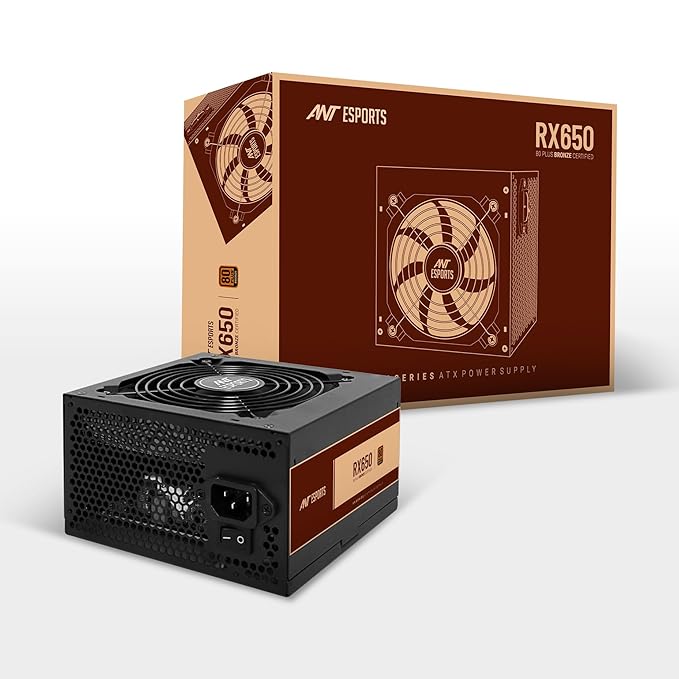
PSUCooler Master MWE 450 BronzeRs 3,499
PC TotalRs 28,394
MonitorLG 22MK400H-B 22″ 75HzRs 6,499
KeyboardCosmic Byte CB-GK-26 FireflyRs 1,599
MouseZebronics Zeb-Transformer-MRs 499
HeadsetHyperX Cloud StingerRs 2,499
Grand TotalRs 39,490

Rs 39,490. Right under the budget. No compromise that hurts gaming or work performance.

MSI A520M-A PRO Motherboard

MSI A520M-A PRO Motherboard

AMD Ryzen 5 5600G APU

AMD Ryzen 5 5600G APU

A streaming setup I helped a cousin configure in Kolkata came in at Rs 27k total. Fifine mic, C920 webcam, basic ring light, Green Soul chair. He hit 500 Twitch subs in a year.

Why the Ryzen 5 5600G Works for College

Advertisement

Most college students do a mix of gaming plus coursework. The 5600G handles both:

  • Gaming: Valorant at 75 to 100fps, BGMI on emulator at 60fps, CS2 and older titles playable at 1080p medium
  • Coding: VS Code, IntelliJ IDEA, Android Studio, all run smoothly with 16GB RAM. Compiling medium-size projects takes under 30 seconds.
  • Video editing (light): DaVinci Resolve and Premiere on 1080p timelines work. Not fast, but functional. Add a GPU in year 2 for faster export.
  • Online classes and browsing: Zoom, Google Meet, Chrome with 20 tabs, no issue at all

The 16GB dual-channel RAM is what makes the 5600G punch above its weight. Single-channel 8GB on this APU cuts performance by 20 to 25 percent. This is the one spec you don’t compromise on.

Monitor Choice: 22-inch vs 24-inch

The LG 22MK400H-B at Rs 6,499 saves Rs 1,500 over the 24-inch version. In a small hostel or PG room, 22 inches is actually more comfortable at close desk distances of 50 to 60cm. If you have more desk space, spend Rs 1,500 more for the 24-inch variant. Both are 75Hz with FreeSync and match the 5600G well.

Keyboard for Coding and Gaming

The Cosmic Byte CB-GK-26 Firefly at Rs 1,599 is a membrane keyboard. For coding, it’s fine. For gaming, it works. If you type a lot for assignments and find the membrane feel unsatisfying, upgrade to the Cosmic Byte CB-GK-40 mechanical at Rs 2,099, it’s Rs 500 more and significantly better for long typing sessions.

What to Buy First if the Full Budget Is Not Available

If you need to buy in phases, prioritise in this order:

  1. CPU, motherboard, RAM, SSD, PSU, cabinet, the core PC (Rs 28,394)
  2. Monitor (Rs 6,499), essential, you cannot use the PC without it
  3. Keyboard and mouse (Rs 2,098), buy these on the same day as the monitor
  4. Headset (Rs 2,499), can wait a week if budget is tight

The PC and monitor alone at Rs 34,893 is a functional gaming and work machine. Peripherals can come over the first month.

Option 2: Gaming Laptop for College Under Rs 40,000

If portability is essential, here are the best gaming laptops under Rs 40,000 in India right now:

ASUS TUF Gaming A15: Rs 39,990

ASUS TUF Gaming A15 Gaming Laptop
Top Laptop Pick

ASUS TUF Gaming A15 Gaming Laptop

Ryzen 5 7535HSGTX 1650144Hz displaybest gaming laptop under Rs 40000

Ryzen 5 7535HS, 8GB RAM (upgradeable), GTX 1650 GPU, 15.6-inch 144Hz display. The TUF A15 is the most recommended gaming laptop under Rs 40,000 in India. The GTX 1650 runs Valorant at 100 to 120fps, CS2 at 80 to 100fps, and handles most esports titles at medium to high settings.

ASUS TUF Gaming A15 Gaming Laptop

ASUS TUF Gaming A15 Gaming Laptop

ASUS TUF Gaming A15:

ASUS TUF Gaming A15:

The 144Hz display is the biggest advantage over budget laptops at the same price that only offer 60Hz. For competitive gaming it’s a meaningful edge.

8GB RAM is the only weak point. Budget Rs 1,500 to Rs 2,000 to add an 8GB DDR5 stick (bringing it to 16GB) within the first month. Most performance issues with this laptop in gaming and multitasking disappear after the RAM upgrade.

Lenovo IdeaPad Gaming 3: Rs 37,990

Lenovo IdeaPad Gaming 3 Laptop

Lenovo IdeaPad Gaming 3 Laptop

Ryzen 5RTX 2050120Hzgood battery for college

Ryzen 5 7535HS, 8GB RAM, RTX 2050 GPU, 15.6-inch 120Hz display. The RTX 2050 is slightly below the GTX 1650 in raw gaming performance but has DLSS support which helps in games that support it. Good build quality from Lenovo. IdeaPad battery life is better than ASUS TUF for non-gaming use.

The 120Hz display is fine but below the TUF A15’s 144Hz. If competitive gaming is the priority, the TUF A15 wins here.

HP Victus 15: Rs 38,999

HP Victus 15 Gaming Laptop

HP Victus 15 Gaming Laptop

i5-12450HGTX 1650144Hzbest thermals at this price

Intel Core i5-12450H, 8GB RAM, GTX 1650 GPU, 15.6-inch 144Hz display. The HP Victus is a newer chassis with better thermals than older gaming laptop designs at this price. The i5-12450H is a capable processor for both gaming and coding work. HP’s build quality at this price is solid.

The Victus runs slightly cooler than the ASUS TUF under sustained load due to HP’s newer thermal design. Good choice for students in hot climates who are worried about throttling during long study sessions.

Desktop vs Laptop Performance at Rs 40,000

Clear comparison for anyone deciding:

  • Gaming FPS: Desktop (5600G) matches a GTX 1650 laptop in esports titles. Laptop wins in GPU-dependent AAA games.
  • Future upgrades: Desktop wins. Add a GPU later for Rs 12,000 to Rs 20,000. Laptop GPU is non-upgradeable.
  • Portability: Laptop wins completely. Non-negotiable for hostel students.
  • Battery life for class: Laptop only. 5 to 6 hours on light tasks for all three laptop picks above.
  • Display quality at this budget: Desktop wins. A standalone 75Hz IPS monitor looks better than any Rs 40,000 laptop display.
  • 5-year total cost of ownership: Desktop wins. You replace components; you replace the whole laptop.

Advertisement
HT

Harsh Talreja

Editor, GamingNation.in | Mumbai

Context: These setup guides assume a typical Indian bedroom: 9 to 12 feet wide, a desk 2.5 to 3 feet deep, a ceiling fan, and power from a normal Indian socket with occasional fluctuation. If your space is very different, the layout suggestions still work but you’ll have flexibility I don’t factor in.

Share This Article
Follow:
Harsh Talreja edits Gaming Nation from a Mumbai bedroom desk and a Bangalore hotel desk on alternate months. He has been writing about PC hardware, gaming peripherals and Indian gaming cafes for 6 years, with hands-on time on every major PC component category sold in India under Rs 2,00,000 (RTX 3050 to RTX 4070 Super, Ryzen 5 5600 to Ryzen 7 7700X, every B550 and B650 mainstream board, 144Hz IPS to 240Hz OLED, Razer DeathAdder to Logitech G502 Hero). He has visited and benchmarked over 18 gaming cafes across Mumbai, Bangalore, Pune, Delhi, Hyderabad, Chennai, Kolkata and Amritsar. Plays BGMI at Crown tier, Valorant at Diamond, daily-drives a 5800X3D plus RX 7600 build at home. Outside Gaming Nation, Harsh works as an SEO partner for Indian startups (he can be reached on LinkedIn for that work). All Indian retail prices on this site are checked monthly against Amazon.in and Flipkart, all hardware claims are checked against RTINGS, Tom's Hardware, NotebookCheck, and Hardware Unboxed where applicable.