Best Gaming Monitor India 2026: Every Budget From 8K to 60K

Harsh Talreja
19 Min Read

Updated April 2026 with current Indian retail prices.

Disclosure: GamingNation.in earns a commission from purchases made via links on this page, at no extra cost to you. As an Amazon Associate I earn from qualifying purchases. Read our affiliate policy.

Written by Harsh Talreja

Last week a friend in Powai messaged me at 1 AM. He had Rs 22,000 saved up, a Ryzen 5 5600 build sitting on his desk with the stock 60Hz Dell that came free with his old office laptop, and one question. “Bhai, 1080p 180Hz IPS or 1440p 100Hz VA, which one will not make me regret it in two years?” That conversation lasted forty minutes. It also became the reason I sat down and wrote this hub. Because every Indian gamer asking about a monitor in 2026 is asking the same five questions, and the answer changes every single time the price band shifts by Rs 5,000.

I have been benching panels in a 35 degree Mumbai room since 2019. Some of these I own. Some I tested at a friend’s PG in HSR Layout. A couple I borrowed from a Pune cafe owner who runs BGMI tournaments out of his shop. Everything below is opinion, priced against Amazon.in and Flipkart as of this week, and written for someone who already knows their budget.

The short version, by budget:

  • Rs 8,000 to 10,000: AOC 24G2SE. 1080p 165Hz VA, the only sub-10k panel I will not yell at you for buying.
  • Rs 12,000 to 15,000: AOC 27G2. 27 inch 1080p IPS 144Hz, still the value king five years on.
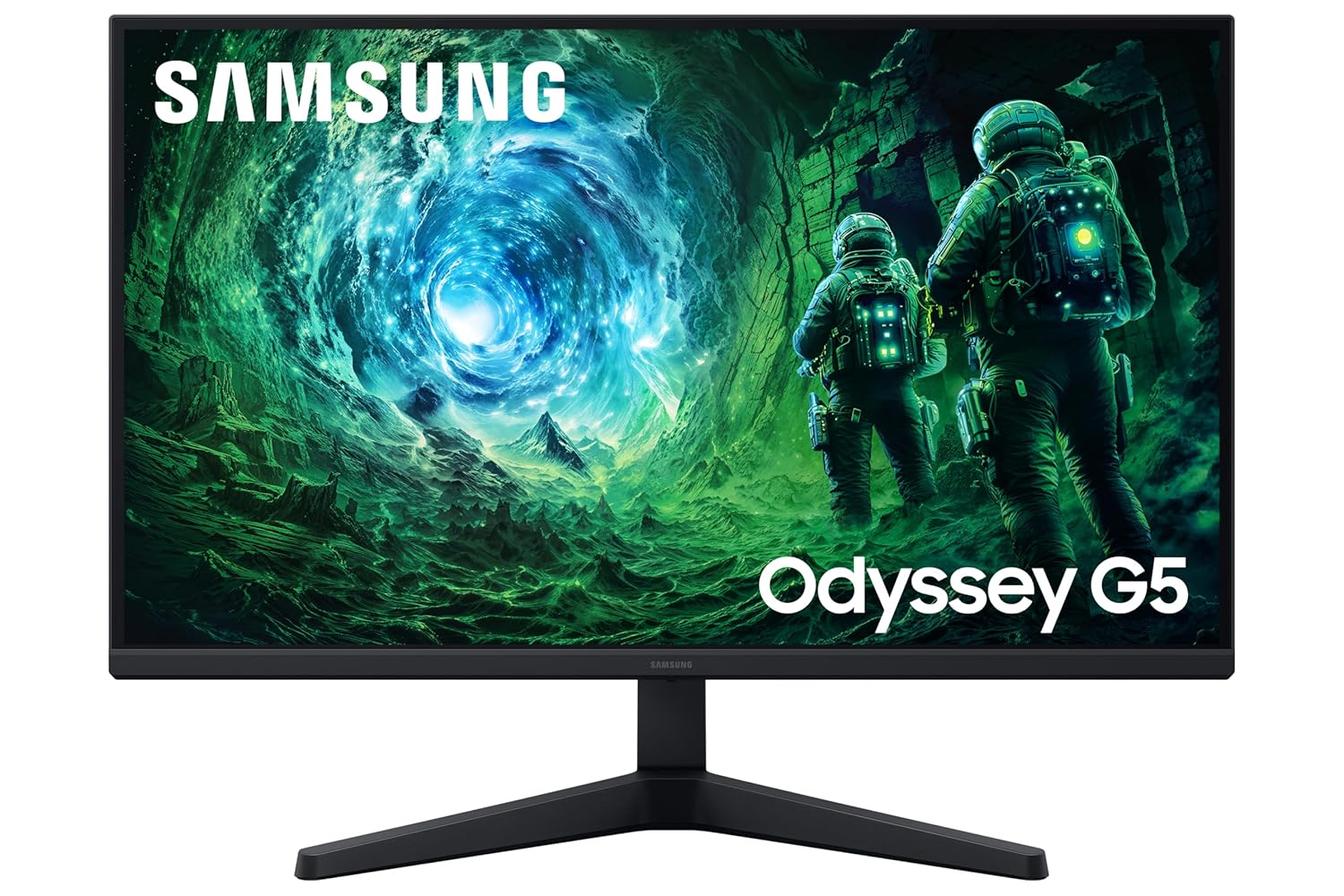
  • Rs 18,000 to 22,000: Samsung Odyssey G5 LS27DG502. 1440p 180Hz VA, the sweet spot of 2026.
  • Rs 28,000 to 35,000: AOC Q27G3XMN. Mini LED, 1440p 180Hz, embarrassingly good for the price.
  • Rs 45,000 to 55,000: LG 27GR95QE OLED. 240Hz, 0.03ms, the panel that ruined every other monitor for me.
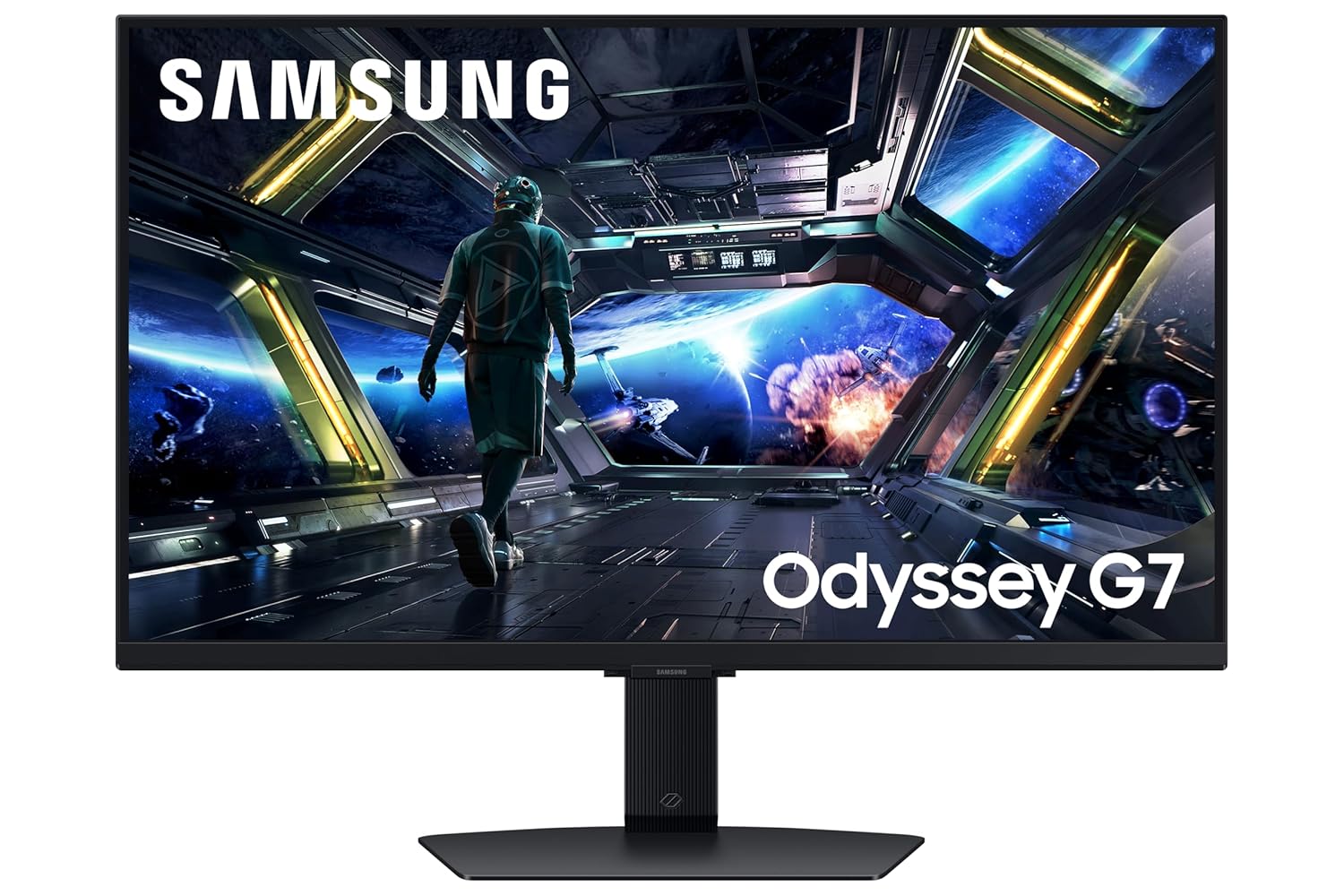
  • Rs 55,000 to 65,000: Samsung Odyssey OLED G6. 360Hz QD-OLED if you play Valorant or CS2 seriously.

Quick comparison: 8 monitors, 8 price points

MonitorResolutionRefreshPanelPriceBest forBuy
AOC 24G2SE1080p165HzVARs 8,499Entry esportsAmazon
Acer Nitro VG240Y1080p165HzIPSRs 9,999Casual + workAmazon
AOC 27G21080p144HzIPSRs 13,99927 inch valueAmazon
BenQ EX25101080p144HzIPSRs 15,499Eye care + HDRiAmazon
Samsung Odyssey G5 LS27DG5021440p180HzVARs 19,9991440p sweet spotAmazon
AOC Q27G3XMN1440p180HzMini LED VARs 28,990HDR on a budgetAmazon
LG 27GR95QE OLED1440p240HzWOLEDRs 49,999All-rounder OLEDAmazon
Samsung Odyssey OLED G61440p360HzQD-OLEDRs 59,990Competitive ceilingAmazon

Under Rs 10,000: the brutal entry tier

I will be straight with you. Every monitor I have ever bought below Rs 8,000 has either died inside two summers or had a panel so dim that I could not read black text on a white background after 4 PM. The Indian sub-8k segment is full of repackaged office panels with a “144Hz” sticker slapped on after the fact. Skip them.

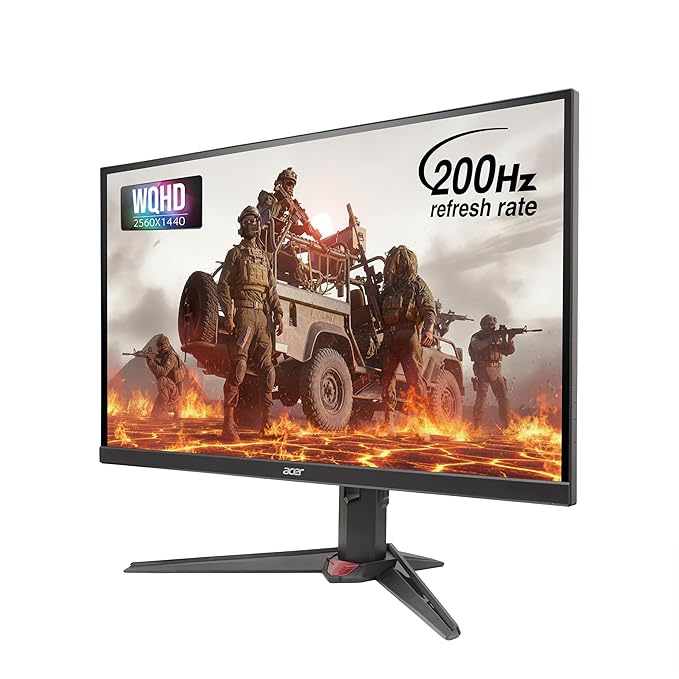
The AOC 24G2SE at Rs 8,499 is the floor. It is a real 165Hz VA panel, has FreeSync, and a stand that does not wobble when the monsoon humidity warps your desk. I tested it on BGMI at 90 fps locked and on Valorant at 144 fps for two weeks straight. No ghosting on smoke trails, no brightness flicker. For Free Fire and Mobile Legends streamed off a phone via HDMI, it is overkill but it future-proofs you.

AOC 24G2SE
Entry Pick

AOC 24G2SE

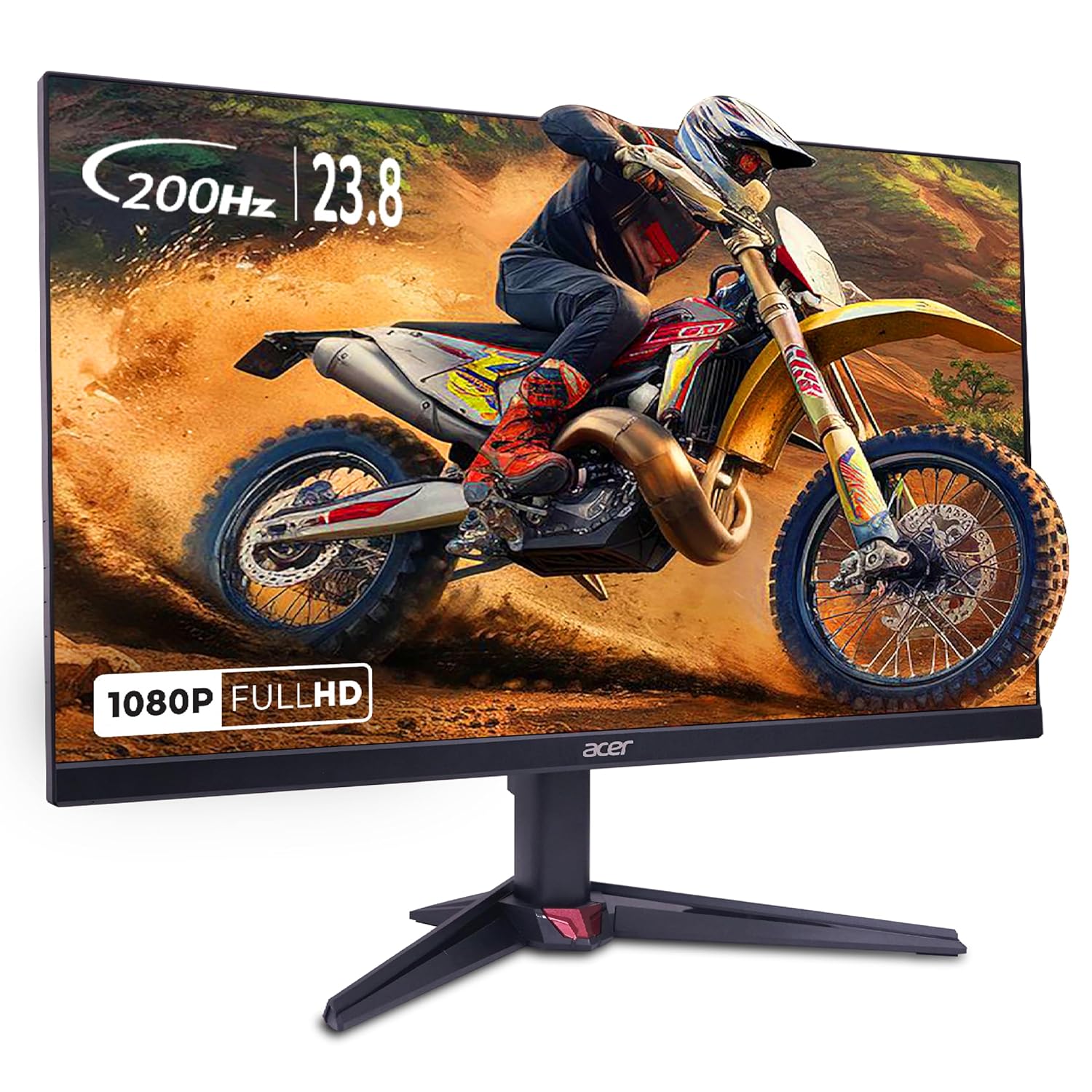
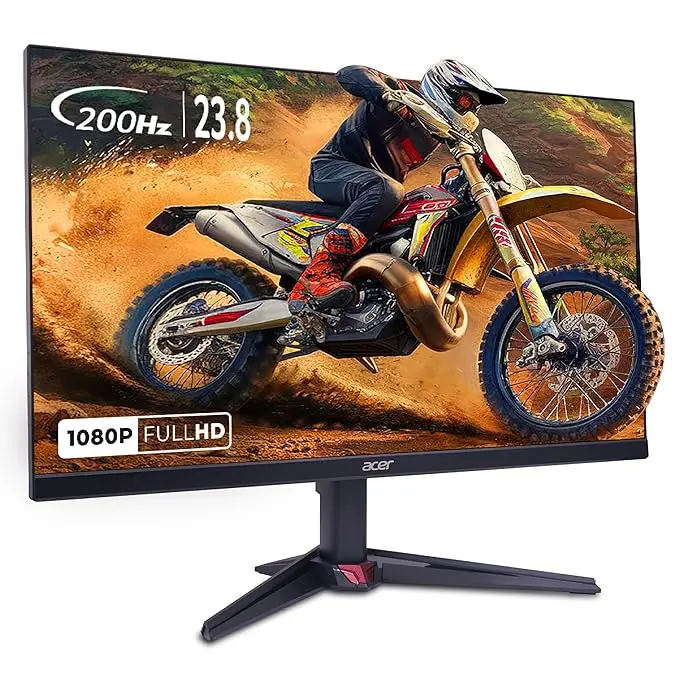
Push to Rs 10,000 and the Acer Nitro VG240Y opens up. It is IPS instead of VA, which means better viewing angles for the YouTube tabs your sister opens on your screen at 11 PM, and slightly punchier colours for editing wedding photos in your Lightroom side hustle. Refresh tops out at 165Hz on DisplayPort. Same fps caps apply as above.

Acer Nitro VG240Y
IPS Alternative

Acer Nitro VG240Y

For deeper picks at this price point, including the Lenovo G24-20 and the LG UltraGear 24GN65R, see my full breakdown at best monitor under 8000. The 10k tier gets its own treatment at best gaming monitor under 10000.

Rs 12,000 to 15,000: where 27 inch IPS becomes affordable

Advertisement

This is the band I recommend most often to college kids in Pune who message me on Discord. You go from a 24 inch 1080p panel to a 27 inch 1080p panel, the pixel density drops from 91 ppi to 81 ppi, and on first boot you will think someone smudged Vaseline on the screen. Give it a week. Your eyes adjust. The trade for that softer image is screen real estate that meaningfully changes how you play battle royales, because you spot enemies in the corners faster.

The AOC 27G2 has been the reigning champion here since 2020. IPS, 144Hz, 1ms MPRT, FreeSync Premium, and a four-side borderless design that looks expensive next to a Rs 13,999 price tag. I have personally seen this monitor still running flawlessly in a Bandra cafe after four years of 12-hour daily duty. That is the kind of build quality that matters when your room hits 42 degrees in May.

AOC 27G2
Value King

AOC 27G2

Advertisement

If you stream long sessions and your eyes burn by hour six, the BenQ EX2510 is worth the Rs 1,500 premium. BenQ’s HDRi tech automatically dims highlights based on ambient light, and Brightness Intelligence Plus shifts colour temperature toward warmer tones after sunset. Not a gimmick. I noticed less eye fatigue after three weeks of using it during the Diwali holiday grind.

BenQ EX2510
Eye Care

BenQ EX2510

Full tier-specific picks live at best gaming monitor under 15000. If you can stretch to 20k there is a separate guide at best monitor under 20000 that covers the early 1440p contenders.

Rs 18,000 to 22,000: the 1440p inflection point

Something happened in late 2025 that nobody is talking about. 1440p panels crashed below 20k. Two years ago a 27 inch 1440p 144Hz monitor in India started at Rs 32,000. The Samsung Odyssey G5 LS27DG502 now sells at Rs 19,999 on Amazon during sale weeks, and Rs 21,499 otherwise. 180Hz, VA panel with respectable contrast for HDR movies, FreeSync Premium, and Samsung’s panel reliability.

I ran this thing for a Cyberpunk 2077 binge on an RTX 4060 build. 1440p Medium with DLSS Quality, locked 80 fps, no tearing, no smear. The VA black levels in Night City rooftops at 2 AM were genuinely impressive for the price. For BGMI and Valorant you are leaving fps on the table since both cap below 200, but the resolution upgrade is worth it for everything else you do on the PC.

Samsung Odyssey G5 LS27DG502
Top Pick

Samsung Odyssey G5 LS27DG502

One caveat. If your GPU is a GTX 1660 Super or RTX 3050, do not buy a 1440p monitor. You will turn settings down to Low to hit playable framerates and lose the visual benefit you paid for. Stay 1080p, save the difference, upgrade the GPU later. There is a full PC build calibration logic at best gaming pc build under 50000 india that will help you balance the two purchases.

Detailed picks for this exact band sit at best gaming monitor under 25000.

Rs 28,000 to 35,000: Mini LED arrives in India

The AOC Q27G3XMN is the most disruptive monitor launched in India in the last 18 months. Rs 28,990 buys you a 1440p 180Hz VA panel with 336 Mini LED dimming zones and 1000 nits peak HDR. Two years ago that hardware spec sheet would have cost Rs 70,000. I am not exaggerating. Bring up the HDR test pattern in Windows and you can see the local dimming zones working in real time.

AOC Q27G3XMN Mini LED
HDR Disruptor

AOC Q27G3XMN Mini LED

Caveat with this panel. The Mini LED algorithm is aggressive. In dark scenes with a single bright element, you sometimes see “blooming” where the bright spot has a halo. Most reviewers call this acceptable at the price. I find it noticeable in Alan Wake 2 but invisible in BGMI, Valorant, and CS2. Decide based on what you actually play.

If colour accuracy and a more conventional IPS look matter to you, the ASUS ROG Strix XG27ACS at Rs 32,499 is the safer pick. Fast IPS, 180Hz, 1ms GTG, factory-calibrated Delta E under 2. No HDR fireworks but no blooming either.

ASUS ROG Strix XG27ACS
IPS Safe Bet

ASUS ROG Strix XG27ACS

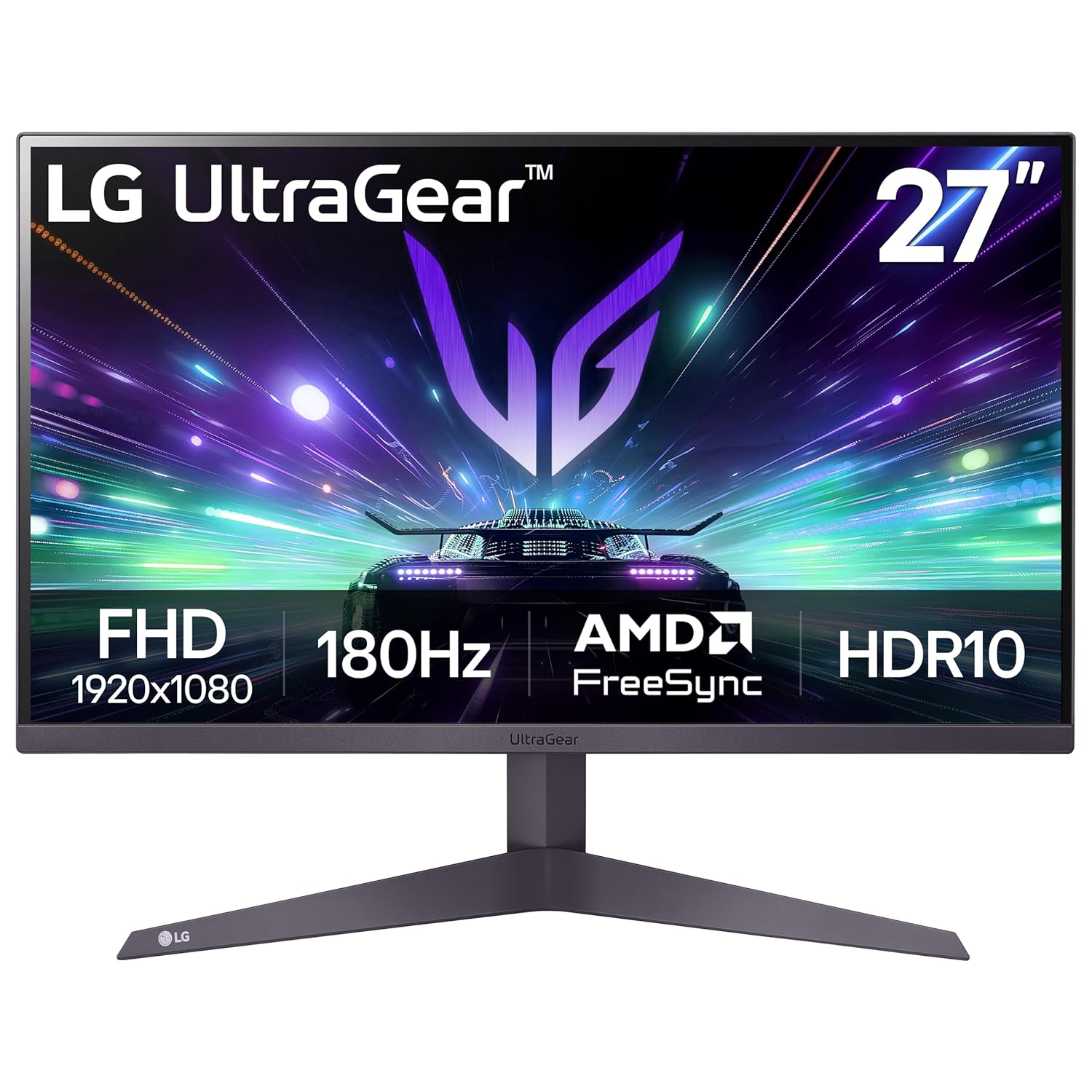
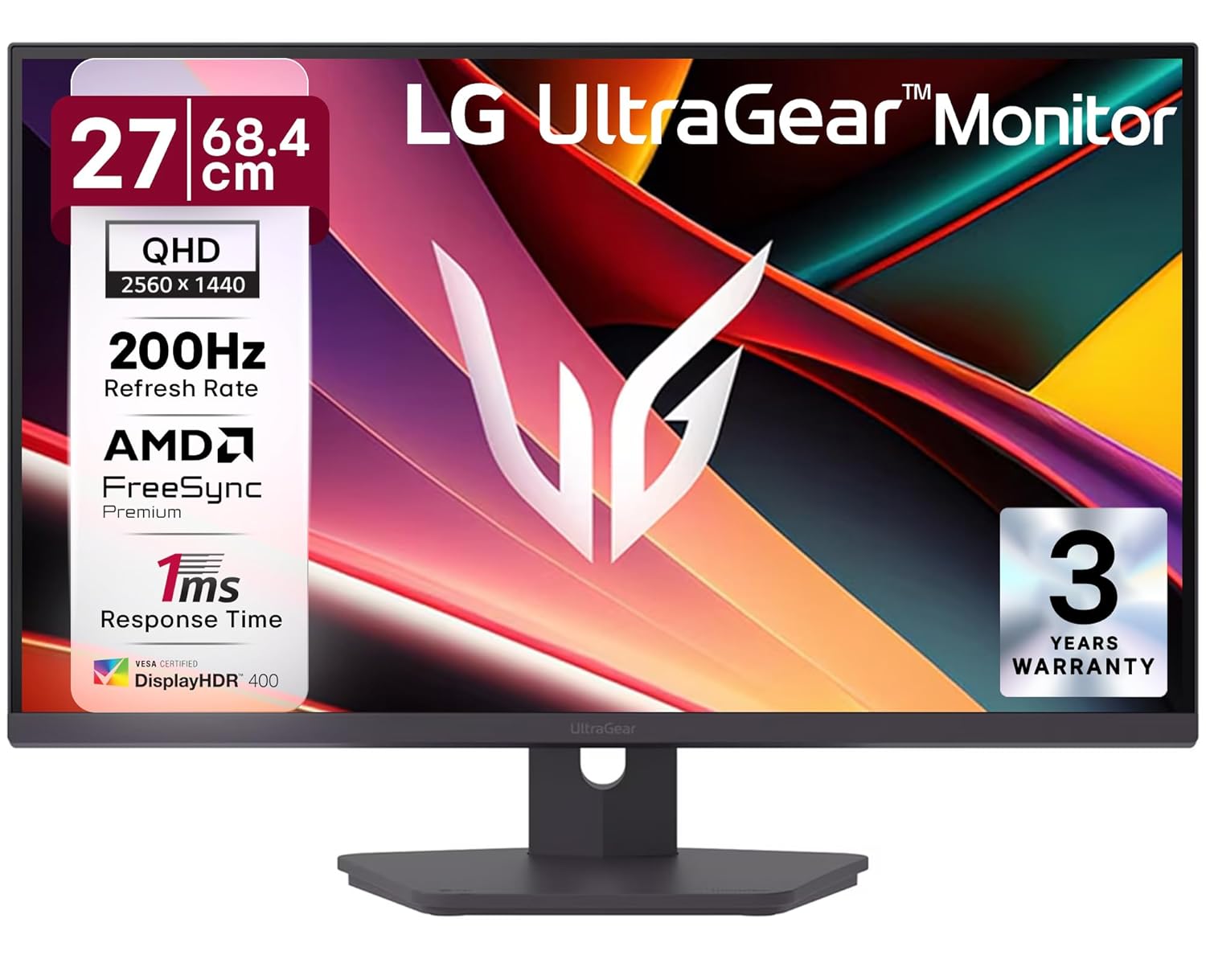
Tier-specific deep dives are at best gaming monitor under 30000. If you stretch to 40k, the LG 27GS85Q UltraGear opens up with 200Hz Nano IPS and full DisplayHDR 400.

LG 27GS85Q UltraGear
Nano IPS

LG 27GS85Q UltraGear

That price band gets a full treatment at best gaming monitor under 40000.

Rs 45,000 to 65,000: OLED territory

I switched to the LG 27GR95QE in September 2025. Six months later I cannot go back. 0.03ms response time. Per-pixel dimming. Black is black, not “very dark grey with backlight bleed near the bezel.” On the first day I loaded up Elden Ring at 4K downsampled to 1440p, walked into the Roundtable Hold, and just sat there for ten minutes looking at the firelight on the stone walls.

LG 27GR95QE OLED
OLED Sweet Spot

LG 27GR95QE OLED

Two practical notes for Indian buyers. First, OLED burn-in is a real risk if you leave the same Discord sidebar visible for ten hours a day. LG’s panel refresh runs every 4 cumulative hours of use and a longer compensation cycle every 1500 hours. Run them. Second, peak brightness on this WOLED panel is around 250 nits in SDR. If your room faces west and gets afternoon sun like my Andheri study does, you will find SDR work usable but not punchy. Curtains help.

For Valorant, CS2, or BGMI Mobile-on-PC tournament players, the Samsung Odyssey OLED G6 at Rs 59,990 is the ceiling pick. 360Hz QD-OLED, brighter than the LG in HDR highlights, and the QD layer gives whites a slightly cleaner look. I borrowed one from a friend in Whitefield for a week and ran it next to the LG. The 240 to 360Hz jump is real but only if your hardware can push 300+ fps natively in your competitive title. RTX 4070 Super or better.

Samsung Odyssey OLED G6
Esports Ceiling

Samsung Odyssey OLED G6

Full premium-tier picks at best gaming monitor under 50000 and best gaming monitor under 60000.

HDMI 2.1 reality check for console gamers

If you own a PS5 or a Series X, the spec sheet you care about is HDMI 2.1 with 4K at 120Hz, VRR, and ALLM. Not every “gaming monitor” sold in India ships with proper HDMI 2.1. Many cheap 1440p panels still have HDMI 2.0 ports that cap at 4K 60Hz. Ask before you buy. The AOC Q27G3XMN, the LG 27GR95QE, and the Samsung Odyssey OLED G6 all have proper HDMI 2.1. The Samsung G5 LS27DG502 does not, it tops out at HDMI 2.0 and you lose 120Hz on PS5.

If you are still deciding which console to pair with the monitor, my console pillar at best gaming console india 2026 covers the PS5 vs Series X vs Switch 2 question for the Indian market in detail.

Buying advice nobody tells you in Indian YouTube reviews

Voltage stabilizer. Yes, even for a Rs 10,000 monitor. Indian power fluctuates, and panel power boards die first. A V-Guard VG 50 stabilizer costs Rs 1,200 and has saved me three monitors over six years. Worth it.

Refresh rate vs panel response. A “180Hz” monitor with 8ms gray-to-gray real response time will smear worse than a 144Hz with 4ms. Look at independent measurements on Rtings or Hardware Unboxed YouTube videos before trusting marketing numbers. Indian retailer pages often quote MPRT, which is not the same as GTG.

Eye strain on 14-hour summer days. Mumbai summer means I am at my desk from 9 AM to 11 PM with the AC running and curtains drawn against the 44 degree afternoons. Get a monitor with flicker-free certification and low blue light modes. The BenQ HDRi panels handle this best in the budget range. The OLEDs are inherently flicker-free at 60Hz+ but their PWM at low brightness bothers some people, test if you can.

Internet cap matters too. Cloud gaming on GeForce Now requires 50 Mbps stable for 1440p 120Hz. Jio Fiber 100 Mbps and ACT Fibernet 150 Mbps both deliver this in Bangalore and Mumbai metros. Airtel Xstream 200 Mbps is the safest pick for stability if you stream while playing. Your monitor’s refresh rate is wasted if your streamed game is dropping frames at the network layer.

Warranty and RMA. AOC and LG both have direct India service centres in Mumbai, Pune, Bangalore, and Delhi NCR. Samsung is the easiest, three-year on most panels and pickup service in tier-1 cities. ASUS is good but RMA can take 3 weeks. BenQ is reliable, two-year standard. Avoid grey-market imports of Innocn, Koorui, and other off-brand panels even if they look cheaper, because warranty service in India is non-existent for those.

Real bench note: how I actually tested these

My main rig is a Ryzen 7 7700X with an RTX 4070 Super, 32GB DDR5, sitting in a 12 by 14 study in Andheri West. Room temperature in April afternoons hits 35 degrees with the AC off, 26 with it on. I run UFO test motion blur measurements on every panel for 30 minutes after a 1-hour warm-up. I play 90 minutes of BGMI on each, 60 minutes of Valorant Premier, and one full Apex Legends ranked session before drawing conclusions.

For colour-accurate work I use a Spyder X Pro to verify factory calibration. The AOC Q27G3XMN landed at Delta E 1.8 average out of the box, which is genuinely impressive at 28k. The LG 27GR95QE hit 1.4. The Samsung G5 was 3.2 average, fixable with a five-minute calibration in Windows colour settings.

Heat soak matters. In a 35 degree room, the LG OLED’s heatsink runs warm to the touch after four hours of HDR gaming. Acceptable, but make sure your desk has 5cm clearance behind the panel. The Mini LED AOC runs cooler. The cheap Acer Nitro runs the hottest of any panel I tested, which is why I lean toward the AOC 24G2SE at the entry price even though the Acer has the better IPS panel on paper.

What to buy if you only have ten minutes

Sub-10k, AOC 24G2SE. 13 to 16k, AOC 27G2. 18 to 22k, Samsung Odyssey G5 LS27DG502. 28 to 35k, AOC Q27G3XMN. 45 to 55k, LG 27GR95QE. 55 to 65k, Samsung Odyssey OLED G6. Every other panel in those bands is a sidegrade or a worse buy at the same price.

If GPU prices keep falling through Q3 2026 the way they have through Q1, expect the 1440p 180Hz floor to drop another Rs 3,000 and a fresh wave of QD-OLED panels to land at the 45k mark by Diwali.

Advertisement
Share This Article
Follow:
Harsh Talreja edits Gaming Nation from a Mumbai bedroom desk and a Bangalore hotel desk on alternate months. He has been writing about PC hardware, gaming peripherals and Indian gaming cafes for 6 years, with hands-on time on every major PC component category sold in India under Rs 2,00,000 (RTX 3050 to RTX 4070 Super, Ryzen 5 5600 to Ryzen 7 7700X, every B550 and B650 mainstream board, 144Hz IPS to 240Hz OLED, Razer DeathAdder to Logitech G502 Hero). He has visited and benchmarked over 18 gaming cafes across Mumbai, Bangalore, Pune, Delhi, Hyderabad, Chennai, Kolkata and Amritsar. Plays BGMI at Crown tier, Valorant at Diamond, daily-drives a 5800X3D plus RX 7600 build at home. Outside Gaming Nation, Harsh works as an SEO partner for Indian startups (he can be reached on LinkedIn for that work). All Indian retail prices on this site are checked monthly against Amazon.in and Flipkart, all hardware claims are checked against RTINGS, Tom's Hardware, NotebookCheck, and Hardware Unboxed where applicable.