

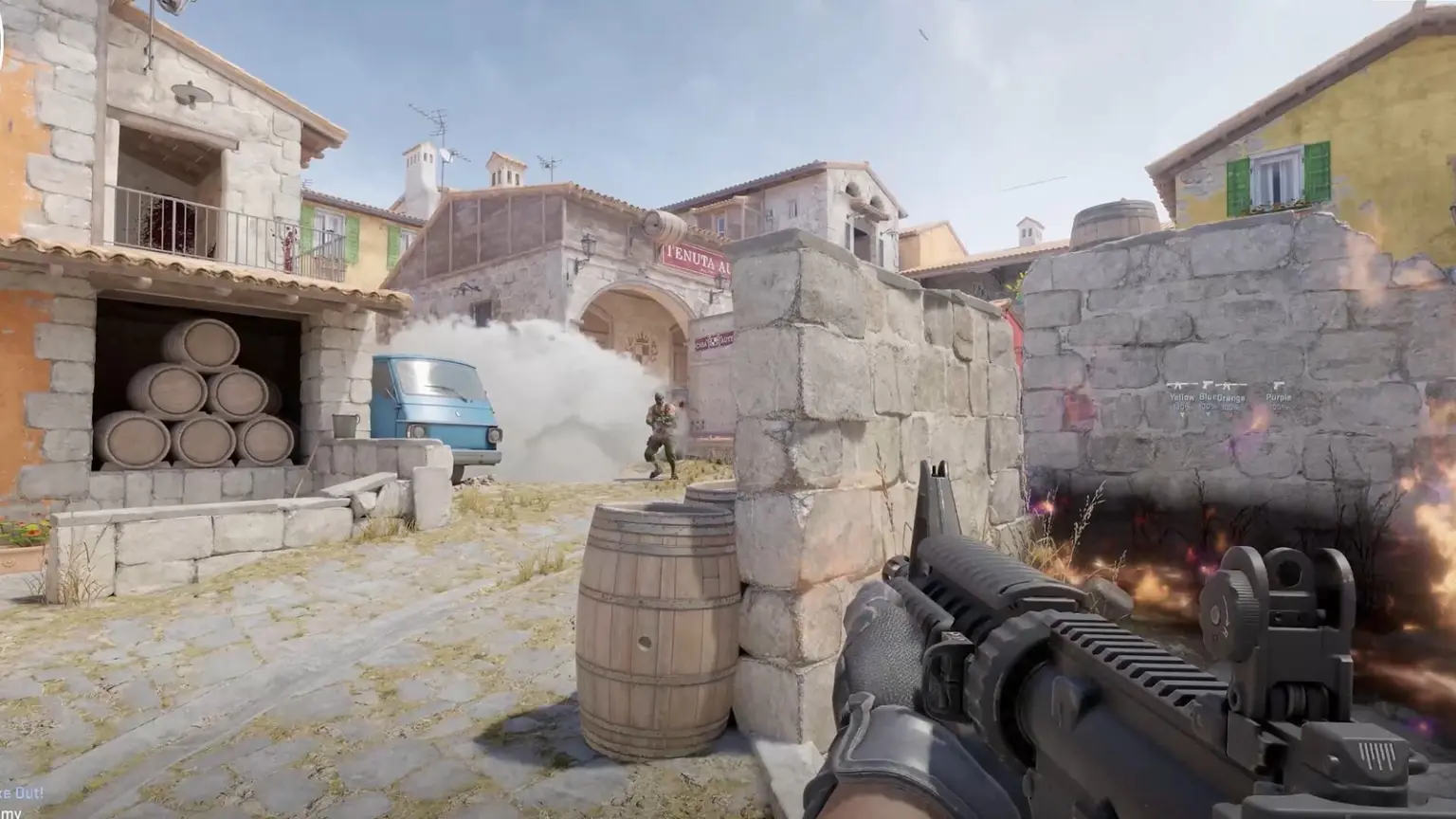
Updated October 2026.
The quickest CS2 cursor offset fix is to switch to another resolution and back in CS2’s video settings; an open bug report on Valve’s GitHub says that corrects the cursor mapping until you restart the game. If you’re on Windows 11 and haven’t updated since mid 2025, run Windows Update too: Microsoft fixed an Alt+Tab cursor bug in July 2025. Players also report that matching your desktop and game resolution helps.
Key facts
- Quick workaround: switch resolution away and back (lasts until CS2 restarts)
- Windows bug: KB5060829 (June 2025), fixed by KB5062553 on 8 July 2025
- Trigger Microsoft names: Alt+Tab in exclusive fullscreen when game and desktop resolutions differ (only with KB5060829 installed)
- Still reported: a 4:3 stretched cursor bug filed on 6 Sep 2026 is open on Valve’s GitHub
Jump to
Few things feel worse in CS2 than a cursor that clicks somewhere other than where it’s drawn, especially in the buy menu. This guide puts the fixes in order of effort and says where each one comes from: Microsoft’s update notes, Valve’s CS2 patch notes, an open bug report on Valve’s GitHub and Steam discussion threads, all checked on 22 Oct 2026. We haven’t reproduced the bug ourselves, so player fixes are labelled as player reports.
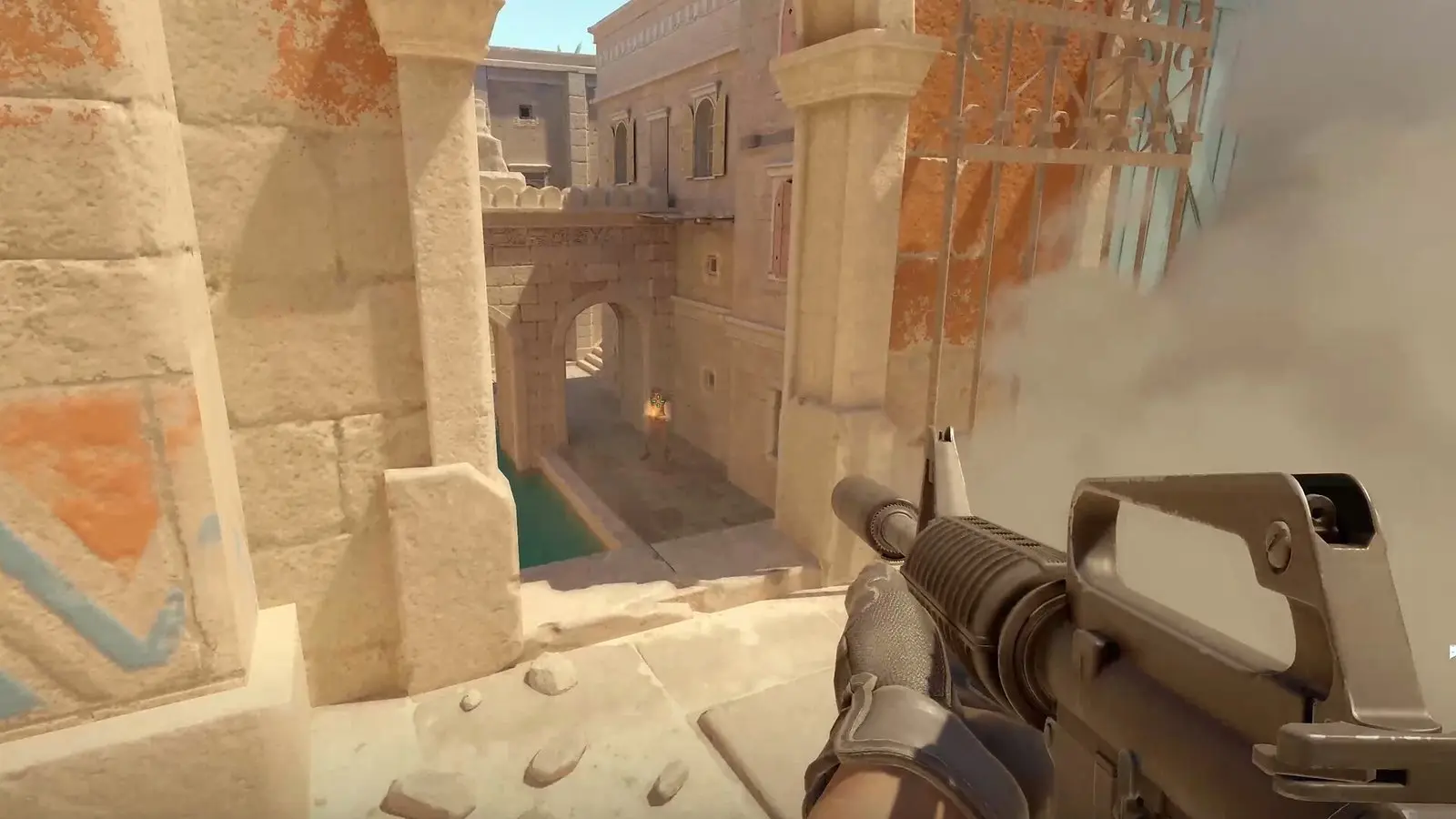
What the CS2 mouse offset looks like in the menu and in game
Where players see it
Main menu
Click Play and the inventory opens
Source: player clip, 4:3
Buy menu
Buttons react right of where they’re drawn
Source: same clip
Right edge
Past about 75% the cursor leaves the game
Source: GitHub report
The game picture looks normal, but the cursor’s real click point sits away from the arrow you see. In the newest report we found on Valve’s GitHub, filed on 6 September 2026, a player with a 2560×1440 monitor running 1920×1440 stretched found the cursor mapped as if the screen were only 1920 pixels wide, 75% of the real width (GitHub issue 4606). The gap grew toward the right edge, and past that point the cursor crossed onto a second monitor (the reporter says the same boundary shows up with one monitor too). Up and down tracking was fine; only left to right was off.

Other players describe the same thing in different spots. One laptop player on Steam saw the cursor offset toward the upper left after changing resolution (Steam thread). If it’s your mouse itself acting up rather than the cursor mapping, our best gaming mouse in India guide covers replacements.
 Watch
Why the CS2 mouse offset happens after Alt+Tab and on stretched res
There have been two separate causes:
Cause 1: Windows, KB5060829
Microsoft says its June 2025 preview update for Windows 11 24H2 could leave “game content … out of sync with the cursor position after using ALT+Tab” in “full screen exclusive mode, when the game resolution doesn’t match the desktop resolution”. Microsoft only says “certain games”, and fixed it in KB5062553 on 8 July 2025 (Microsoft).
Cause 2: CS2’s own mouse mapping
Valve has patched related problems before: alt tab switching in fullscreen in 2023 (Valve), and aiming (“mouselook”) when render and window sizes differ in October 2024 (Valve). Valve hasn’t said either fixed the menu cursor, and the September 2026 GitHub report shows stretched players still hit it.

CS2 cursor offset fixes, cheapest first

1. Switch resolution away and back
Bug report workaround
This is the quickest thing to try in game. The September 2026 GitHub report says: “I switch to a different resolution, then switch back to 1920×1440. This corrects the cursor mapping for the current game session.” The catch, in the same report: “The issue returns after I close and relaunch the game” (GitHub issue 4606).
How to do it
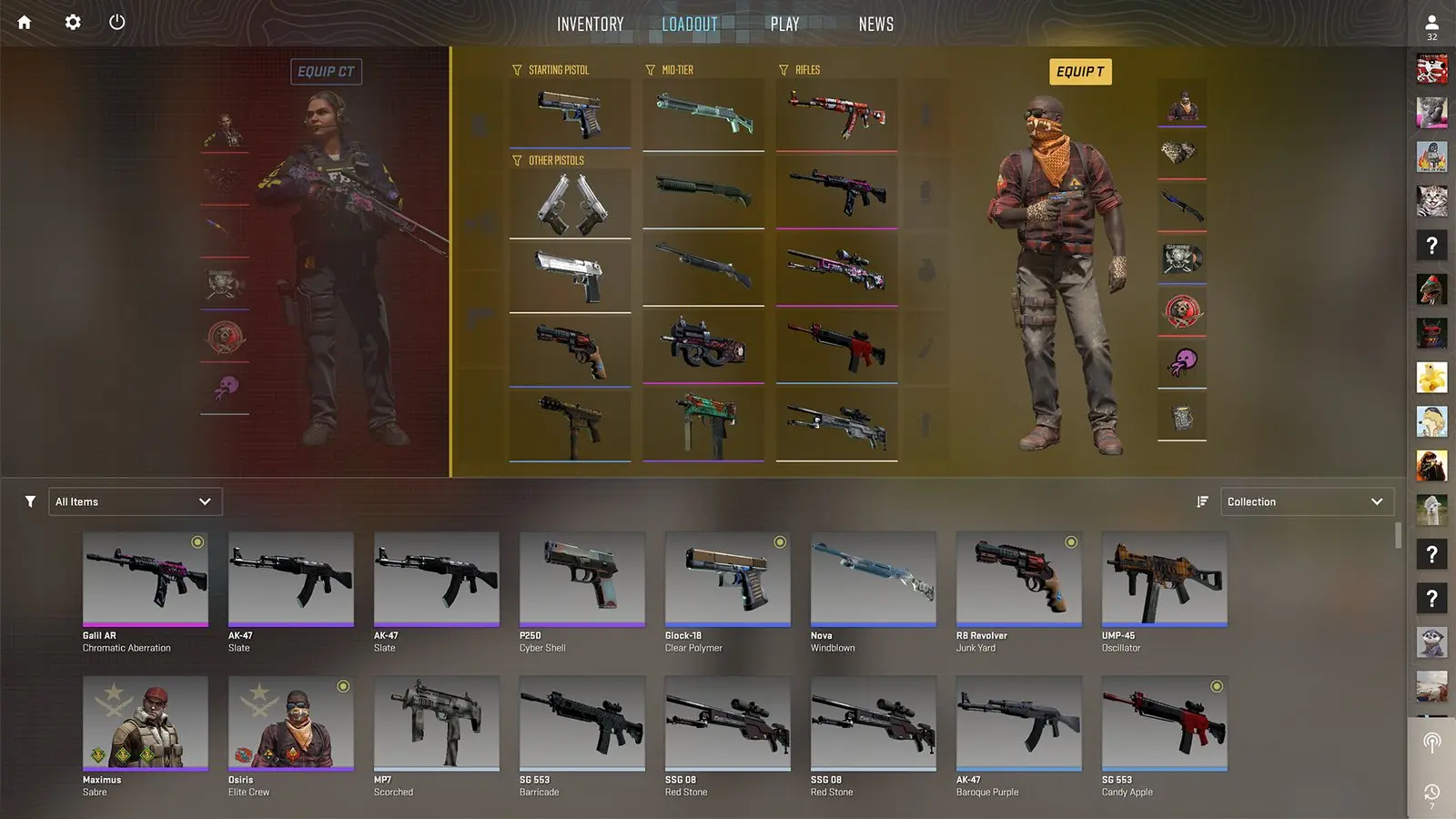
2. Update Windows: the KB5060829 cursor bug
Official fix · Microsoft
The fix: install current Windows updates
KB5060829 was an optional preview update released on 26 June 2025 (Microsoft). Microsoft’s own wording is that the cursor issue “occurs only if the June 2025 non-security update (KB5060829) is installed”. So if your PC took that preview and nothing after it, updating is the fix. If Windows Update shows nothing pending, move on to the next step: the September 2026 reporter on GitHub had already checked for system updates and still had the offset (GitHub).
About older advice to uninstall KB5060829
3. Match your desktop and game resolution
Microsoft trigger + player report
Microsoft’s description of the Windows bug only applies “when the game resolution doesn’t match the desktop resolution”. Players say the same holds in practice: in the Steam thread about KB5060829, one reply says, “You can simply set your desktop resolution to be the same as in the game. That helps too” (Steam thread). Another player found that setting the game to the monitor’s native resolution removed the offset (Steam thread).
| Option | You keep | You give up |
|---|---|---|
| Desktop set to your game resolution | 4:3 stretched in game | Your whole desktop runs at the lower resolution while you play |
| Game set to native resolution | A normal desktop | The 4:3 stretched look |
4. Set Windows display scaling to 100%
One player report
What the player reported
If you run a high resolution monitor at 125% or 150% scaling and play CS2 at a lower resolution, this is worth a try: in Windows display settings, set the scale to 100%, launch CS2 and click a menu button. Set it back if it changes nothing.
5. Try a windowed display mode
Valve change + one player report
Fullscreen windowed is worth a look now that Valve has updated it. In August 2025 Valve said “Rendering resolution and aspect ratio can now be changed in fullscreen windowed mode” (Valve), and four days later fixed “a case where fullscreen windowed mode wasn’t actually stretching to fill the screen” (Valve).
Player report
If you change display modes, check your FPS and input feel afterwards. Our CS2 FPS commands guide covers the settings worth checking.
Still offset? What is left
Change settings, then switch last
Two reports disagree: the 2024 clip says restarting helps, the 2026 GitHub report says relaunching brings the offset back. Either way, finish every video setting change first, then do the resolution switch last so you only do it once.
Using vibranceGUI?
Two Steam players say setting the correct resolution in vibranceGUI, with stretch rather than centered, fixed it for them (Steam thread).
Add to the Valve report
Issue 4606 on Valve’s GitHub is still open. If your setup matches, add your details there (GitHub) so the report shows more players are affected.
On Linux?
Valve fixed “a case where relative mouse motion was incorrect on Linux” in August 2025 (Valve), so make sure CS2 is up to date.
Thinking about a monitor that runs 4:3 well? Read how to choose a gaming monitor in India and our pick of the best 240Hz gaming monitors in India. Need better ping as well? See our CS2 India server ping guide.
Frequently Asked Questions
Why is my mouse offset in CS2 after Alt+Tab?
The reports have one thing in common: the game runs at a different resolution than the desktop, such as stretched 4:3. A June 2025 Windows 11 24H2 update caused a separate Alt+Tab desync until Microsoft fixed it in July 2025, and stretched players still report a mapping bug in CS2.
How do I fix the CS2 4:3 cursor offset on stretched res?
Switch to another resolution and back in CS2’s video settings. A bug report on Valve’s GitHub says this fixes it until you restart the game. Matching your desktop resolution to the game, or trying a windowed mode, are the next options players report.
Why does the CS2 mouse offset show in the menu?
The reports describe the cursor’s click point landing away from the arrow, so it shows wherever you click the interface: a player’s clip shows Play opening the inventory on 4:3, and the open GitHub report maps the cursor to 75% of the screen width. The fix order above is the same.
Does uninstalling KB5060829 fix the CS2 mouse offset?
Players reported that in mid 2025, before Microsoft released KB5062553 on 8 July 2025. Now, keep Windows Update current instead; KB5062553 carries Microsoft’s fix.
Why does the offset come back after restarting CS2?
The open bug report says the resolution switch only fixes the mapping for the current session. Until Valve patches it, you may need to repeat the switch after each launch.
Does fullscreen windowed fix the CS2 mouse offset?
One player says they had no offset in windowed mode, and Valve says fullscreen windowed can now stretch. Valve hasn’t said it fixes the offset, so test it on your setup.
How do I report the CS2 cursor offset to Valve?
Add your details to the open issue 4606 on Valve’s csgo-osx-linux GitHub, where the current stretched res report sits. Include your monitor resolution, game resolution and display mode.