Updated June 2026 with current Indian retail prices.
The budget monitor has quietly become a genuinely good product. A few years ago Rs 8,000 bought a dull 60Hz TN panel. In 2026 the same money gets you an IPS screen running at 100Hz or more, which is a real generational jump. I checked the live specs and prices on every pick here, so these are the five monitors actually worth buying under Rs 8,000 in 2026, whether you game or work.
My pick is the acer EK240Y P6 at Rs 6,749, the only 144Hz IPS panel here. For the lowest price, the AOC 22B30HM2 at Rs 5,399 gives 120Hz IPS. Five FHD monitors, prices checked on Amazon.in in May 2026. Confirm the live price before paying.
Worth knowing first
- The big news at Rs 8,000 in 2026 is that IPS and 100Hz are now standard, not the TN 60Hz panels of a few years ago.
- 1080p is the right resolution at 21 to 24 inch. Do not chase 1440p at this size and budget, it is not worth it.
- Refresh ranges 100 to 144Hz here. Only stretch for 144Hz if you actually game; for work, 100Hz is plenty.
What Rs 8,000 gets you in 2026, IPS and 100Hz finally
The budget monitor segment has quietly transformed. A few years ago Rs 8,000 bought a 60Hz TN panel with washed out colour and poor viewing angles. In 2026 every monitor on this list is IPS, with accurate colour and wide angles, and they run at 100 to 144Hz instead of 60. That is a genuine generational jump for the same money. What you still do not get at this price is a height adjustable stand, a USB hub or real HDR, and that is fine, the panel is where the budget should go. Spend it on refresh and IPS quality, which all five here deliver, and you have a monitor that punches well above Rs 8,000. If you can stretch, my best gaming monitor under Rs 15,000 guide covers the next step up.
The 5 best monitors under Rs 8,000
acer EK240Y P6
Price as of August 2026Confirm live on Amazon.inOnly 144Hz here
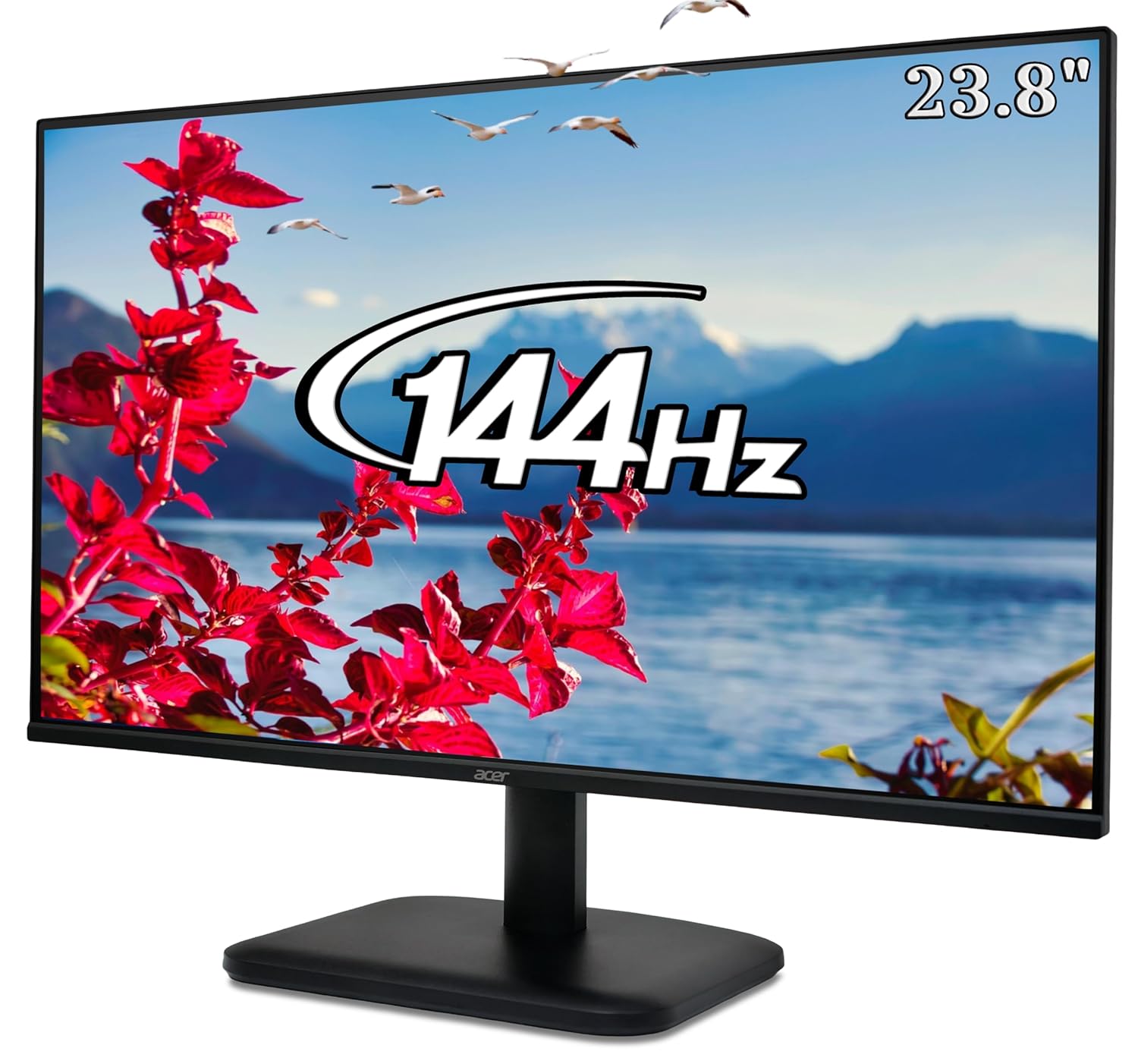
The acer EK240Y P6 is the budget gaming pick, full stop. It is the only monitor on this list that hits 144Hz, and paired with a 23.8 inch IPS panel and FreeSync, it delivers the tear free, smooth gameplay the 100Hz crowd cannot match. For competitive shooters on a tight budget, the higher refresh genuinely helps.
IPS means colour and viewing angles hold up, so it works for everything else too. At Rs 6,749 you are getting a spec that cost twice this a couple of years ago. If gaming is why you are buying, this is the one.
What works
- Only 144Hz panel here, real gaming smoothness
- 23.8 inch IPS, the budget sweet spot
- FreeSync for tear free frames
- acer gaming display pedigree
What is bad
- 1080p only, but right for this size and budget
- Basic tilt only stand
AOC 22B30HM2
Price as of August 2026Confirm live on Amazon.inCheapest, 120Hz IPS
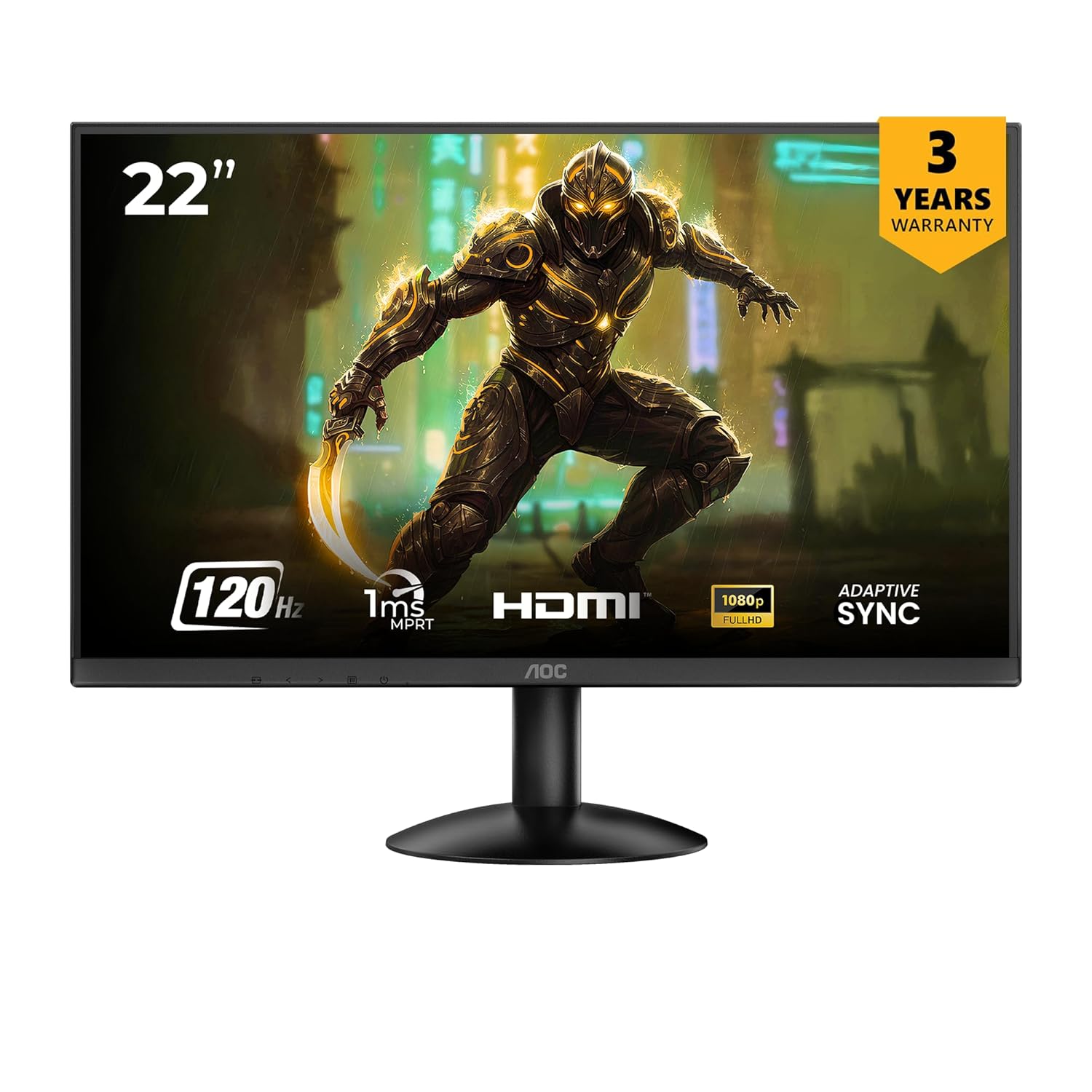
The AOC 22B30HM2 is the value king. For Rs 5,399, the cheapest monitor on this list, you still get a 120Hz IPS panel with FreeSync, a combination that did not exist at this price not long ago. AOC has a long history in budget displays and the build holds up.
The 21.45 inch size is the only real compromise. It is compact, which suits a small desk or a secondary screen but feels tight as a main display for some. If your priority is the most refresh and IPS quality for the least money, nothing here beats it.
What works
- Cheapest pick at Rs 5,399
- 120Hz IPS, rare at this price
- FreeSync support
- Trusted budget display brand
What is bad
- Smallest screen here at 21.45 inch
- Basic stand and ports
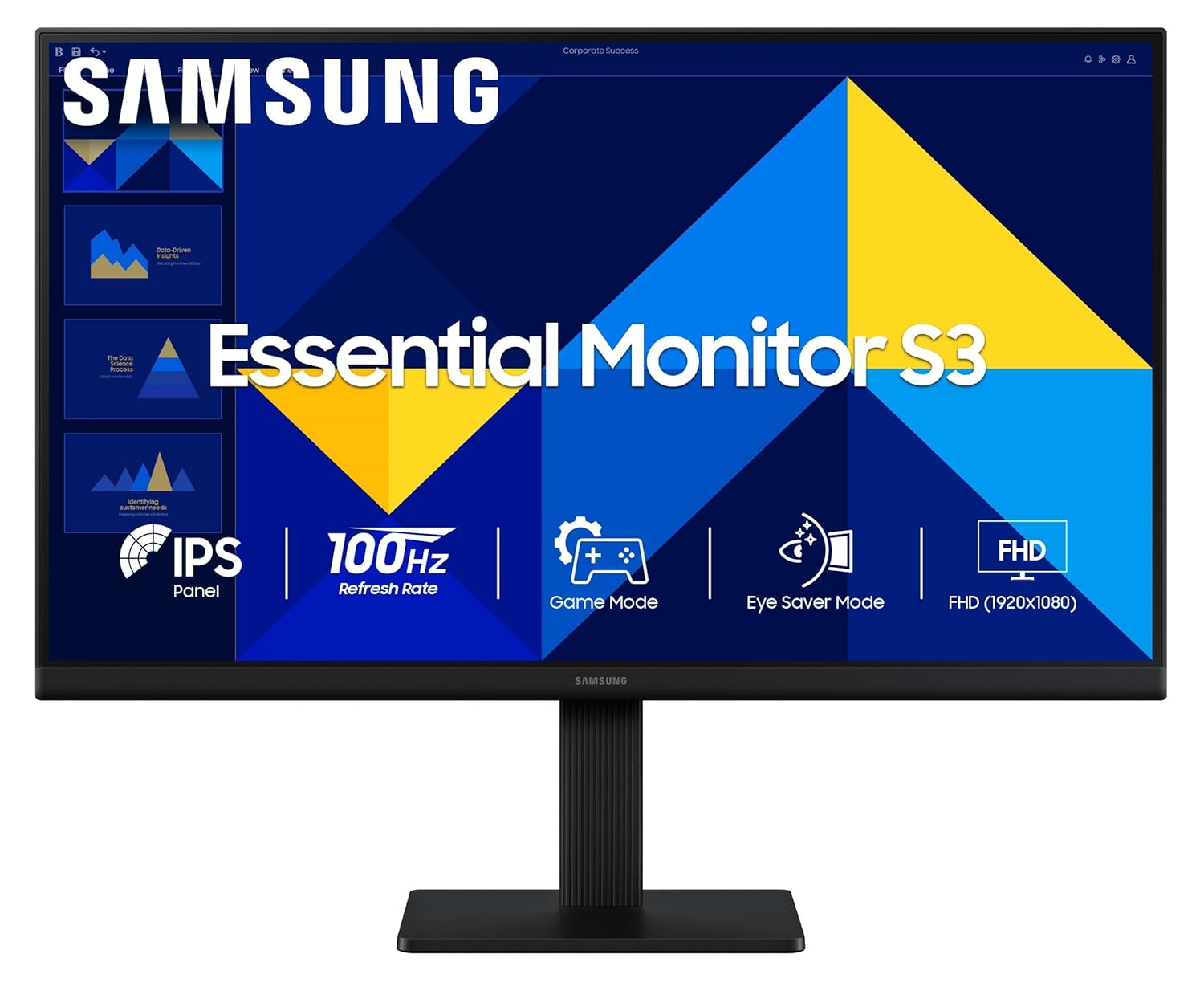
Samsung S3 24 inch
Price as of August 2026Confirm live on Amazon.inLargest, borderless
The Samsung S3 is the pick if screen size and looks matter. The 24 inch IPS panel is the largest here, the borderless design is genuinely premium for the price, and the Samsung name brings easy service. At 100Hz with a 5ms response it is smooth for everyday use and casual gaming.
It is the most expensive on this list at Rs 7,099, and the 100Hz refresh sits below the gaming focused picks. Think of it as the do everything screen, great for work, media and casual play, rather than a competitive gaming panel.
What works
- Largest screen here at 24 inch
- Borderless design looks premium
- Samsung brand and easy service
- IPS colour for work and media
What is bad
- 100Hz, behind the gaming picks
- Priciest pick at Rs 7,099
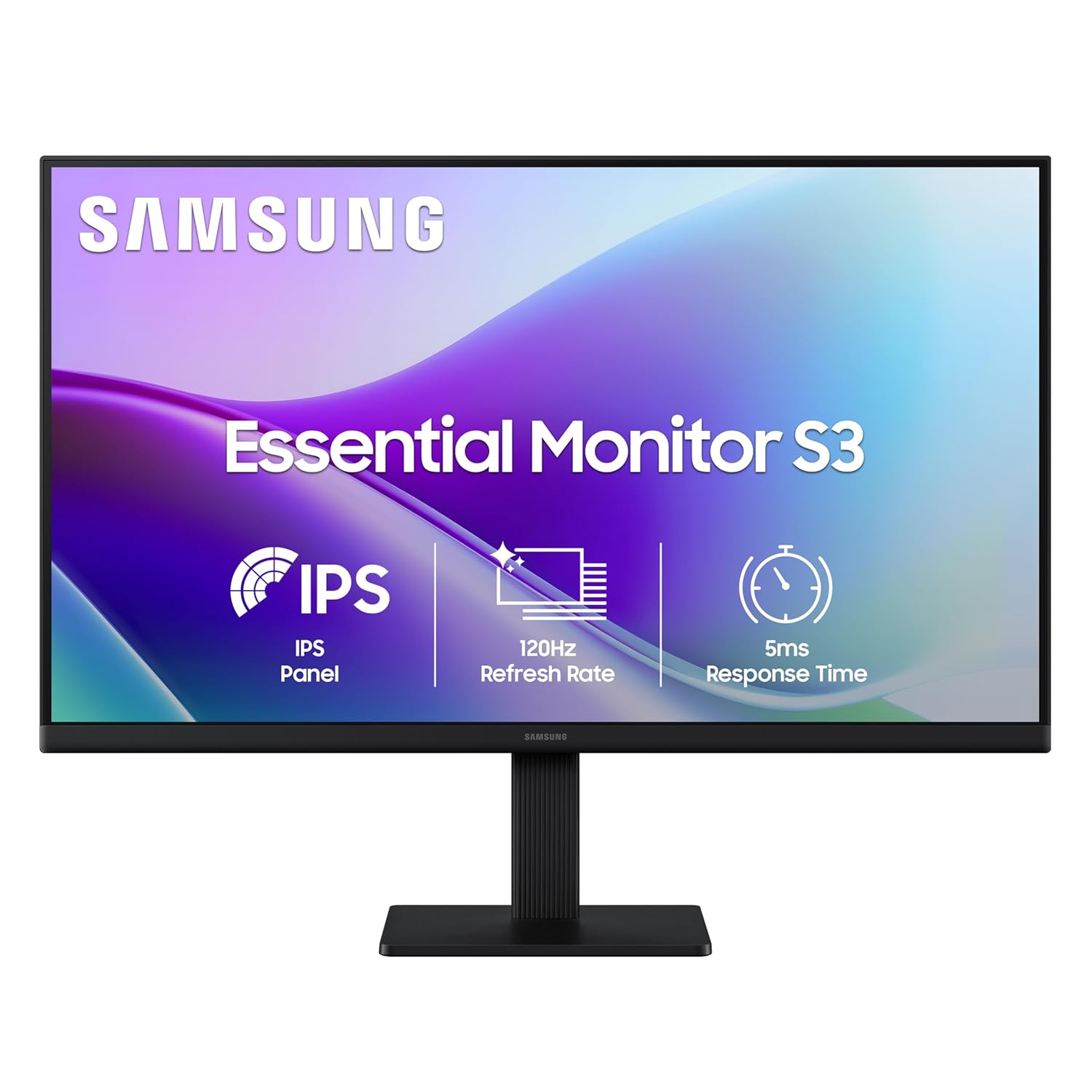
Samsung 22 inch
Price as of August 2026Confirm live on Amazon.inSamsung + 120Hz
The Samsung 22 inch is the compact 120Hz pick. It pairs Samsung panel quality with a 120Hz IPS panel in a 22 inch frame, so you get the brand and the higher refresh in a size that fits tighter desks. FHD at 22 inch is nicely sharp.
It sits between the AOC and the S3, a touch pricier than the AOC for the Samsung name, a touch smaller and faster than the S3. If you specifically want Samsung plus 120Hz without going to 24 inch, this is the fit.
What works
- 120Hz IPS in a compact 22 inch
- Samsung panel quality and service
- Sharp FHD at this size
- Good for tight desks
What is bad
- Smaller than the 24 inch S3
- AOC offers the same 120Hz for less
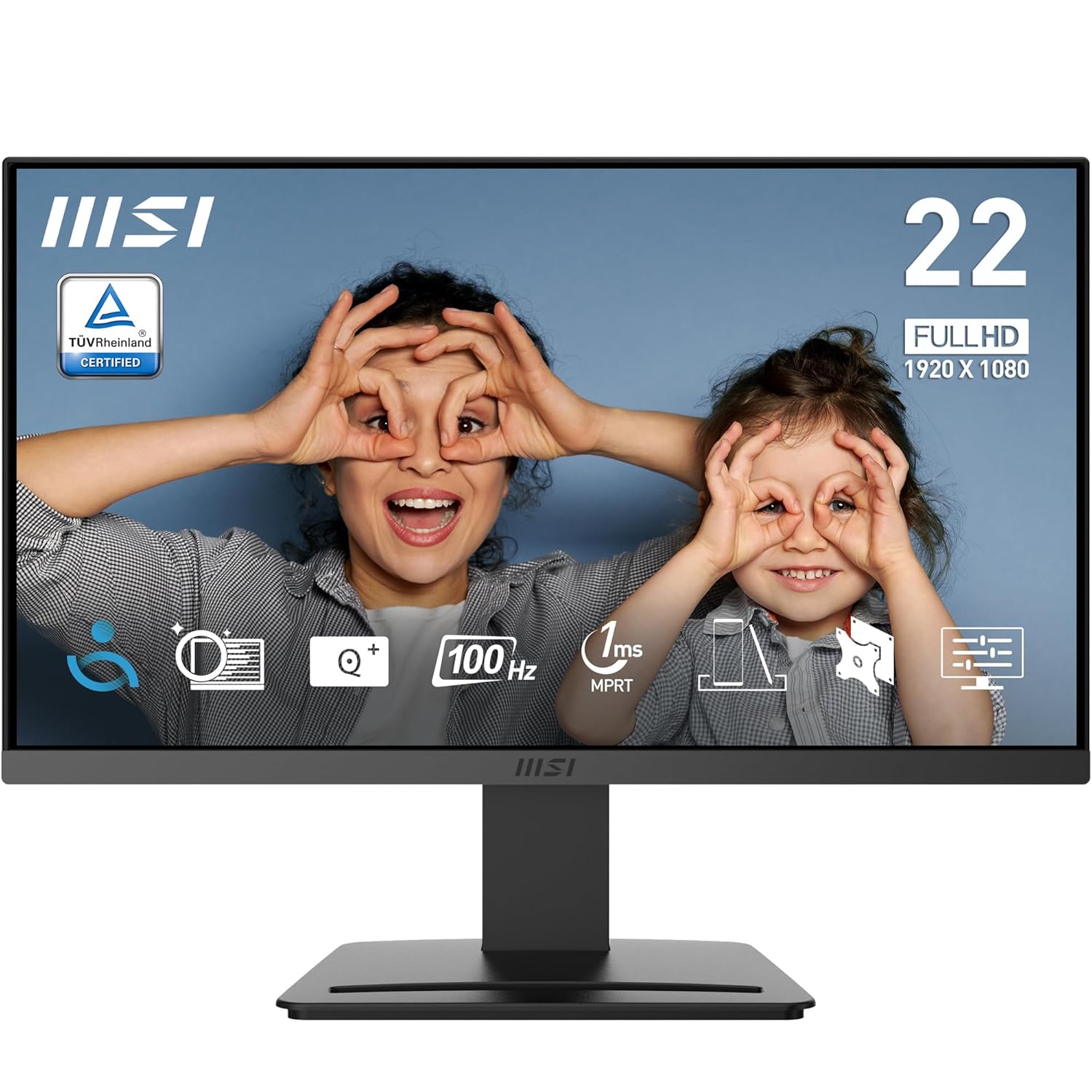
MSI PRO MP223
Price as of August 2026Confirm live on Amazon.inEye-care IPS
The MSI PRO MP223 is the work first pick. It is a 21.45 inch IPS office monitor with anti flicker and low blue light modes for long days, and at 100Hz it is smoother than a standard 60Hz office screen. MSI is a name you can trust for the panel inside.
It is not a gaming monitor and does not pretend to be, but for a study desk or a home office on a budget it is a tidy, reliable choice. At Rs 5,699 it undercuts most of the gaming picks while doing the productivity job better.
What works
- Clean IPS office panel from MSI
- Anti flicker and low blue light for long days
- 100Hz, smoother than 60Hz office screens
- Keenly priced at Rs 5,699
What is bad
- 100Hz, not for serious gaming
- Compact 21.45 inch size
All five compared
| Best for | Monitor | Price | Size | Refresh | Buy |
|---|---|---|---|---|---|
| Gaming | acer EK240Y P6 | Rs 6,749 | 23.8 in | 144Hz | Amazon |
| Value | AOC 22B30HM2 | Rs 5,399 | 21.45 in | 120Hz | Amazon |
| 24 inch | Samsung S3 24 inch | Rs 7,099 | 24 in | 100Hz | Amazon |
| Compact | Samsung 22 inch | Rs 6,699 | 22 in | 120Hz | Amazon |
| Work | MSI PRO MP223 | Rs 5,699 | 21.45 in | 100Hz | Amazon |
Read across and the choice is simple. Every panel here is IPS and 1080p, so the real split is refresh rate and size. The acer is the only true gaming panel at 144Hz, the AOC and the Samsung 22 inch bring 120Hz, and the Samsung S3 and MSI sit at 100Hz for size and work focus. Match the refresh to whether you game, and the size to your desk.
Refresh rate at this price, is 144Hz worth chasing
Only the acer here hits 144Hz, the rest run 100 or 120Hz, so the question is whether the extra refresh is worth it. If you play competitive shooters, yes, 144Hz is noticeably smoother and the acer is the pick. For everything else the gap is smaller than the marketing suggests. The jump from 60Hz to 100Hz is the big one, and every monitor here clears it, so even the cheapest AOC at 120Hz feels dramatically smoother than an old office screen. My honest take, gamers should stretch for the 144Hz acer, but for mixed work and casual play, 100 to 120Hz is plenty and leaves money for a better GPU.
Why IPS won the budget segment
Every single monitor on this list uses an IPS panel, and that was not true at this price even two years ago. IPS gives you accurate colour and wide viewing angles, so the picture looks right from the side and the colours do not wash out, which matters whether you are gaming, watching or working. The old budget alternative, TN, was faster on paper but looked dull and shifted badly off angle. Modern budget IPS panels have closed the speed gap enough that there is no reason to buy TN at this price anymore. When you compare budget monitors, treat IPS as a hard requirement, and happily, the whole list here qualifies.
Size and resolution, why 1080p is right at this budget
These monitors range from 21.45 to 24 inch and all are 1080p FHD, which is exactly right for the size and budget. Some buyers ask about 1440p at this price, and the honest answer is no, do not. A 1440p panel at Rs 8,000 would cut corners elsewhere, on refresh, panel quality or brand, and at 21 to 24 inch the sharpness gain over 1080p is small anyway. 1080p also asks far less of your graphics card, which matters most on the budget PCs these monitors usually pair with. Pick 24 inch if you have desk space and want the biggest picture, or 22 inch for a tighter setup, and stick with 1080p.
Ports and what to check before buying
Budget monitors cut costs in the details, so check a few things before you buy. Confirm the monitor has the port your PC or laptop uses, most here offer HDMI and VGA, and some add DisplayPort, which is the one you want for high refresh from a desktop GPU. Do not assume built in speakers, many budget panels skip them, so plan for separate audio. The stands are usually tilt only with no height adjustment, so if ergonomics matter, budget for a separate monitor arm. And check the box includes the cable you need, as budget brands sometimes ship only one. None of these are deal breakers, but knowing them avoids a surprise on delivery day.
Best Gaming Monitors by Budget
Jump to the right price band for your setup. Every list is India-priced and updated for 2026.
See all best gaming monitors in IndiaFrequently asked questions
The verdict
At Rs 8,000 in 2026 you get a real IPS panel at 100 to 144Hz, a genuine step up from the budget monitors of a few years ago. The acer EK240Y P6 at Rs 6,749 is my top pick and the only 144Hz panel, so gamers should start there. The AOC 22B30HM2 at Rs 5,399 is the value champion with 120Hz IPS for the least money, the Samsung S3 is the one for size and brand, the Samsung 22 inch adds 120Hz in a compact frame, and the MSI MP223 is the tidy work pick. All five are IPS, all are 1080p, and all punch above their price.
Building the rest of the setup? Step up to the best gaming monitor under Rs 10,000, the best under Rs 15,000, the best under Rs 20,000 or the best under Rs 25,000, and pair it with a budget tower from our PC build guides.