
Updated October 2026.
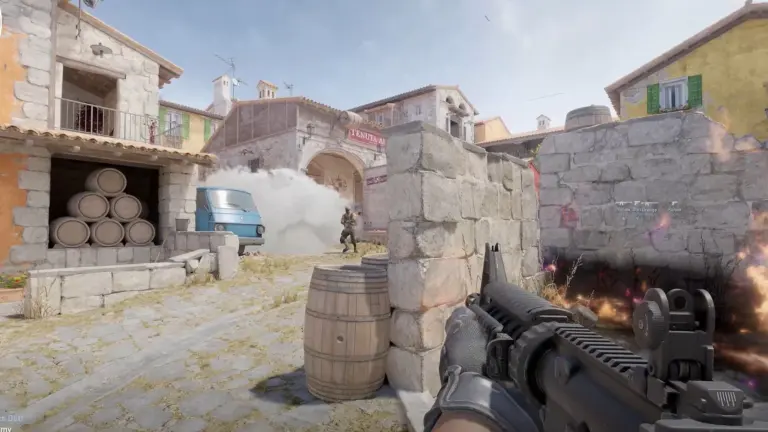
Valorant FPS drops when you see enemies because a fight puts more players and abilities on screen, and Riot says that extra work “can decrease FPS”. Riot also says mid to high spec PCs tend to be limited by the CPU, so lowering graphics settings may not help. Update Valorant and your graphics driver first, then use Settings > Video > Stats to see whether your CPU or GPU is the limit, and follow step 3 (GPU) or step 4 (CPU).
Key facts
- Riot’s explanation: site fights bring “many bodies” and “increased ability usage”
- Usual limit: mid to high spec PCs tend to be CPU bound (Riot)
- Recent fixes: KAY/O and Chamber ability frame drops, patch 13.05 (1 Sep 2026)
- If GPU bound, lower: Material, Texture, Detail and UI Quality (Riot, Oct 2026)
Jump to
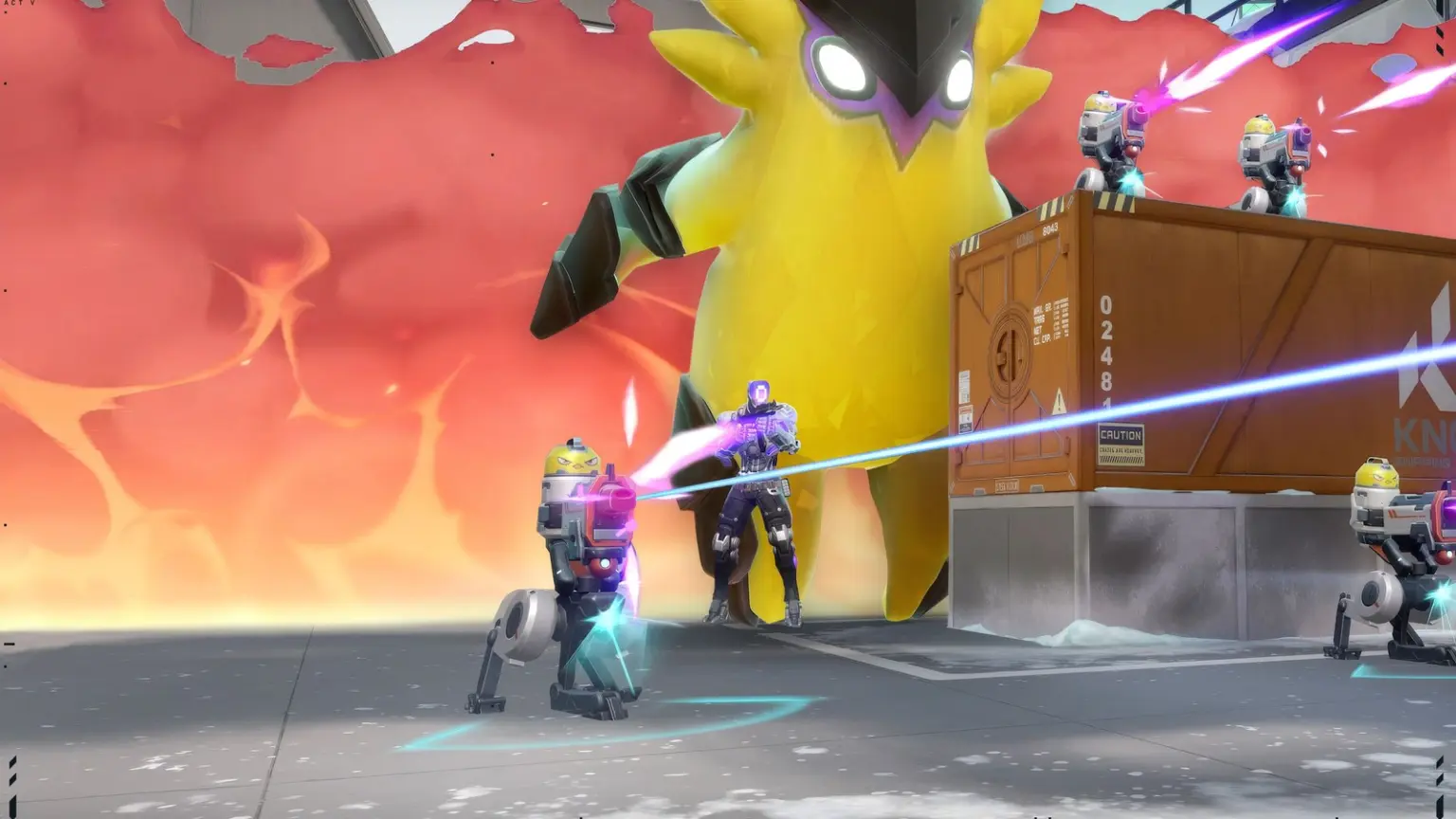
Your FPS counter looks fine while you walk to site, then it dips the moment an enemy swings or a smoke lands. Valorant FPS drops when seeing enemies for a reason, and Riot has written about it. This guide explains why, in Riot’s own words, then puts the fixes in order. Everything is checked against Riot patch notes, Riot support pages and vendor guides as of 22 Oct 2026. No figures here come from our own PCs, and player reports are labelled as player reports.
What Valorant FPS drops in fights look like
Where the FPS drops
Site fights
FPS dips on a retake, not on the walk there
Source: Riot, 2021
Abilities
A smoke, dash or pulse drops the counter
Source: Riot patch notes
First fight
One hitch the first time a fight starts
Source: player report
The drop follows the action on screen rather than a timer, and players have described it the same way for years.
Player reports
If your hitch comes every few seconds whether or not anyone is on screen, that’s a different problem with different causes. Our guide to Valorant stuttering every few seconds covers it.
Why Valorant FPS drops when enemies appear
Riot’s performance team answered this directly in 2021. Performance engineer Brian Fischer wrote: “Later in the round when players are attacking or retaking a site, we tend to see many bodies fighting each other and increased ability usage, all of which can decrease FPS.” He added that the Shooting Range often runs fast “because there is only one player being simulated”, while Deathmatch can run worse than Unrated or Competitive because there are more players and most of the game is spent fighting (Riot, Ask VALORANT).

Mid to high end PCs hit the CPU limit
“lower spec machines tend to be GPU bound … whereas mid to high spec machines tend to be CPU bound”, and for those PCs “adjusting graphics settings may not help performance” (Riot, 2021).
Effects barely scale with settings
Riot’s 2020 tech blog says ability effects must hit strict targets on minimum spec PCs, and “The only variations between low, medium, and high quality levels are minor cosmetic effects” (Riot tech blog).
Both of those are from before Valorant moved to Unreal Engine 5 in July 2025, so treat them as Riot’s explanation of the pattern, not as current numbers. The pattern itself hasn’t gone away, as Riot’s own 2026 fixes show. NVIDIA’s own description of Valorant in January 2025 was “a CPU-bottlenecked game” (NVIDIA).
Ability frame drops Riot fixed in 2026

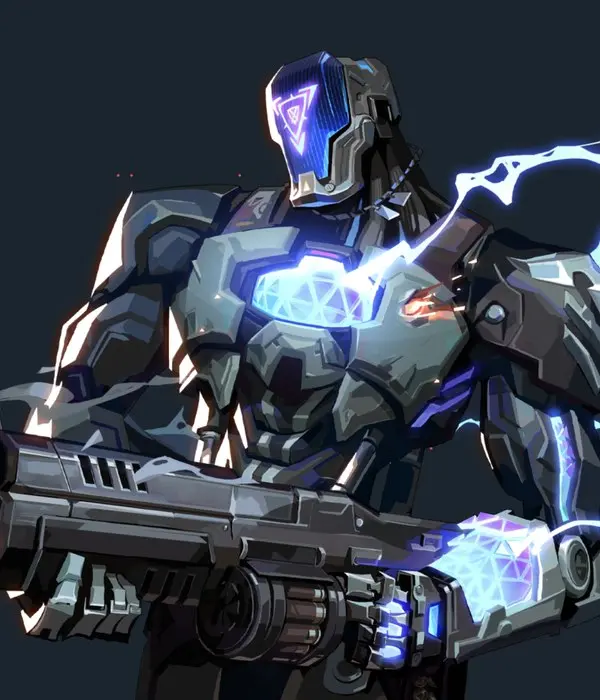
Patch 13.05 · 1 Sep 2026
KAY/O: NULL/cmd
could cause “client-side framerate drops with each pulse” (Riot)

Patch 13.05 · 1 Sep 2026
Chamber: Headhunter
“performance drops the first time” it was equipped, aimed or fired in a round (Riot)
Agent art: Riot Games
Fix order for FPS drops in Valorant gunfights

1. Update Valorant and your graphics driver
Official · Riot patch notes
Before changing anything, make sure you’re on the newest patch. Riot keeps fixing ability and agent frame drops, and the most recent ones only arrived in September 2026: Chamber’s Headhunter could cause “performance drops the first time Chamber equipped, aimed, or fired Headhunter during a round”, now fixed (patch 13.05). Patch 13.08 (13 October 2026) was the newest on 22 Oct 2026; when 13.09 arrives, read its notes for performance lines too.

The fix: update both
2. Check whether your CPU or GPU is the limit
Riot tool + GamingNation rule of thumb
Riot’s advice is to “determine whether you are GPU-bound or CPU-bound” using “VALORANT’s built-in performance graphs under Settings > Video > Stats” (Riot).
Settings › Video › Stats
Under Stats, turn on the CPU and GPU frame time stats and show them as graphs. Then play a Deathmatch or a few rounds and watch what jumps when a fight starts. We found no Riot reading rule, so the chart below is our rule of thumb:

A quick extra check, also ours: compare your FPS in the Shooting Range with a Deathmatch. Riot names those as the light and heavy ends, so a big gap between them points at the per player, per ability work Riot describes, not at a broken install.
3. GPU bound: lower the settings Riot names
Official · Riot support
The fix: Riot’s own list
From Riot’s support page dated 7 October 2026 (Riot):
Lower first
Material QualityTexture QualityDetail QualityUI QualityThen try turning off
Improve ClarityExperimental SharpeningBloomDistortionCast ShadowsChange one or two at a time and check the GPU graph in a fight. The same Riot page says you can also test Fullscreen display mode under Settings > Video > General, and that turning VSync off “may improve performance or reduce input delay in some cases, but it can also cause visible screen tearing” (Riot). If your card is simply below what you want, our picks for the best graphics card under 30,000 and under 60,000 list current options.
 Watch
4. CPU bound: free up the processor
Riot + vendor advice
This is the case Riot says mid to high spec PCs tend to be in, and it’s why lowering settings often does nothing in fights: “the CPU is limiting FPS, not the GPU” (Riot). What helps is giving the game more of the processor:
Close background apps
Riot: close “any other applications that are currently running and may be competing with VALORANT for resources” (Riot). AMD adds monitoring, RGB and overclocking apps to that list (AMD).
High performance power plan
Riot recommends the High performance power plan (Riot). On a laptop, our advice is to play plugged in too.
Keep a laptop cool
Intel says a processor that gets too hot “slows down (throttling)” to protect itself (Intel). If fights get worse after ten minutes of play, check heat; a laptop cooling pad is one option.
Try Multithreaded Rendering
Riot calls it “a video setting that can improve CPU performance and graphics quality on high spec devices” and lists 8 GB RAM and 2 GB VRAM for it (Riot). Test it both ways: Riot’s patch 1.01 notes (2020) said it helps most in scenes with lots of objects and out of combat.
If none of that moves the CPU graph, the processor itself is the ceiling. Riot’s 144 FPS tier lists an Intel i5-9400F or AMD Ryzen 5 2600X with a GTX 1050 Ti (Riot specs, May 2026). Our best gaming CPU under 30,000 guide covers upgrades, and a better CPU cooler helps a chip that runs hot.
5. NVIDIA Reflex and AMD Anti-Lag: latency, not FPS
Vendor + Riot, not an FPS fix
Both are worth having on, but neither one stops the drop: they cut input delay, not frame time.
NVIDIA Reflex
On: NVIDIA “highly recommend[s]” Reflex Low Latency On (NVIDIA).
Boost: “overrides the power saving features in the GPU to allow the GPU clocks to stay high when heavily CPU-bound” (NVIDIA).
Limit: “most effective when a PC is GPU bottlenecked” (NVIDIA); by Riot’s 2021 description, many fights on mid to high spec PCs aren’t.
Source: NVIDIA
AMD Anti-Lag 2
Added: in Valorant patch 12.09, May 2026 (Riot).
Does: “reduces input latency in certain GPU-bound scenarios”.
Needs: compatible hardware and drivers “from March 9th, 2026 or later”.
Source: Riot patch 12.09
 Watch
FPS drop only in the first fight of the round
Riot patch notes
A single hitch the first time something happens has shown up in Riot’s own notes at least twice. At launch in 2020, skins for most players were failing to pre-load: “The first time you’d come across these skin in-game you’d experience a drop in framerate” (patch 1.01). In 2026, Chamber’s Headhunter caused drops “the first time” it was used in a round (patch 13.05). Both were bugs Riot fixed, not settings players had to change.
So if you only get one hitch when the first fight starts, update first. If it’s still there, note the agent, ability or skin on screen and include that when you report it to Riot.
Still dropping in fights? What is left
Stutter on a timer?
If the hitch repeats on a timer with nobody on screen, that’s the other problem: see our Valorant stuttering fix. It also covers Reflex and frame caps in full.
It feels laggy, but FPS is fine
Rubber banding in fights is often the network, not frames. See how to reduce ping in Valorant and the best Valorant server for India.
Hitch only on the first fight?
Update first, then note the agent, ability or skin on screen when it happens. Riot has fixed first time drops like this in patches before.
On a low end laptop
If Valorant can’t hold steady in fights after every step, our list of games like Valorant for low end PCs has lighter shooters.
 Watch
Frequently Asked Questions
Why does my FPS drop when I see enemies in Valorant?
More players and abilities on screen means more work for your PC each frame. Riot says site fights bring “many bodies” and “increased ability usage, all of which can decrease FPS”, and that mid to high spec PCs tend to be limited by the CPU.
Why does Valorant FPS drop in gunfights but not in the Range?
Riot says the Shooting Range runs fast because only one player is simulated, while modes with more players fighting, like Deathmatch, run worse. A gap between the two is normal; in our view, a huge one points at your CPU.
Does lowering graphics settings fix FPS drops in fights?
Only if your GPU is the limit. Riot says that on CPU bound PCs adjusting graphics settings may not help. Check the CPU and GPU graphs in Settings > Video > Stats first.
Why does Valorant FPS drop when using abilities?
Ability effects add work, and Riot has patched specific ones that dropped frames, such as Jett’s Drift in 12.09 and KAY/O’s NULL/cmd and Chamber’s Headhunter in 13.05. Update to the newest patch first.
Do weapon skins lower FPS in Valorant?
Riot fixed a skin pre-loading bug in 2020 that caused a frame drop the first time you saw a skin, and in 2025 added a Finisher Cam partly for performance during finishers. Riot’s October 2026 settings list has no skin effects toggle.
How do I know if Valorant is CPU or GPU bound?
Turn on the CPU and GPU frame time graphs in Settings > Video > Stats and watch them in a fight. If CPU time is the bigger one, you’re CPU bound; if GPU time is, you’re GPU bound. That reading is our rule of thumb.
Why does Valorant FPS drop when shooting?
Firing is part of the combat Riot describes as costing frames. Back in 2020 Riot made “performance optimizations to address FPS drops when you or allies are shooting” (patch 0.50), and in patch 13.05 (September 2026) a drop the first time Chamber equipped, aimed or fired Headhunter. Update first, then watch the Stats graphs during a gunfight.
Does NVIDIA Reflex fix FPS drops in Valorant?
No. Reflex lowers input latency, and NVIDIA says it works best when the PC is GPU bound. Keep it on, but use the fixes for your CPU or GPU limit to deal with the drop itself.